Commissioning Proline Promass E 500 PROFIBUS PA
146 Endress+Hauser
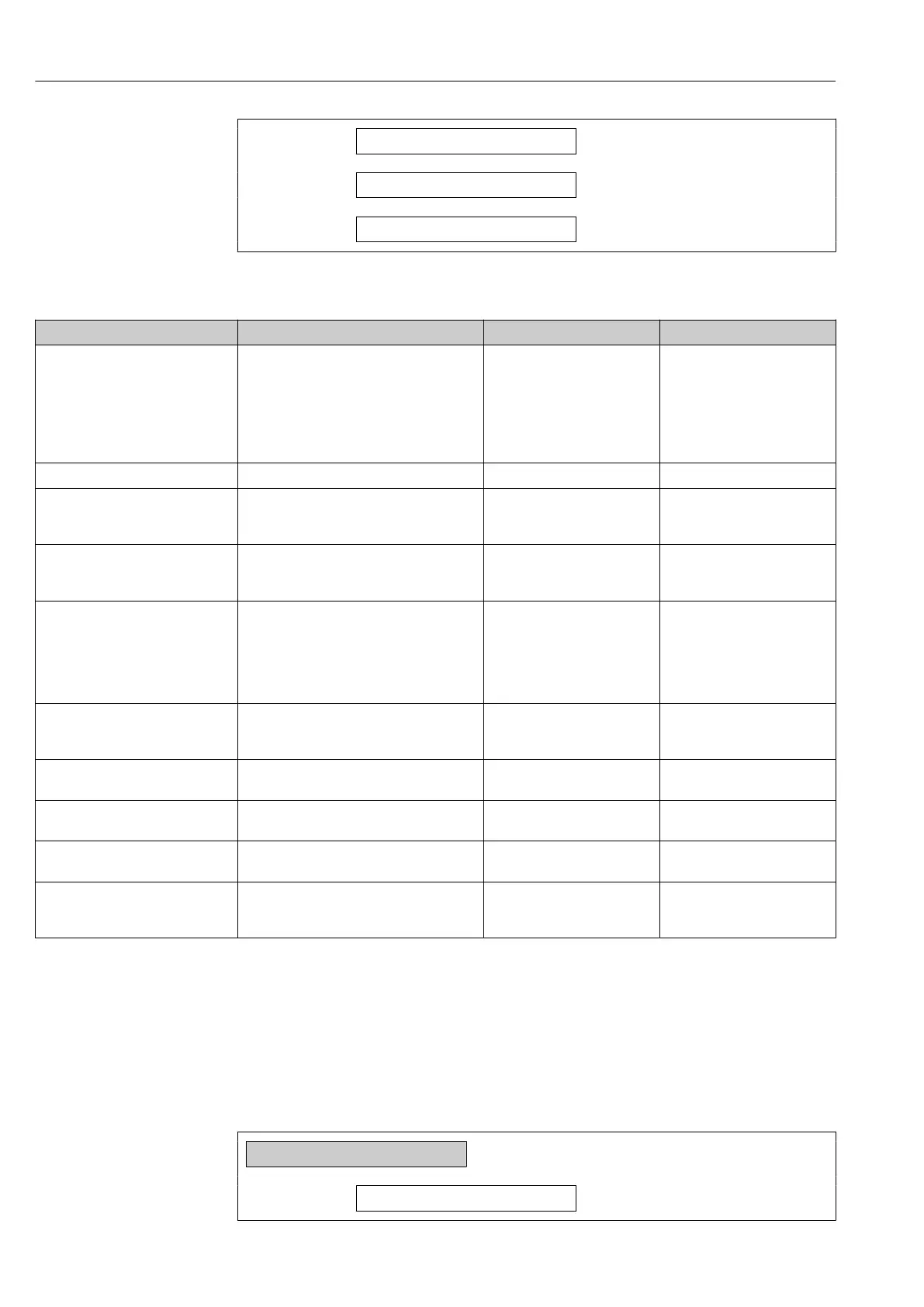
Zero point measured
→ 146
Zero point standard deviation
→ 146
Select action
→ 146
Parameter overview with brief description
Parameter Description Selection / User interface Factory setting
Process conditions Ensure process conditions as follows. • Tubes are completely filled
• Process operational pressure
applied
• No-flow conditions (closed
valves)
• Process and ambient
temperatures stable
–
Progress Shows the progress of the process. 0 to 100 % –
Zero point adjustment status • Busy
• Zero point adjust failure
• Ok
–
Abort cause Indicates why the wizard was aborted. • Check process conditions!
• A technical issue has
occurred
–
Root cause Shows the diagnostic and remedy. • Zero point too high. Ensure
no-flow.
• Zero point is unstable.
Ensure no-flow.
• Fluctuation high. Avoid 2-
phase medium.
–
Reliability of measured zero point Indicates the reliability of the zero point
measured.
• Not done
• Good
• Uncertain
–
Additional information Indicate whether to display additional
information.
• Hide
• Show
–
Zero point measured Shows the zero point measured for the
adjustment.
Signed floating-point number –
Zero point standard deviation Shows the standard deviation of the zero
point measured.
Positive floating-point number –
Select action Select the zero point value to apply. • Keep current zero point
• Apply zero point measured
• Apply factory zero point
*
–
* Visibility depends on order options or device settings
10.7.3 Configuring the totalizer
In the "Totalizer 1 to n" submenu, you can configure the specific totalizer.
Navigation
"Setup" menu → Advanced setup → Totalizer 1 to n
‣
Totalizer 1 to n
Assign process variable
→ 147














 To Next Page