System integration Proline Promass E 500 PROFIBUS PA
92 Endress+Hauser
9 System integration
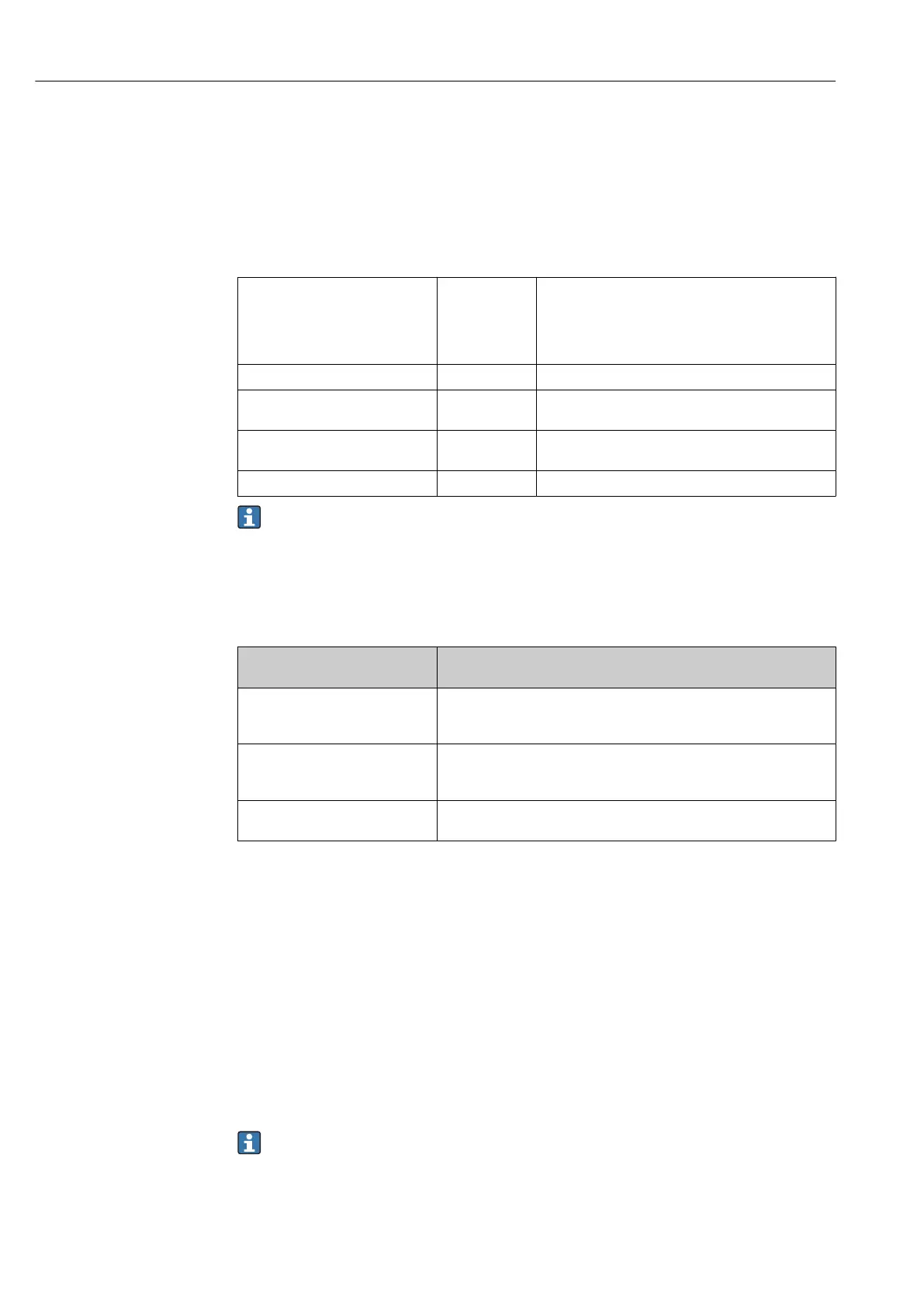
9.1 Overview of device description files
9.1.1 Current version data for the device
Firmware version 01.01.zz • On the title page of the manual
• On the transmitter nameplate
• Firmware version
Diagnostics → Device information → Firmware
version
Release date of firmware version 11.2018 ---
Manufacturer ID 0x11 Manufacturer ID
Diagnostics → Device information → Manufacturer ID
Device type ID 0x156D Device type
Diagnostics → Device information → Device type
Profile version 3.02 ---
For an overview of the various firmware versions for the device → 255
9.1.2 Operating tools
The suitable device description file for the individual operating tools is listed in the table
below, along with information on where the file can be acquired.
Operating tool via
PROFIBUS protocol
Sources for obtaining device descriptions
FieldCare • www.endress.com → Downloads area
• USB stick (contact Endress+Hauser)
• DVD (contact Endress+Hauser)
DeviceCare • www.endress.com → Downloads area
• CD–ROM (contact Endress+Hauser)
• DVD (contact Endress+Hauser)
SIMATIC PDM
(Siemens)
www.endress.com → Downloads area
9.2 Device master file (GSD)
In order to integrate field devices into a bus system, the PROFIBUS system needs a
description of the device parameters, such as output data, input data, data format, data
volume and supported transmission rate.
These data are available in the device master file (GSD) which is provided to the PROFIBUS
Master when the communication system is commissioned. In addition device bit maps,
which appear as icons in the network structure, can also be integrated.
With the Profile 3.02 device master file (GSD) it is possible to exchange field devices made
by different manufacturers without having to reconfigure.
Generally speaking, it is possible to use two different GSDs with Profile 3.02 and higher:
the manufacturer-specific GSD and the Profile GSD.
• Before configuring, the user must decide which GSD should be used to operate the
system.
• The setting can be changed via a Class 2 master.














 To Next Page