Commissioning Proline Promass E 500 PROFIBUS PA
154 Endress+Hauser
Navigation
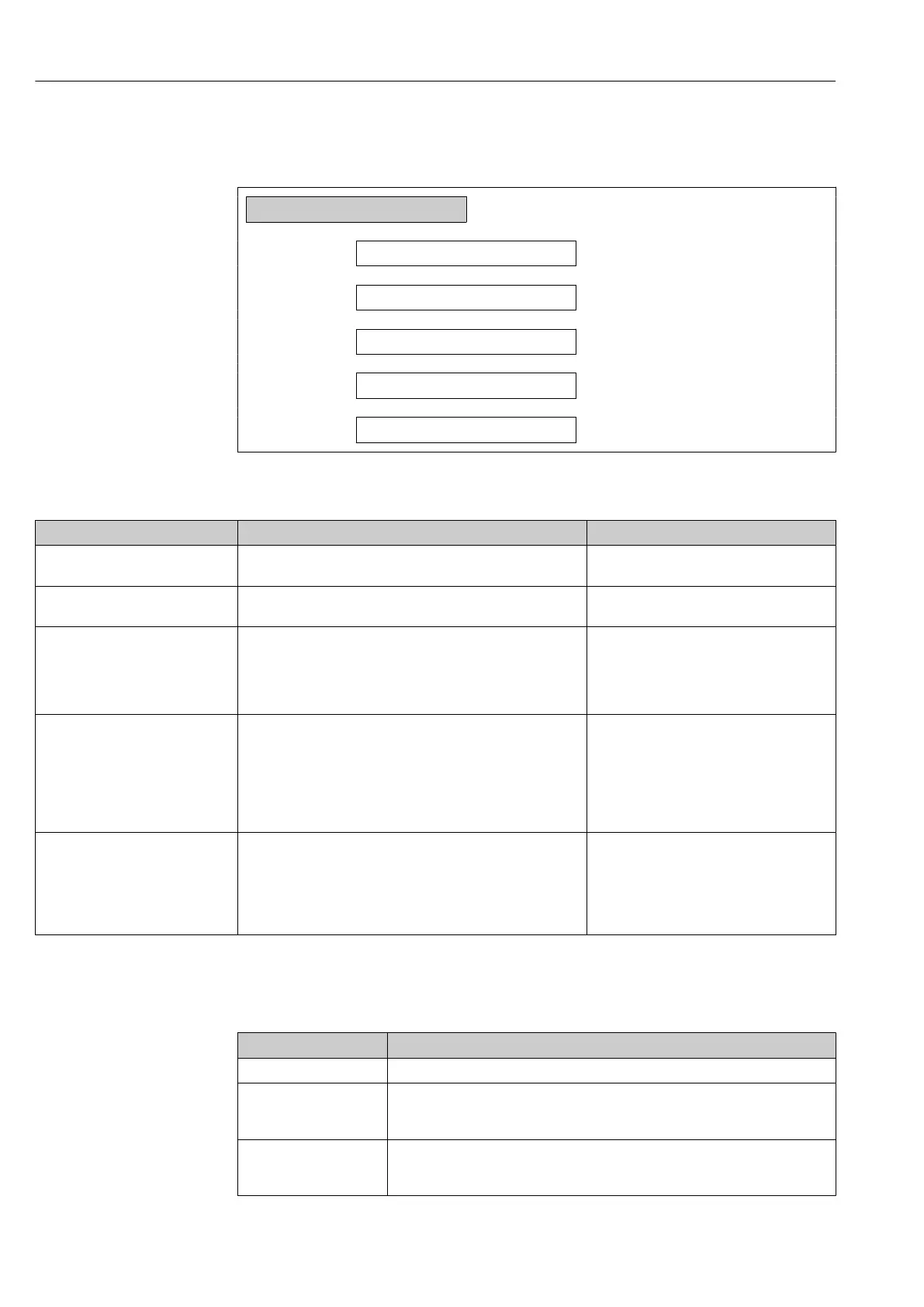
"Setup" menu → Advanced setup → Configuration backup
‣
Configuration backup
Operating time
→ 154
Last backup
→ 154
Configuration management
→ 154
Backup state
→ 154
Comparison result
→ 154
Parameter overview with brief description
Parameter Description User interface / Selection
Operating time Indicates how long the device has been in operation. Days (d), hours (h), minutes (m) and seconds
(s)
Last backup Shows when the last data backup was saved to HistoROM
backup.
Days (d), hours (h), minutes (m) and seconds
(s)
Configuration management Select action for managing the device data in the HistoROM
backup.
• Cancel
• Execute backup
• Restore
*
• Compare
*
• Clear backup data
Backup state Shows the current status of data saving or restoring. • None
• Backup in progress
• Restoring in progress
• Delete in progress
• Compare in progress
• Restoring failed
• Backup failed
Comparison result Comparison of current device data with HistoROM backup. • Settings identical
• Settings not identical
• No backup available
• Backup settings corrupt
• Check not done
• Dataset incompatible
* Visibility depends on order options or device settings
Function scope of the "Configuration management" parameter
Options Description
Cancel No action is executed and the user exits the parameter.
Execute backup A backup copy of the current device configuration is saved from the HistoROM
backup to the memory of the device. The backup copy includes the transmitter data
of the device.
Restore The last backup copy of the device configuration is restored from the device
memory to the device's HistoROM backup. The backup copy includes the
transmitter data of the device.














 To Next Page