Proline Promass E 500 PROFIBUS PA Commissioning
Endress+Hauser 117
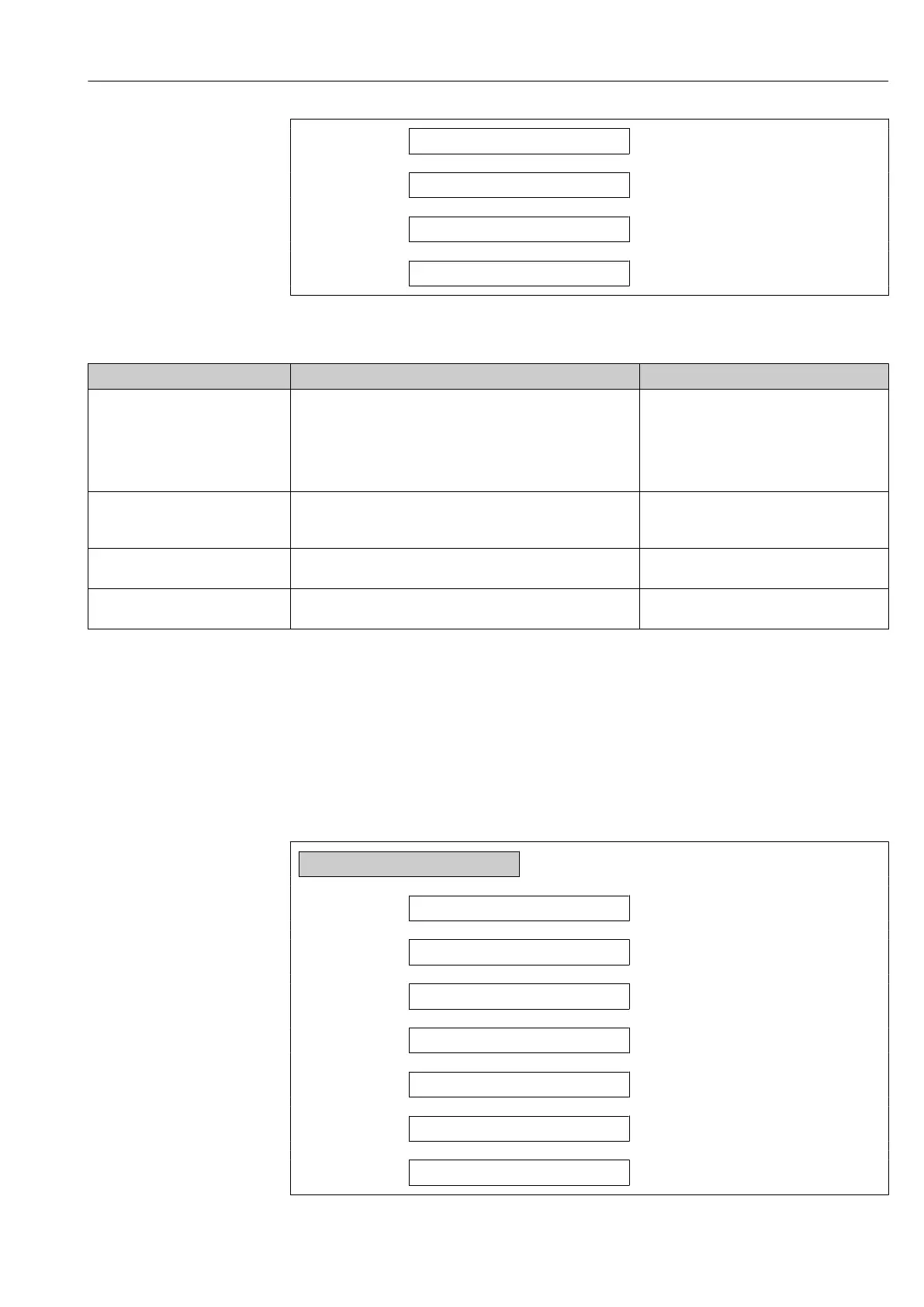
Active level
→ 117
Terminal number
→ 117
Response time status input
→ 117
Terminal number
→ 117
Parameter overview with brief description
Parameter Description Selection / User interface / User entry
Assign status input Select function for the status input. • Off
• Reset totalizer 1
• Reset totalizer 2
• Reset totalizer 3
• Reset all totalizers
• Flow override
Terminal number Shows the terminal numbers used by the status input module. • Not used
• 24-25 (I/O 2)
• 20-21 (I/O 4)
*
Active level Define input signal level at which the assigned function is
triggered.
• High
• Low
Response time status input Define the minimum amount of time the input signal level must
be present before the selected function is triggered.
5 to 200 ms
* Visibility depends on order options or device settings
10.6.9 Configuring the current output
The Current output wizard guides you systematically through all the parameters that have
to be set for configuring the current output.
Navigation
"Setup" menu → Current output
‣
Current output 1 to n
Terminal number
→ 118
Signal mode
→ 118
Assign current output 1 to n
→ 119
Current span
→ 119
0/4 mA value
→ 120
20 mA value
→ 120
Fixed current
→ 120














 To Next Page