Operation options Proline Promass E 500 PROFIBUS PA
86 Endress+Hauser
3. If no longer needed:
Reset the modified properties of the Internet protocol (TCP/IP) → 81.
8.5 Access to the operating menu via the operating tool
The structure of the operating menu in the operating tools is the same as for operation via
the local display.
8.5.1 Connecting the operating tool
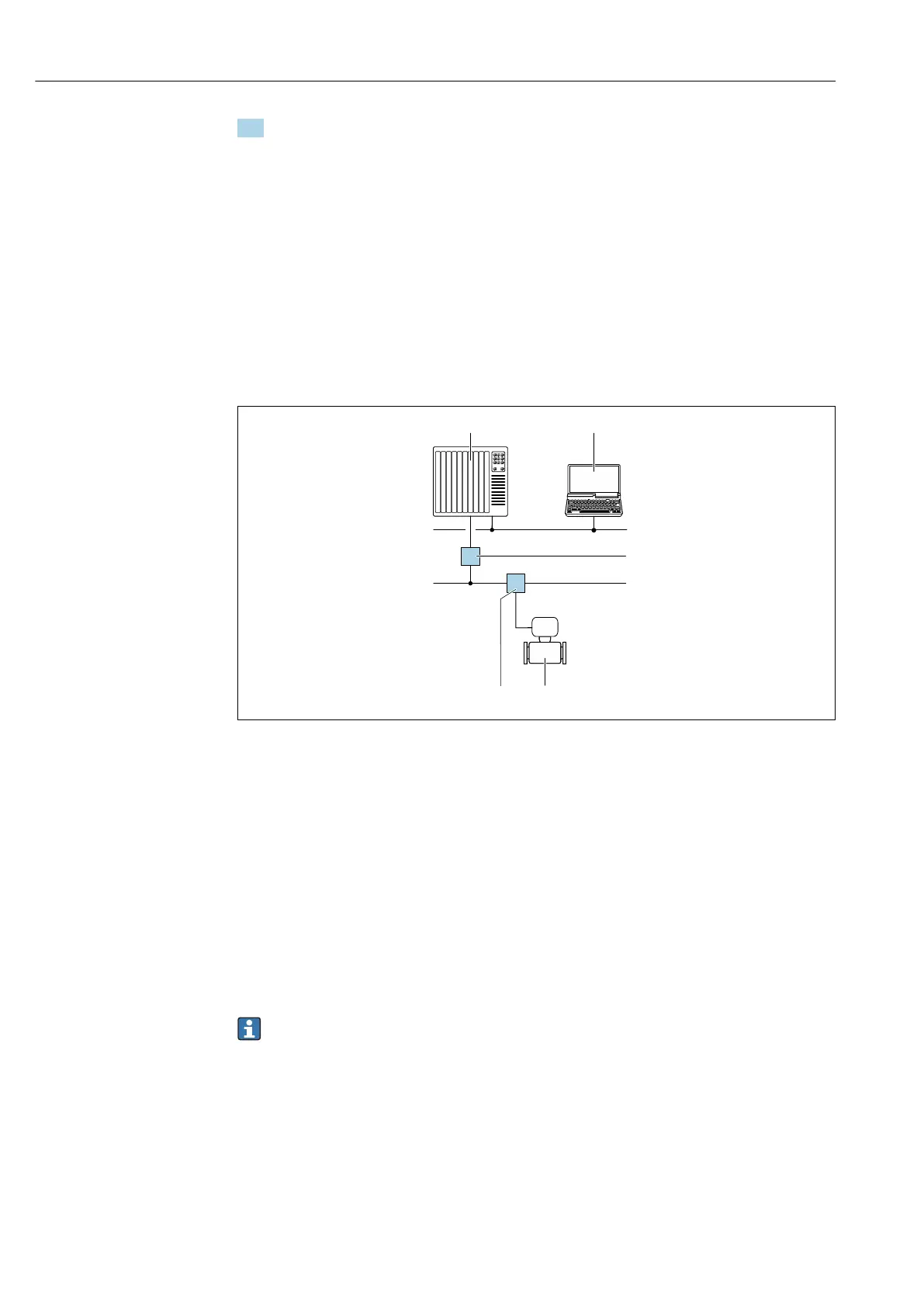
Via PROFIBUS PA network
This communication interface is available in device versions with PROFIBUS PA.
A0028838
32 Options for remote operation via PROFIBUS PA network
1 Automation system
2 Computer with PROFIBUS network card
3 PROFIBUS DP network
4 Segment coupler PROFIBUS DP/PA
5 PROFIBUS PA network
6 T-box
7 Measuring device
Service interface
Via service interface (CDI-RJ45)
A point-to-point connection can be established to configure the device onsite. With the
housing open, the connection is established directly via the service interface (CDI-RJ45) of
the device.
An adapter for the RJ45 to the M12 plug is optionally available for the non-hazardous
area:
Order code for "Accessories", option NB: "Adapter RJ45 M12 (service interface)"
The adapter connects the service interface (CDI-RJ45) to an M12 plug mounted in the
cable entry. The connection to the service interface can be established via an M12
plug without opening the device.














 To Next Page