Proline Promass E 500 PROFIBUS PA Diagnostics and troubleshooting
Endress+Hauser 253
Options Description
Restart device The restart resets every parameter with data stored in volatile memory (RAM) to
the factory setting (e.g. measured value data). The device configuration remains
unchanged.
Restore S-DAT backup Restores the data that is saved on the S-DAT. Additional information: This function
can be used to resolve the memory issue "083 Memory content inconsistent" or to
restore the S-DAT data when a new S-DAT has been installed.
This option is displayed only in an alarm condition.
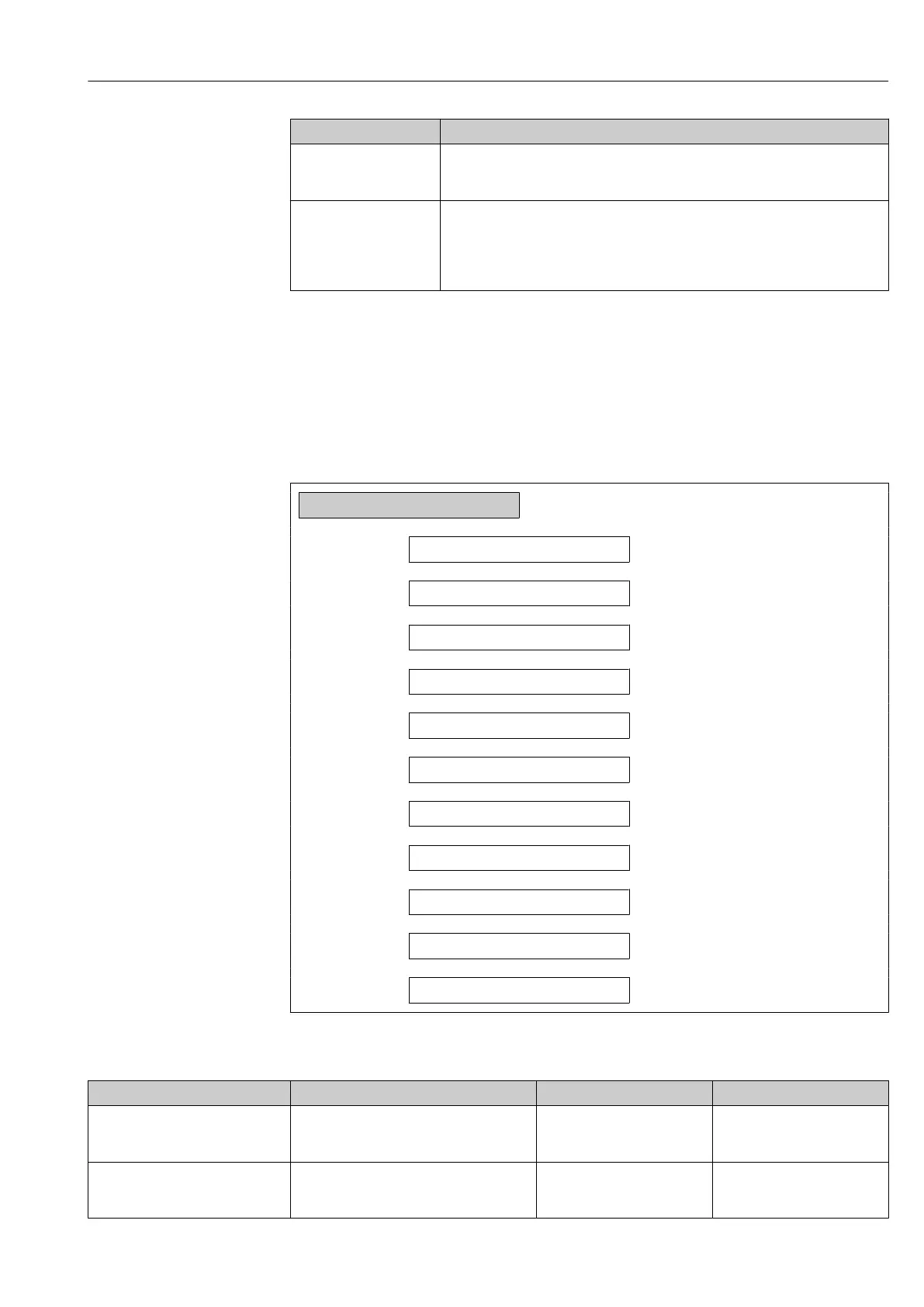
12.12 Device information
The Device information submenu contains all parameters that display different
information for device identification.
Navigation
"Diagnostics" menu → Device information
‣
Device information
Device tag
→ 253
Serial number
→ 253
Firmware version
→ 254
Device name
→ 254
Order code
→ 254
Extended order code 1
→ 254
Extended order code 2
→ 254
Extended order code 3
→ 254
ENP version
→ 254
PROFIBUS ident number
→ 254
Status PROFIBUS Master Config
→ 254
Parameter overview with brief description
Parameter Description User interface Factory setting
Device tag Shows name of measuring point. Max. 32 characters, such as
letters, numbers or special
characters (e.g. @, %, /).
Promass 500 PA
Serial number Shows the serial number of the measuring
device.
Max. 11-digit character string
comprising letters and
numbers.
–














 To Next Page