Diagnostics and troubleshooting Proline Promass E 500 PROFIBUS PA
254 Endress+Hauser
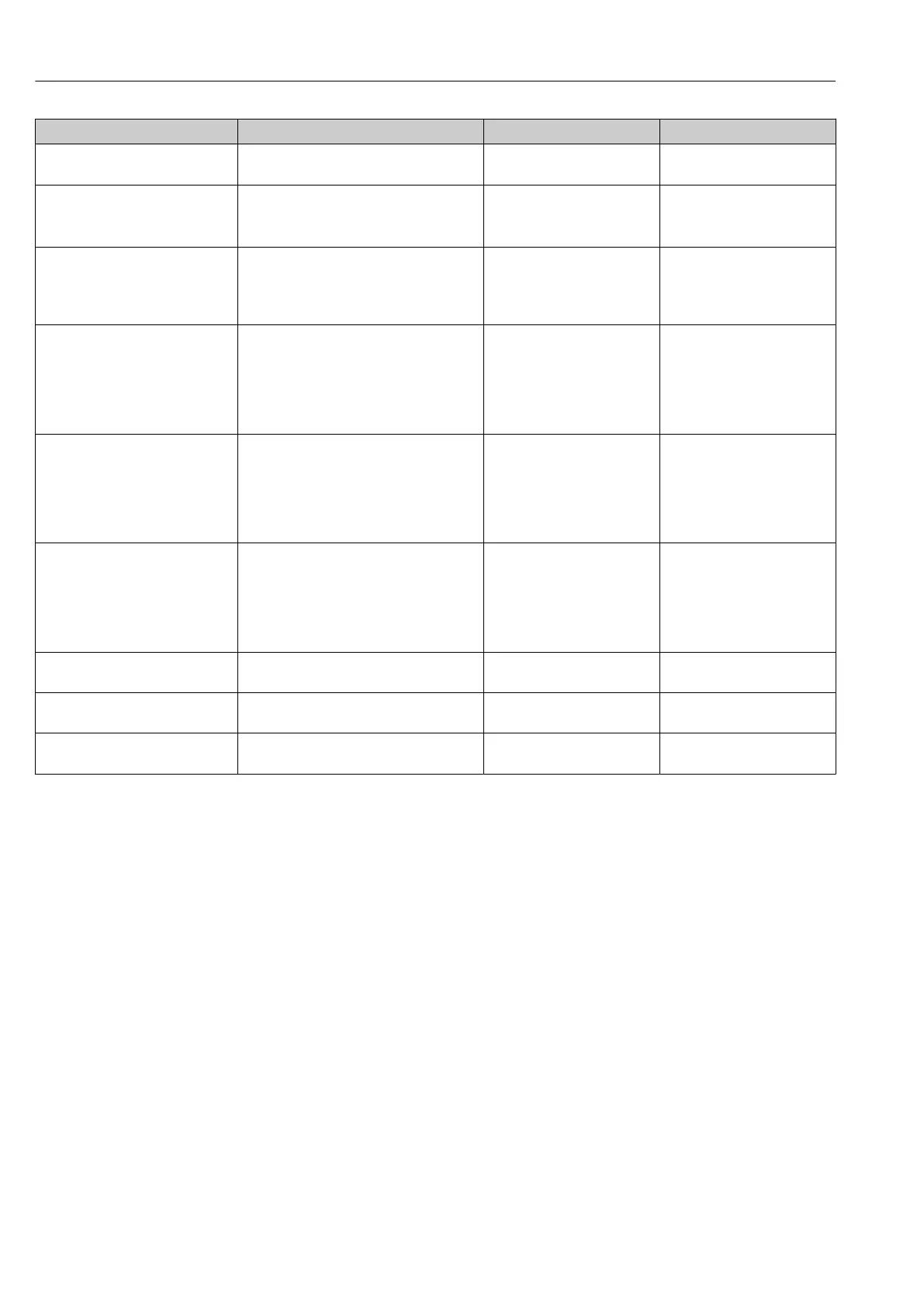
Parameter Description User interface Factory setting
Firmware version Shows the device firmware version installed. Character string in the format
xx.yy.zz
–
Device name Shows the name of the transmitter.
The name can be found on the
nameplate of the transmitter.
Promass 300/500 –
Order code Shows the device order code.
The order code can be found on the
nameplate of the sensor and
transmitter in the "Order code" field.
Character string composed of
letters, numbers and certain
punctuation marks (e.g. /).
–
Extended order code 1 Shows the 1st part of the extended order
code.
The extended order code can also be
found on the nameplate of the sensor
and transmitter in the "Ext. ord. cd."
field.
Character string –
Extended order code 2 Shows the 2nd part of the extended order
code.
The extended order code can also be
found on the nameplate of the sensor
and transmitter in the "Ext. ord. cd."
field.
Character string –
Extended order code 3 Shows the 3rd part of the extended order
code.
The extended order code can also be
found on the nameplate of the sensor
and transmitter in the "Ext. ord. cd."
field.
Character string –
ENP version Shows the version of the electronic
nameplate (ENP).
Character string –
PROFIBUS ident number Displays the PROFIBUS identification
number.
0 to FFFF 0x156D
Status PROFIBUS Master Config Displays the status of the PROFIBUS Master
configuration.
• Active
• Not active
–













 To Next Page