Proline Promass E 500 PROFIBUS PA Installation
Endress+Hauser 33
1
4 x
SW 13
! … (! 0.79 to 2.75)20 70
A0029057
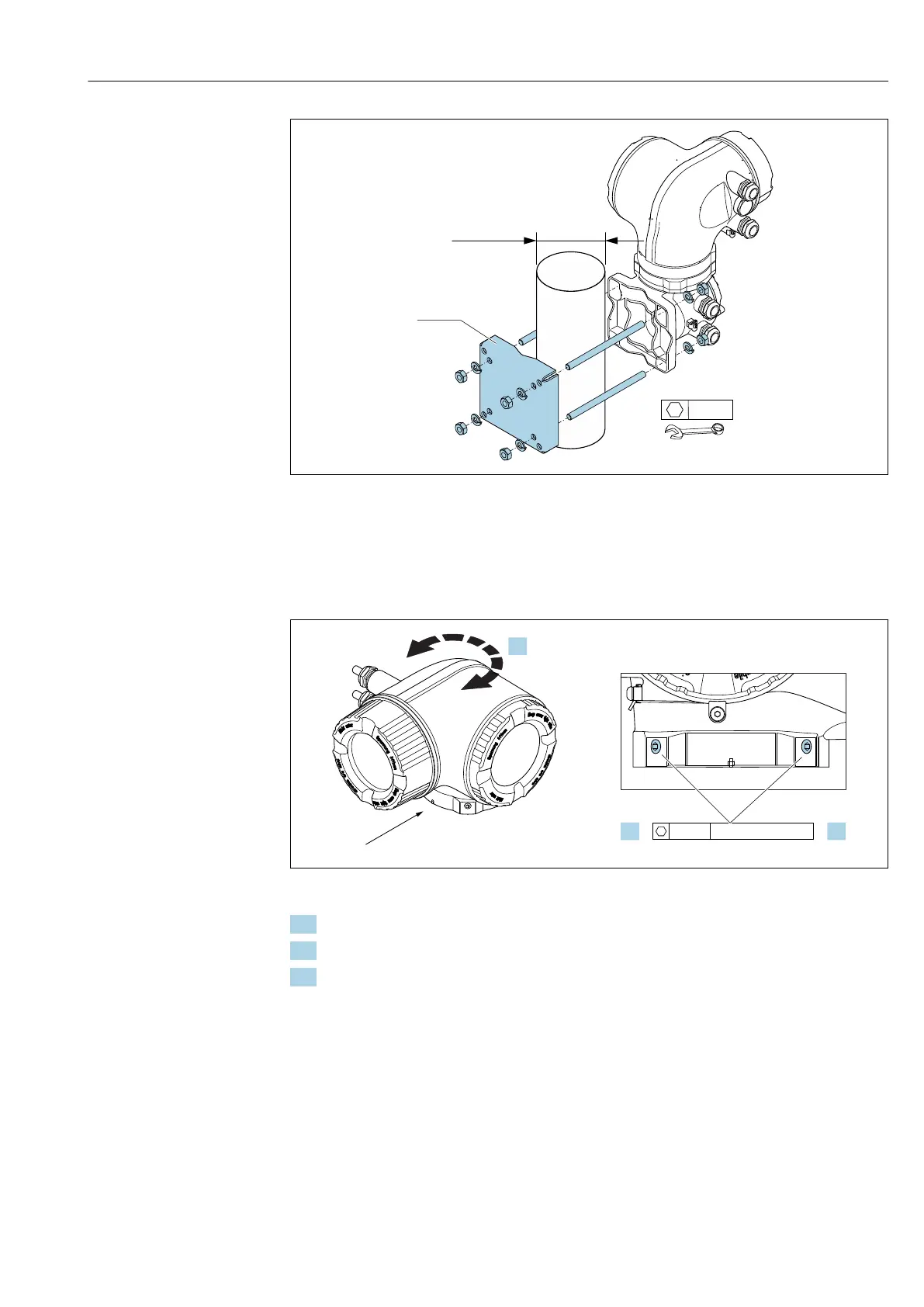
15 Engineering unit mm (in)
6.2.6 Turning the transmitter housing: Proline 500
To provide easier access to the connection compartment or display module, the transmitter
housing can be turned.
1.
2.
3.
4 mm
7 Nm (5.2 lbf !)
A
A
A0043150
16 Ex housing
1. Loosen the fixing screws.
2. Turn the housing to the desired position.
3. Tighten the securing screws.
6.2.7 Turning the display module: Proline 500
The display module can be turned to optimize display readability and operability.














 To Next Page