Operation options Proline Promass E 500 PROFIBUS PA
68 Endress+Hauser
Status area
The following symbols appear in the status area of the operational display at the top right:
• Status signals→ 189
• F: Failure
• C: Function check
• S: Out of specification
• M: Maintenance required
• Diagnostic behavior→ 190
• : Alarm
• : Warning
• : Locking (the device is locked via the hardware )
• : Communication (communication via remote operation is active)
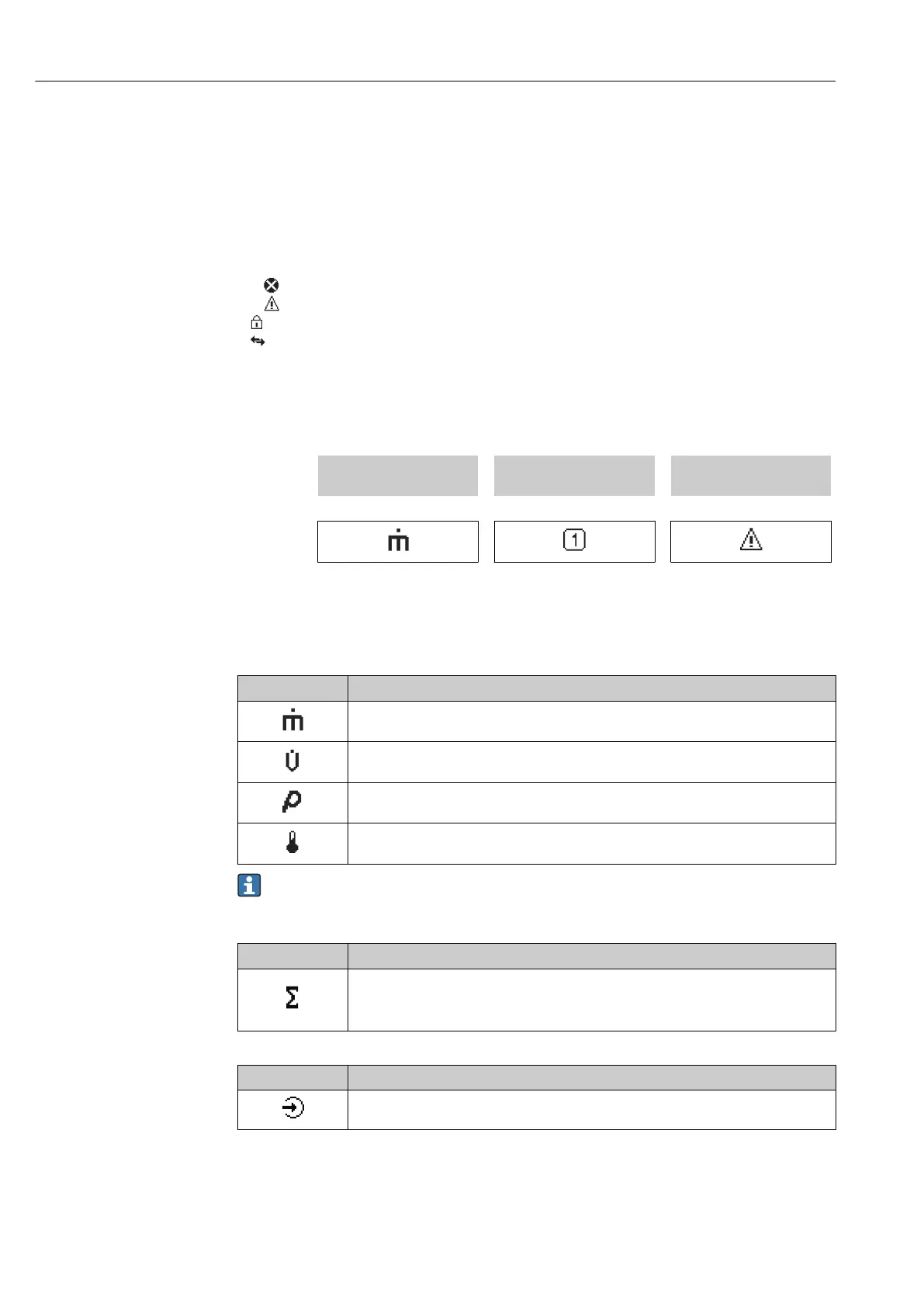
Display area
In the display area, each measured value is prefaced by certain symbol types for further
description:
Measured variable Measurement channel
number
Diagnostic behavior
↓ ↓ ↓
Example
Appears only if a diagnostics
event is present for this
measured variable.
Measured variables
Symbol Meaning
Mass flow
• Volume flow
• Corrected volume flow
• Density
• Reference density
Temperature
The number and display format of the measured variables can be configured via the
Format display parameter (→ 133).
Totalizer
Symbol Meaning
Totalizer
The measurement channel number indicates which of the three totalizers is
displayed.
Input
Symbol Meaning
Status input














 To Next Page