Commissioning Proline Promass E 500 PROFIBUS PA
156 Endress+Hauser
Using the parameter to reset the access code
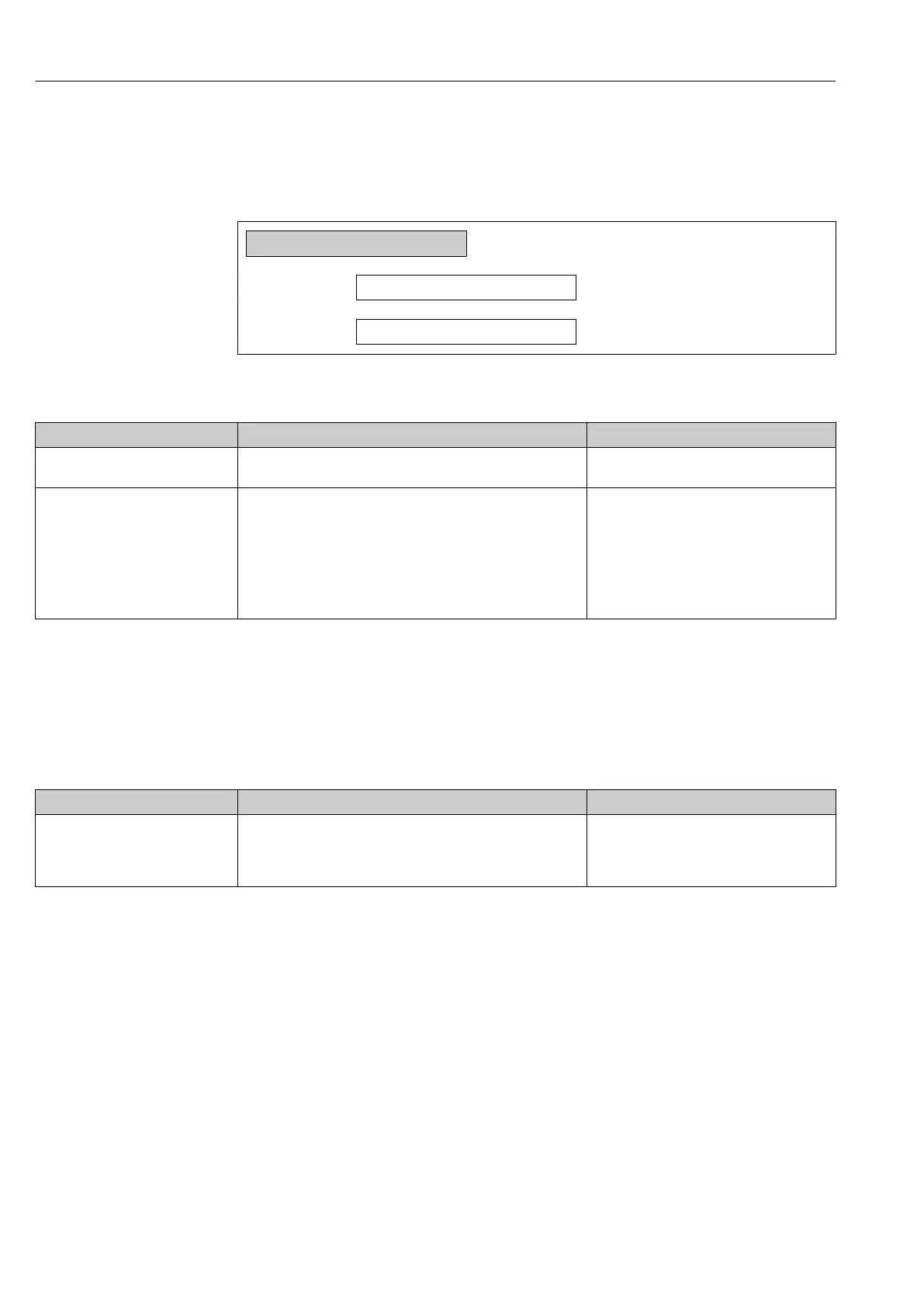
Navigation
"Setup" menu → Advanced setup → Administration → Reset access code
‣
Reset access code
Operating time
→ 156
Reset access code
→ 156
Parameter overview with brief description
Parameter Description User interface / User entry
Operating time Indicates how long the device has been in operation. Days (d), hours (h), minutes (m) and seconds
(s)
Reset access code Reset access code to factory settings.
For a reset code, contact your Endress+Hauser service
organization.
The reset code can only be entered via:
• Web browser
• DeviceCare, FieldCare (via CDI-RJ45 service interface)
• Fieldbus
Character string comprising numbers, letters
and special characters
Using the parameter to reset the device
Navigation
"Setup" menu → Advanced setup → Administration
Parameter overview with brief description
Parameter Description Selection
Device reset Reset the device configuration - either entirely or in part - to a
defined state.
• Cancel
• To delivery settings
• Restart device
• Restore S-DAT backup
*
* Visibility depends on order options or device settings
10.8 Simulation
Via the Simulation submenu, it is possible to simulate various process variables in the
process and the device alarm mode and verify downstream signal chains (switching valves
or closed-control loops). The simulation can be performed without a real measurement (no
flow of medium through the device).














 To Next Page