Proline Promass E 500 PROFIBUS PA Operation options
Endress+Hauser 67
Menu/parameter User role and tasks Content/meaning
Expert Function-
oriented
Tasks that require detailed knowledge of
the function of the device:
• Commissioning measurements under
difficult conditions
• Optimal adaptation of the
measurement to difficult conditions
• Detailed configuration of the
communication interface
• Error diagnostics in difficult cases
Contains all of the device parameters and allows direct access to these by
means of an access code. The structure of this menu is based on the function
blocks of the device:
• System
Contains all higher-level device parameters that do not affect
measurement or measured value communication
• Sensor
Configuration of the measurement.
• Output
Configuration of the pulse/frequency/switch output
• Input
Configuration of the status input
• Output
Configuration of the analog current outputs as well as the pulse/frequency
and switch output
• Communication
Configuration of the digital communication interface and the Web server
• Submenus for function blocks (e.g. "Analog Inputs")
Configuration of function blocks
• Application
Configuration of the functions that go beyond the actual measurement
(e.g. totalizer)
• Diagnostics
Error detection and analysis of process and device errors and for device
simulation and Heartbeat Technology.
8.3 Access to operating menu via local display
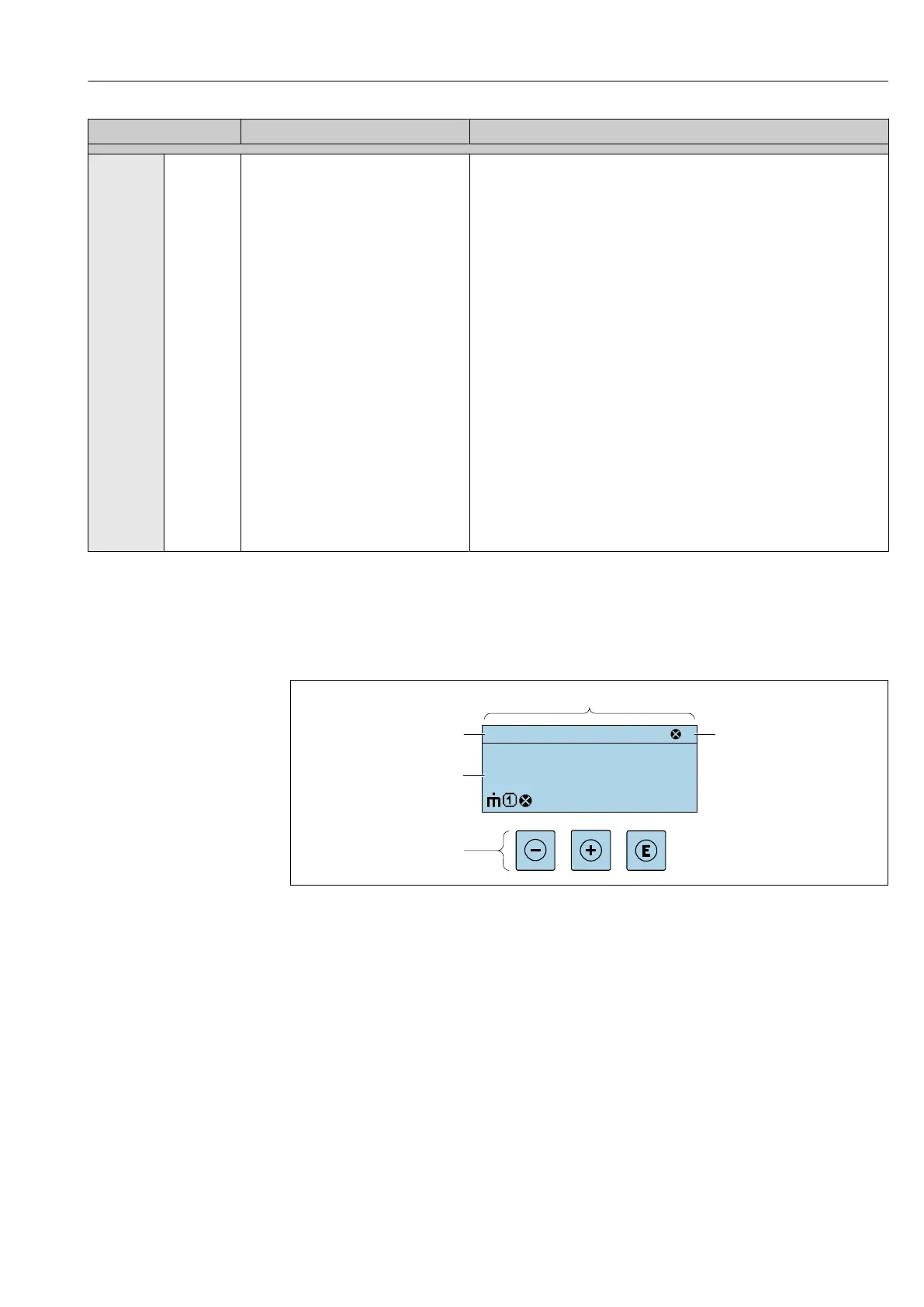
8.3.1 Operational display
X X X X X X XX X
4
2
1
3
5
kg/h
1120.50
F
A0029348
1 Operational display
2 Device tag
3 Status area
4 Display range for measured values (up to 4 lines)
5 Operating elements → 74














 To Next Page