Commissioning Proline Promass E 500 PROFIBUS PA
162 Endress+Hauser
4. Enable or disable write protection:
Setting the write protection (WP) switch on the main electronics module to the ON
position enables hardware write protection/setting to OFF (factory setting) disables
hardware write protection.
In the Locking status parameter, the Hardware locked option is displayed
→ 163. When hardware write protection is enabled, the symbol appears in
the header of the measured value display and in the navigation view in front of
the parameters.
X X X X X X XX X
20.50
XX
XX
A0029425
5. Insert the display module.
6. Close the housing cover.
7.
NOTICE
Excessive tightening torque applied to the fixing screws!
Risk of damaging the plastic transmitter.
‣
Tighten the fixing screws as per the tightening torque: 2.5 Nm (1.8 lbf ft)
Tighten the fixing screws.
Proline 500
1.
A0029630
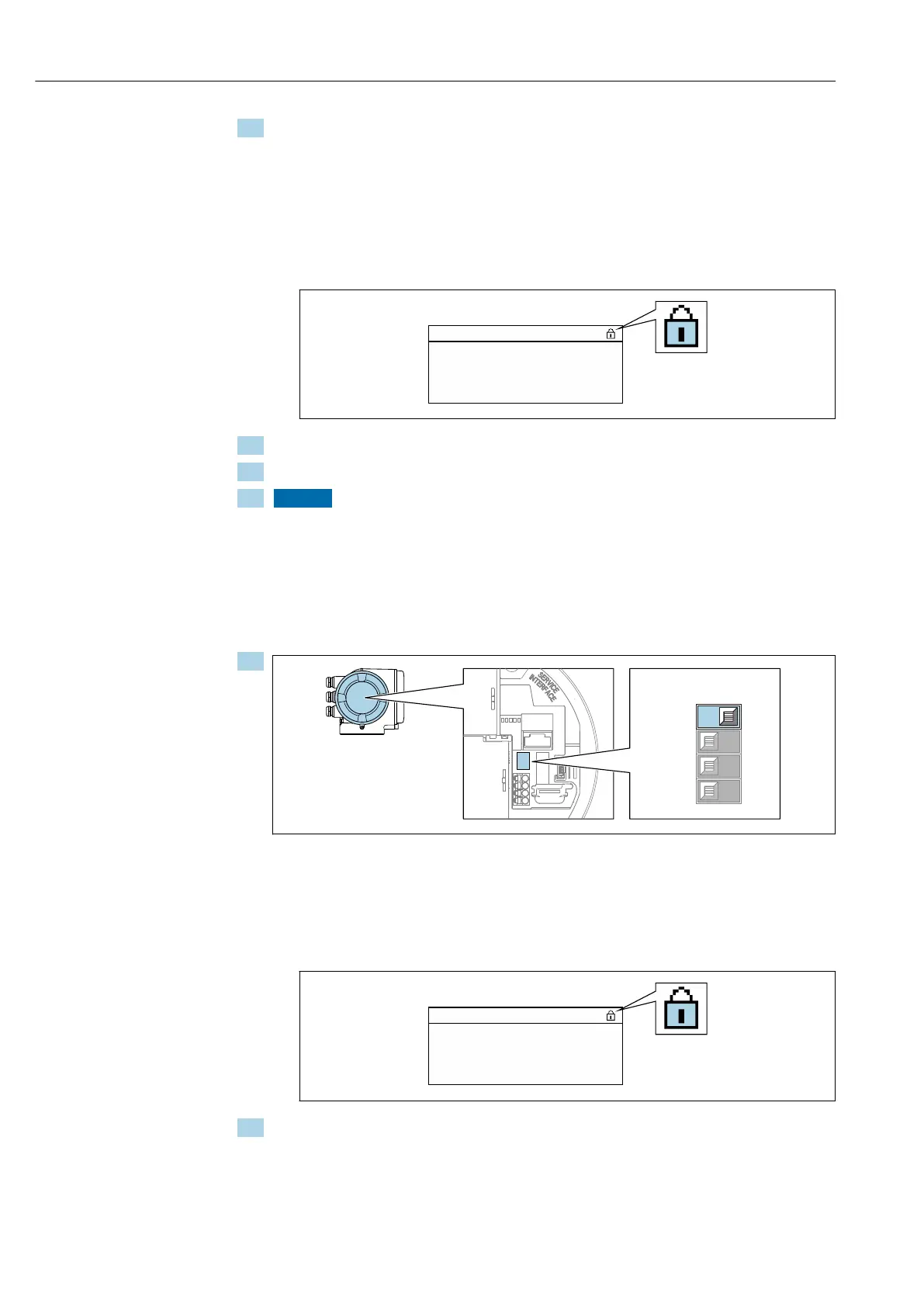
Setting the write protection (WP) switch on the main electronics module to the ON
position enables hardware write protection.
In the Locking status parameter, the Hardware locked option is displayed
→ 163. In addition, on the local display the symbol appears in front of the
parameters in the header of the operational display and in the navigation view.
X X X X X X XX X
20.50
XX
XX
A0029425
2. Setting the write protection (WP) switch on the main electronics module to the OFF
position (factory setting) disables hardware write protection.
No option is displayed in the Locking status parameter → 163. On the local
display, the symbol disappears from in front of the parameters in the header
of the operational display and in the navigation view.














 To Next Page