Proline Promass E 500 PROFIBUS PA Operation options
Endress+Hauser 73
Operating key Meaning
Enter key
• Pressing the key briefly confirms your selection.
• Pressing the key for 2 s confirms your entry.
Escape key combination (press keys simultaneously)
Close the editing view without accepting a change.
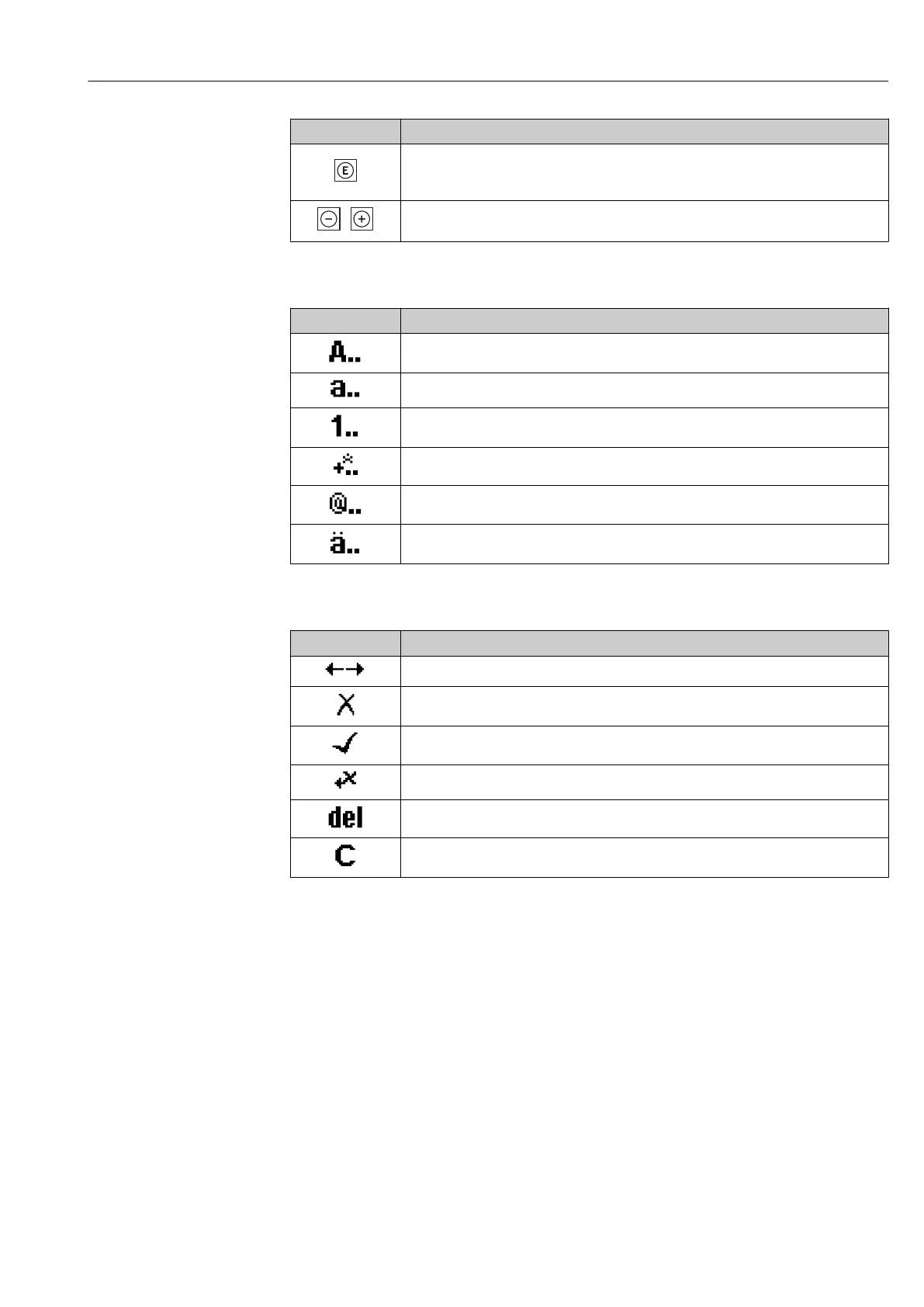
Input screens
Symbol Meaning
Upper case
Lower case
Numbers
Punctuation marks and special characters: = + – * / ² ³ ¼ ½ ¾ ( ) [ ] < > { }
Punctuation marks and special characters: ' " `^. , ; : ? ! % µ ° € $ £ ¥ § @ # / \ I ~ & _
Umlauts and accents
Controlling data entries
Symbol Meaning
Move entry position
Reject entry
Confirm entry
Delete character immediately to the left of the entry position
Delete character immediately to the right of the entry position
Clear all the characters entered














 To Next Page