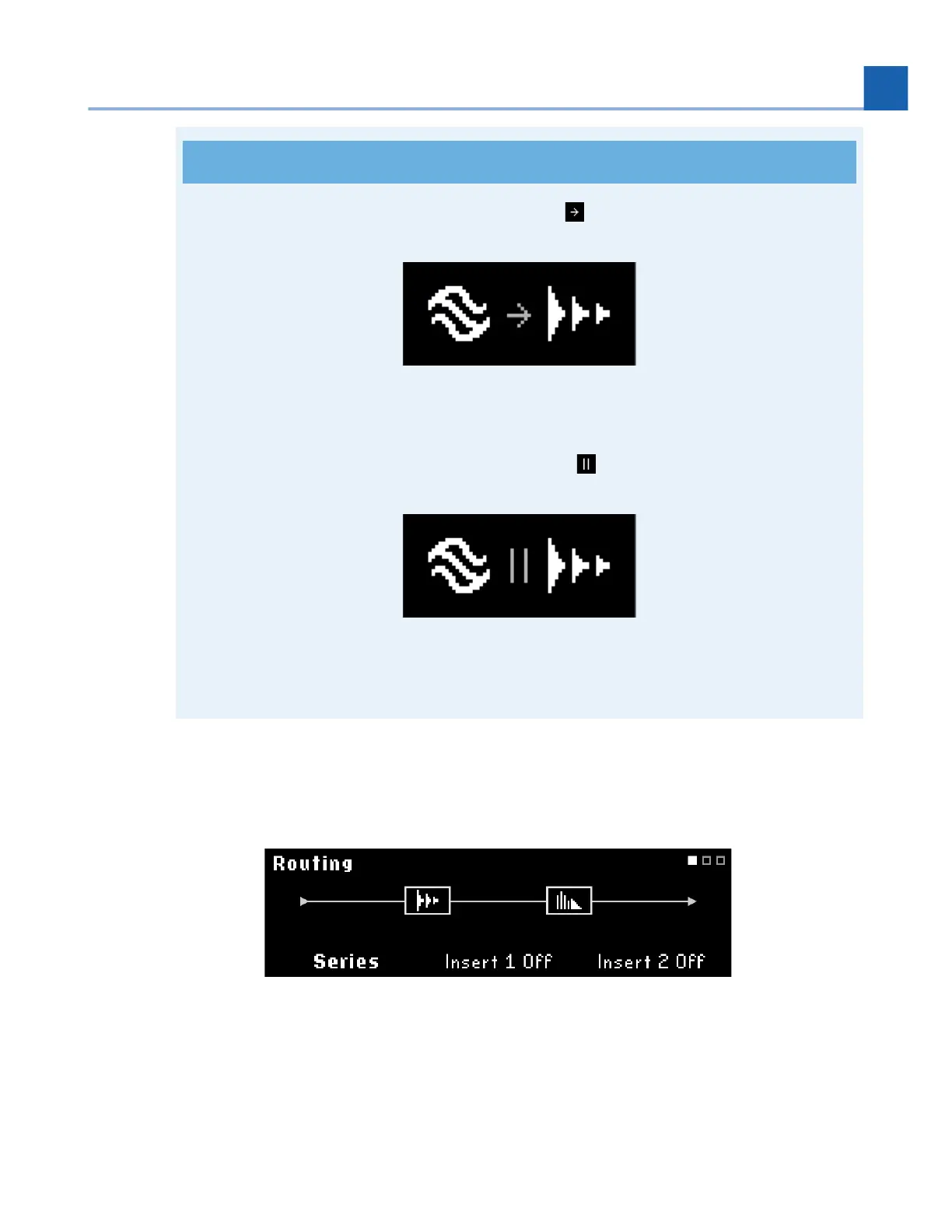
Programs with Presets routed in series will display in the top right corner.
Fig. 6.5 Programs with Presets routed in series
Programs with Presets routed in parallel will display in the top right corner.
Fig. 6.6 Programs with Presets routed in parallel
Quick Knob 2: Turn to enable Insert 1 and adjust the Insert position. Press to active/bypass Insert 1.
Quick Knob 3: Turn to enable Insert 2 and adjust the Insert position. Press to active/bypass Insert 2.
Fig. 6.7 Insert routing page with no active Inserts
•
•
6. EDIT MODES














 To Next Page