Recalling Layout Presets
To recall a layout preset:
1. Open the Layout Presets pane.
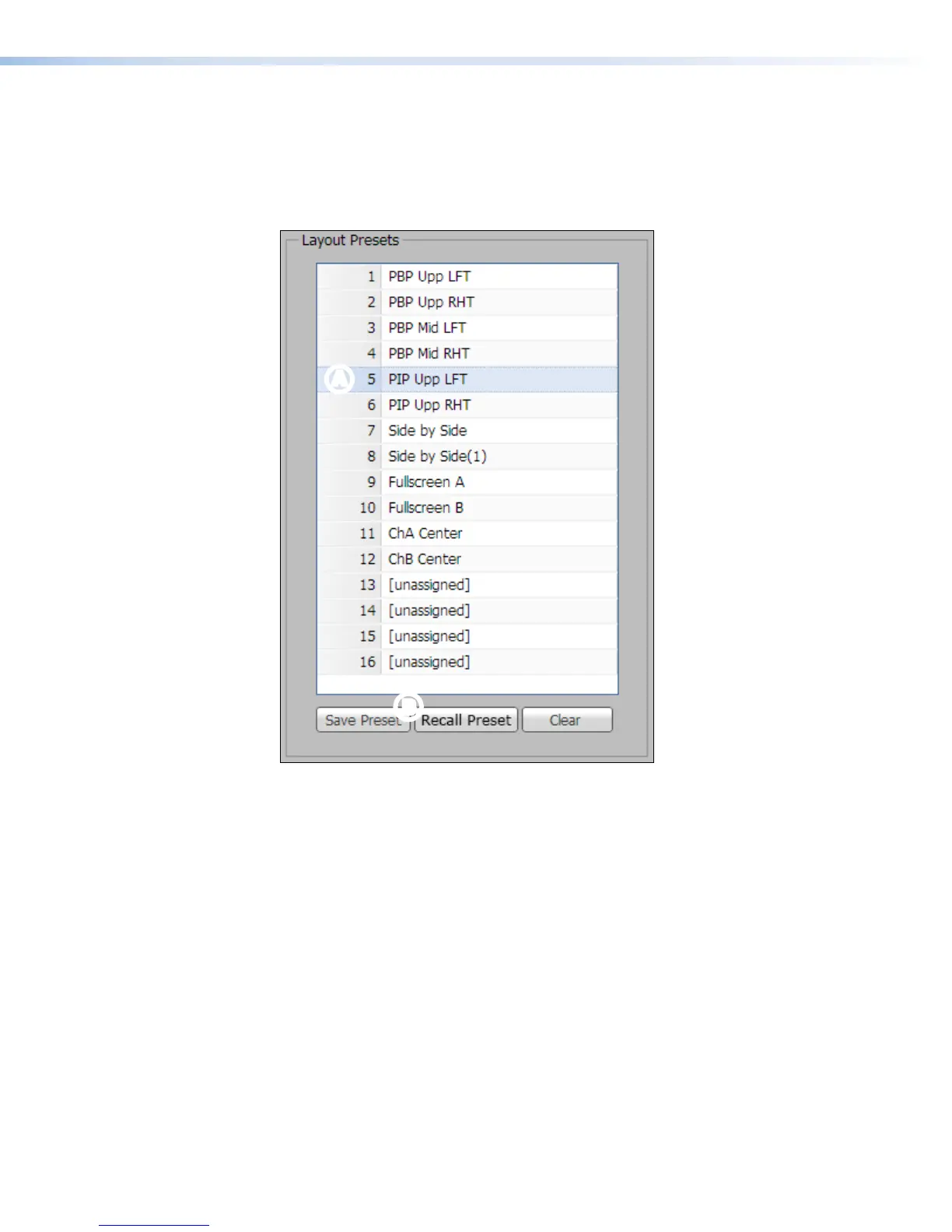
2. In the Layout Presets panel at the right of the page, select (click on) a saved
preset in the list (see figure 66,
A
). The selection is highlighted.
AA
B
B
Figure 66. Layout Presets
See the layout preset diagrams on the next page for the display appearance of each
layout.
SMP351 • Web-Based User Interface 100



 To Next Page