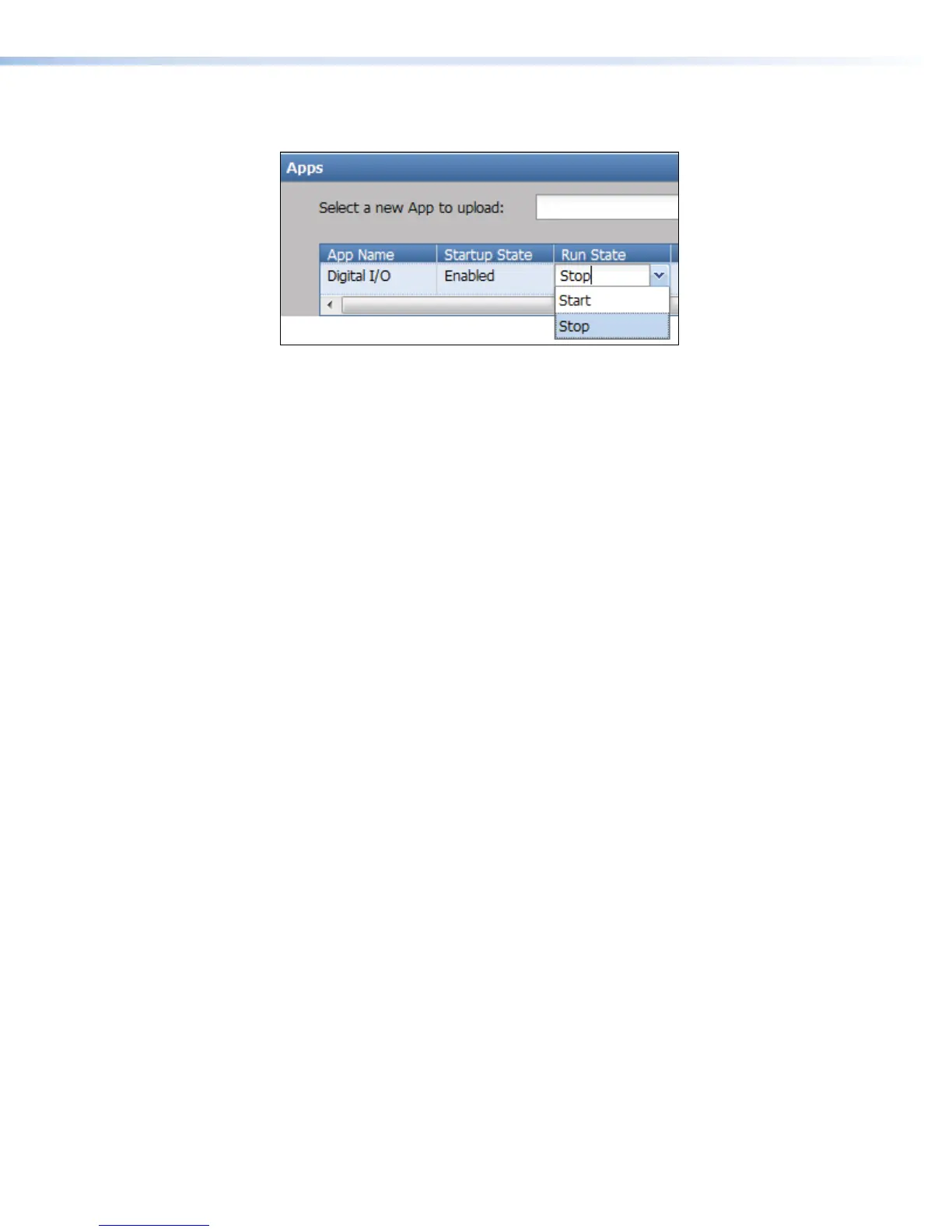
2. Change the setting from Start (default, run or start once configured) to Stop (stop or
stopped).
3. To resume running the application, select Start again.
Remove an application
To remove an application from the SMP351:
1. In the Advanced Features > Apps pane, click Delete corresponding to the desired
application in the Actions column. A confirmation dialog box opens asking you to
confirm the deletion.
2. Click Delete to remove the app, click Cancel to leave the app installed on the unit.
SMP351 • Web-Based User Interface 128



 To Next Page