FT-111, User Manual Rev. 2.0.0, June 2022 Page 52 of 137
Printing with key
Print interlock. Only one time printout, if
weight change is more than 10 division.
Auto print, if the gross load is bigger than MIN
WEIGHT and stable. Unload and load the scale
for next printing.
Autoprint if W>MIN WEIGHT and weight
change is more than 10d.
Display " PRINTING " message at printout
Ticket number on printout.
Date printing on printout.
Time printing on printout.
LABEL SETUP
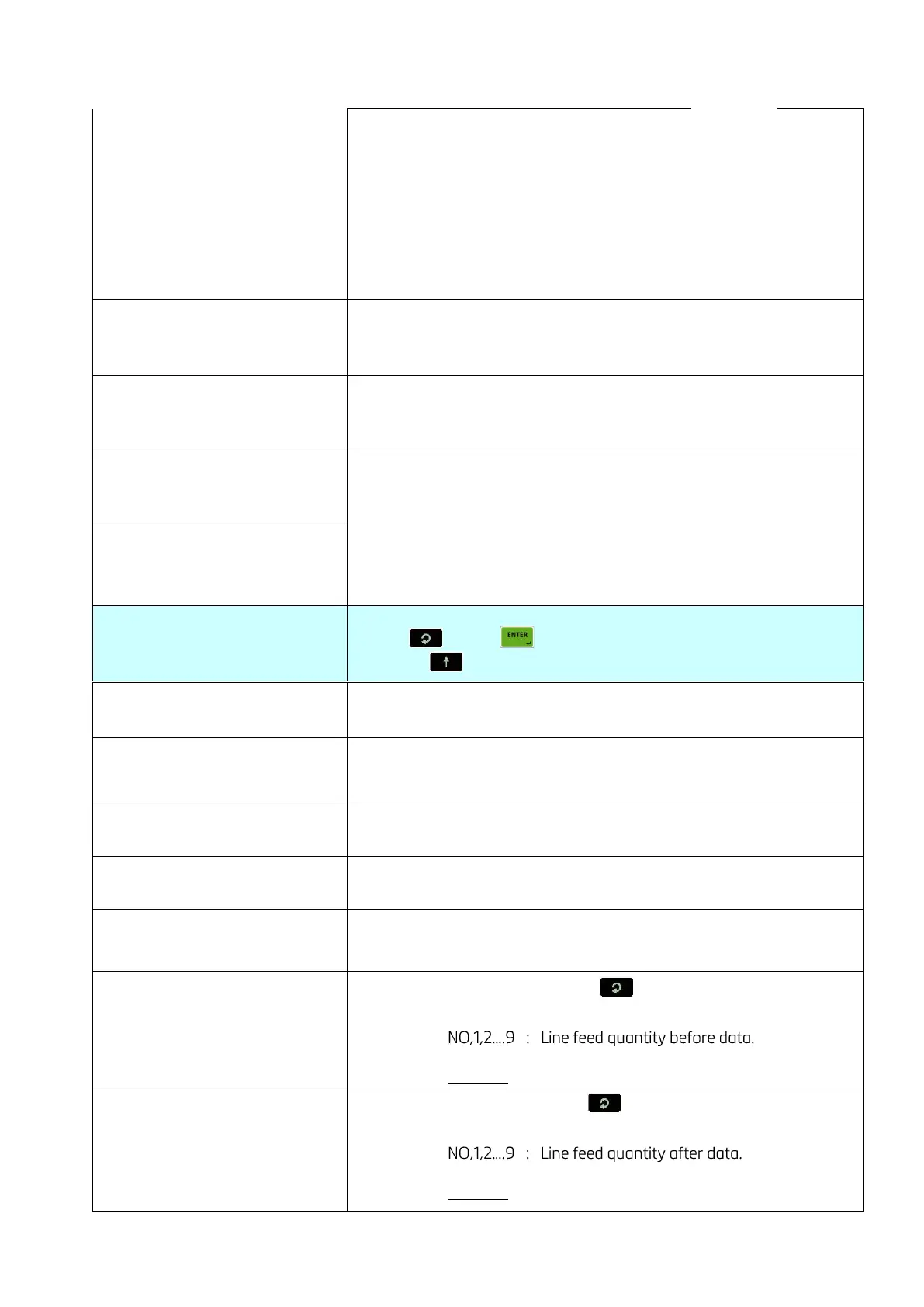
Press key or key again to enter this menu.
Or press key to go to the next sub-block.
Header of printout, the first line.
Header of printout, the second line.
Header of printout, the third line.
Footer of printout, the first line.
Footer of printout, the second line.
Line feed before printout (Press key to change )
+ = Forward , - = Backward
Example: +2 means 2-line feed forward.
Line feed after printout (Press key to change )
+ = Forward , - = Backward
Example: -2 means 2 line feed backward.



 To Next Page