148
14-5. Proc Amp
To adjust the video signal using Proc Amp, proceed as follows.
Refer to section 14-4 "Assigning A Color Correction Channel" to assign a signal to the color
corrector channel.
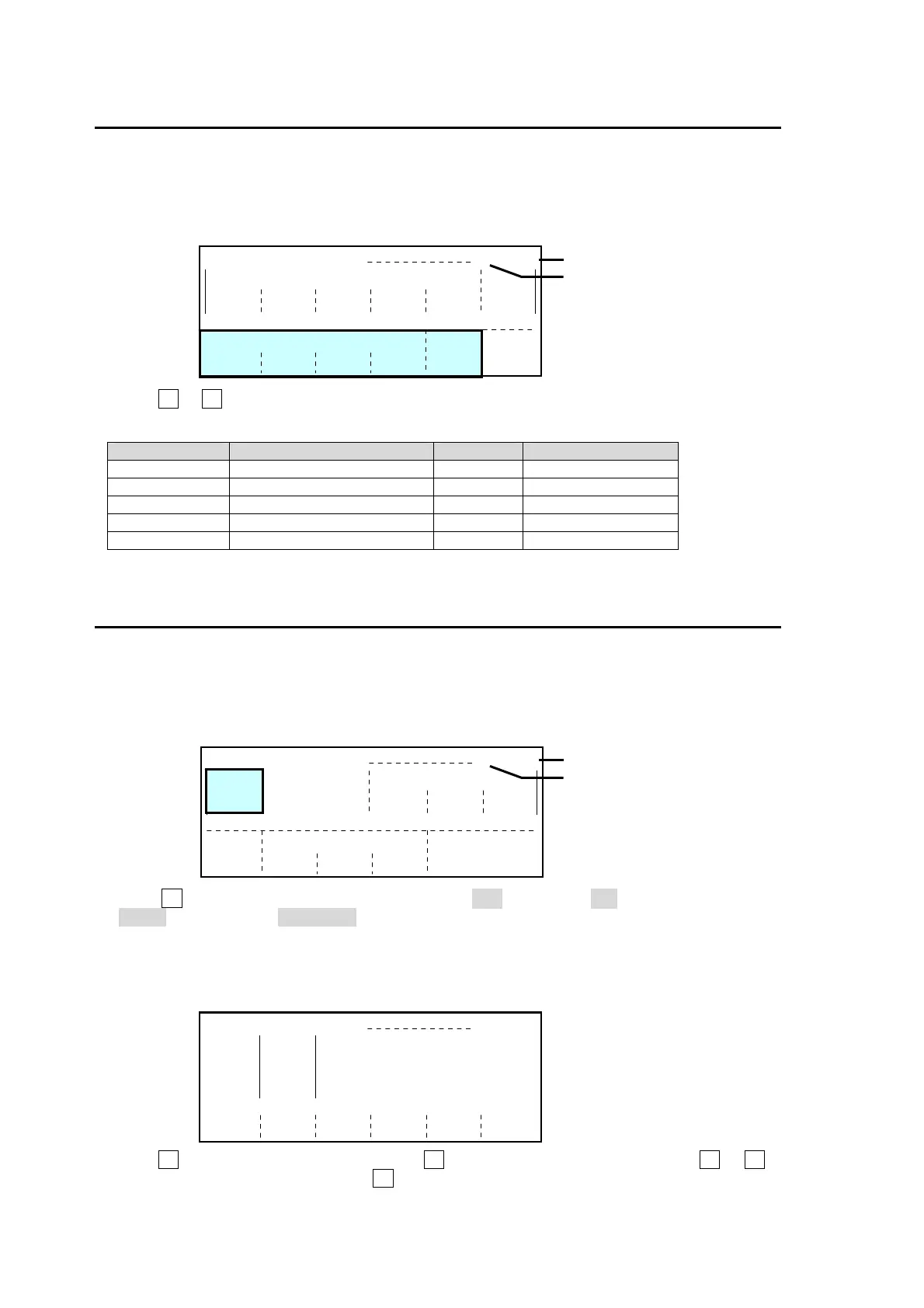
Press DOWN button to go to the bottom of the COLOR CORRECTION (1/4) menu.
Use F1 to F5 to adjust the following parameters. (See the table below.)
COLOR CORRECTION(1/4) Menu
Parameter Description Default Setting Range
Y LEVEL Adjusts luminance level. 100% 0% ~ 200%
C LEVEL Adjusts chroma level. 100% 0% ~ 200%
C PHASE Adjusts chroma phase. 0 -179 ~ 180
VIDEO LEVEL Adjusts video level. 0% 0% ~ 200%
BLACK LEVEL Adjusts black level. 0 -150 ~ 150
14-6. Color Correction
To adjust the video signal using Color Correction, proceed as follows.
Refer to section 14-4 "Assigning A Color Correction Channel" to assign a signal to the color
corrector channel.
Press the DOWN button to go to the COLOR CORRECTION (2/4) menu.
Turn F1 to select the color correction mode from BAL (balanced), DIF (DIFFERENTIAL) and
SEPIA (Sepia) under CC MODE. Refer to section 14-6-1 "Balanced Mode and Differential
Mode" for more details about the difference between these modes.
If Balance or Differential is selected:
a) Press the DOWN button twice to open the COLOR CORRECTION (3/4) menu.
b) Turn F1 to select the item to adjust. Use F3 if adjusting RGB as a group. Use F4 to F6 if
adjusting RGB independently. Use F2 to select gamma curve.
COLOR CORRECTION (2/4) CH1/PGM
CC
MODE
SEPIA
CLIP
MODE
YPbPr
Y LV
109%
YPbPr
C LV
111%
SAT
25
BLACK
-7%
SEPIA
HUE
-160
Color corrector channel
ssigned signal
Color corrector channel
ssigned signal
COLOR CORRECTION (1/4) CH1/PGM
MODULE
ME1 BG
Y LV
100%
CHAN
CH1
C LV
100%
CC CONTROL
TYPE
BUS
PROCESS CONTROL
C PHS
0
SELECT
PGM
V LV
0%
ENABLE
OFF
BLACK
0
INIT
OFF
LED
COLOR
OFF
COLOR CORRECTION (3/4) CH1/PGM
GAMMA
WHITE
BLACK
SELECT
GAMMA
CURVE
CENTER
GROUP
ADJUST
23%
100%
50%
R
23%
51%
100%
50%
100%
100%
0%
CENTER
---
---
G
51%
B
100%



 To Next Page
 Loading...








