42
5-1-6. Bus Signal Assignment and Inhibit Settings
Video signals that can be assigned to the M/E bus are video signals input from the MU rear
panel, STILL1 to 6, MATT1, MATT2, BLACK, WHITE, and color bar internal signals. Follow
the procedure below to assign video signals to the bus.
Press the OU SETUP button to display the OU SETUP top menu.
Turn F1 to select 1 BUS CONTROL. Press F1 or DOWN button to display the OU
SETUP-BUS CONTROL menu.
Select the bus section button under the BUTTON option in the OU SETUP - BUS
CONTROL menu.
Turn F2 to select the signal that you want to assign to the bus button that you selected
under the SIGNAL item. Or, turn F3 to select the signal that you want to assign to the bus
button from the names assigned under the NAME item. Press the ENTER key in the
keypad to confirm. The settings for SIGNAL and NAME are linked.
Select from the settings below.
BUTTON
SIGNAL Signal
01-16
MATT
NONE Unable to select signal
BLACK Internal black signal
IN01 to IN28
MU rear panel inputs 1 to 28
(17 to 28 added when input option installed.)
STILL1 to STILL6
Still pictures 1 to 6
(5 and 6 added when HVS-38SS option installed.)
MATT1 to MATT2 Internal color bus matt signals
WHITE Internal white signal
CB Color bar signal
* M/E1 (M/E2 only) M/E1 PGM output (re-entry)
L _DVE Line DVE
SHIFT Shift button
* M/E1 is a re-entry signal that can use the M/E1 program output directly in M/E2.
If you turn F5 to set the INHIBIT to M/E1, M/E2, or M/E1,2, the bus buttons in the
selected M/E cannot be selected. This setting is enabled only when the BUS INHIBIT
setting is set to ON (default setting).
NOTE
In the BUS INHIBIT setting, a specific signal can be selected only in the AUX/KEY bus
section. It is useful when assigning signal used with keys.
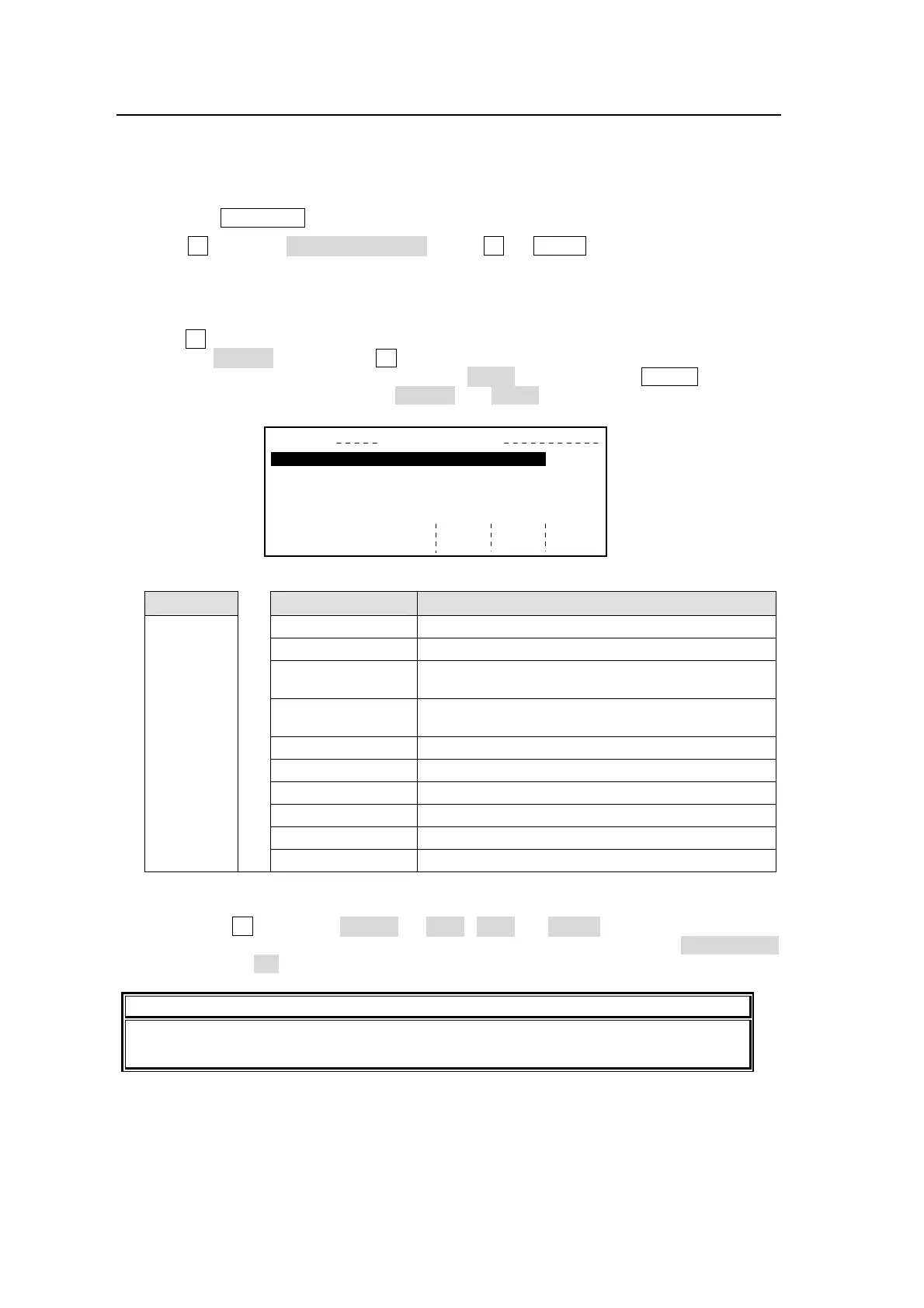
OU SETUP BUS CONTROL(1/2)
1
2
3
4
5
BUTTON
1
SIGNAL
IN01
CAM
IN02
IN03
IN04
IN05
NAME
CAM 1
INHIBIT
OFF
ENABLE
OFF
IN01
IN02
IN03
IN04
IN05
1OFF
OFF
OFF
OFF
OFF



 To Next Page