No. Function
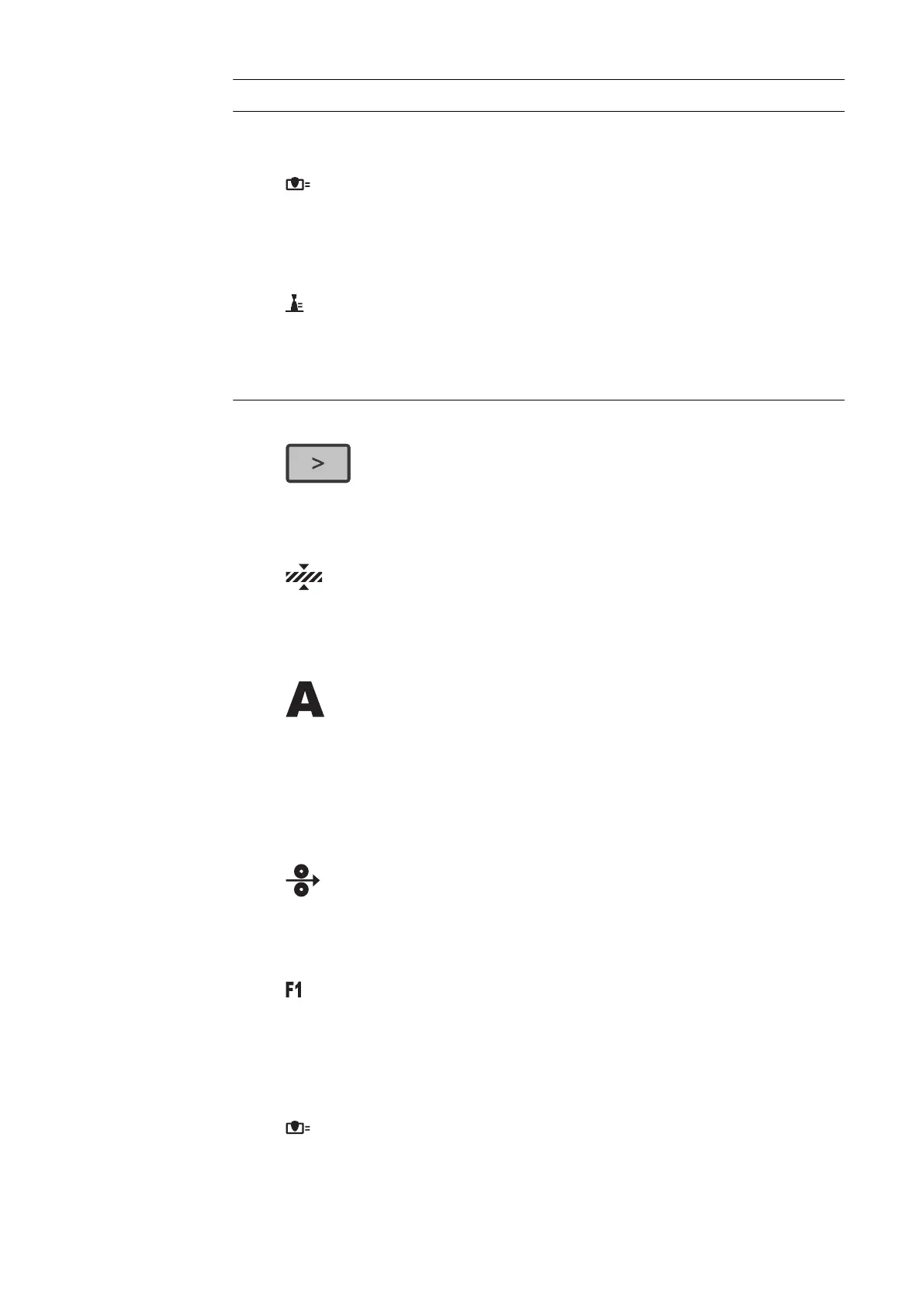
(1) Process control parameter indicator
For the LSC and PMC welding processes
Penetration stabilizer indicator
Lights up if the penetration stabilizer is active
Arc length stabilizer indicator
Lights up when the arc length stabilizer is active
(2) Left parameter selection
The corresponding indicator lights up when a parameter is selected.
The following parameters can be selected by pressing the button:
Material thickness *
In mm or inches
Welding current *
In A
Before the start of welding, the machine automatically displays a standard
value based on the programmed parameters. The actual value is displayed
during welding.
Wire speed *
In m/min or ipm
Special function
Any parameter can be assigned to this
The function can be selected if a parameter has been saved.
Penetration stabilizer
46











 To Next Page