Copyright © 2016 Frontier Communications. All Rights Reserved.
• Date and Time Settings – sets the time zone and enables automatic
time updates.
• Scheduler Rules – limits the activation of firewall rules to specific time
periods.
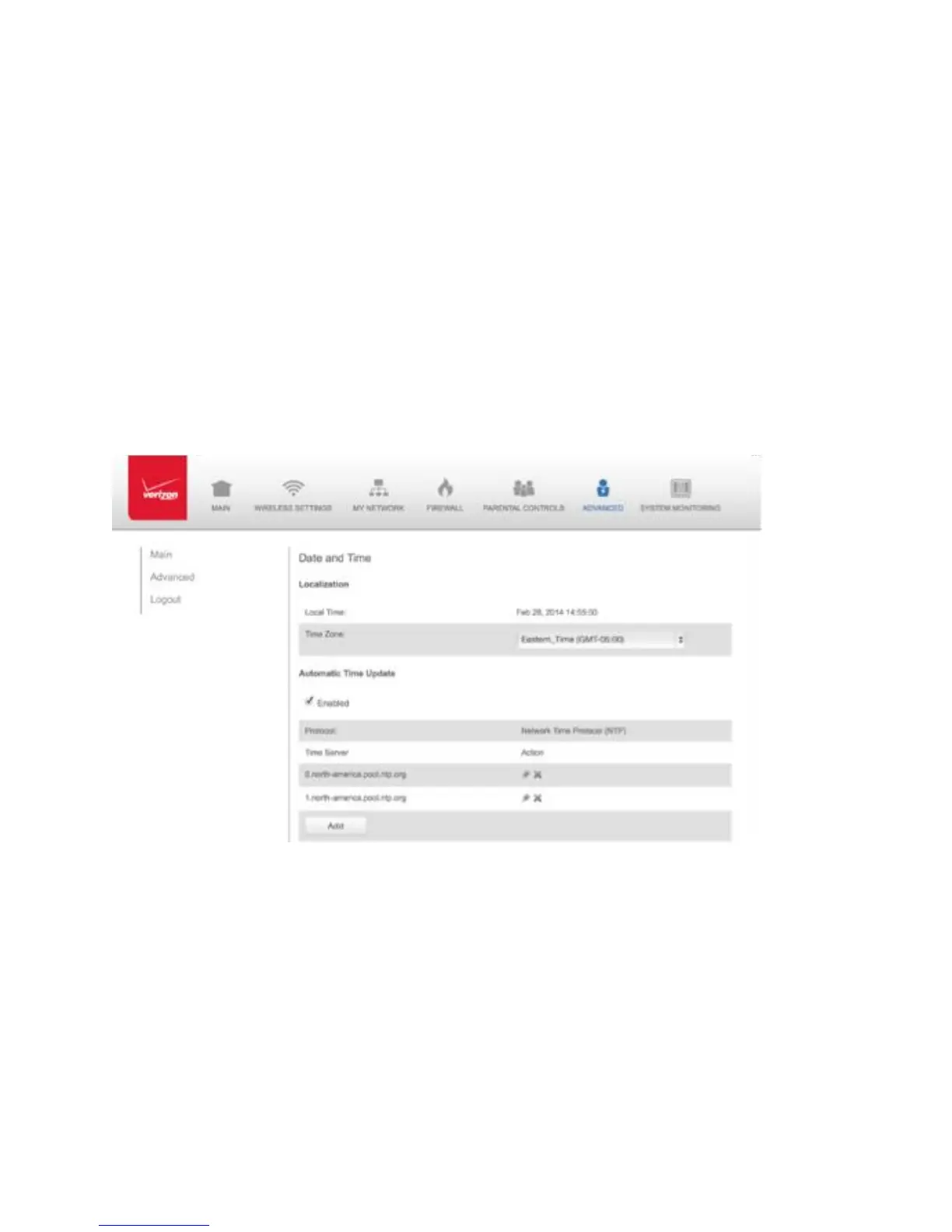
8.5a/ DATE AND TIME SETTINGSYou can set the time zone and
enable automatic time updates. To configure the settings:
1. Select Date and Time in the Advanced page.
2. Select the local time zone. Your Gateway automatically detects
daylight saving times for selected time zone.
3. In the Automatic Time Update section, select the Enabled check to
perform an automatic time update.
4. Define the time server addresses by clicking Add. The Time Server
Settings page displays.



 To Next Page