Copyright © 2016 Frontier Communications. All Rights Reserved.
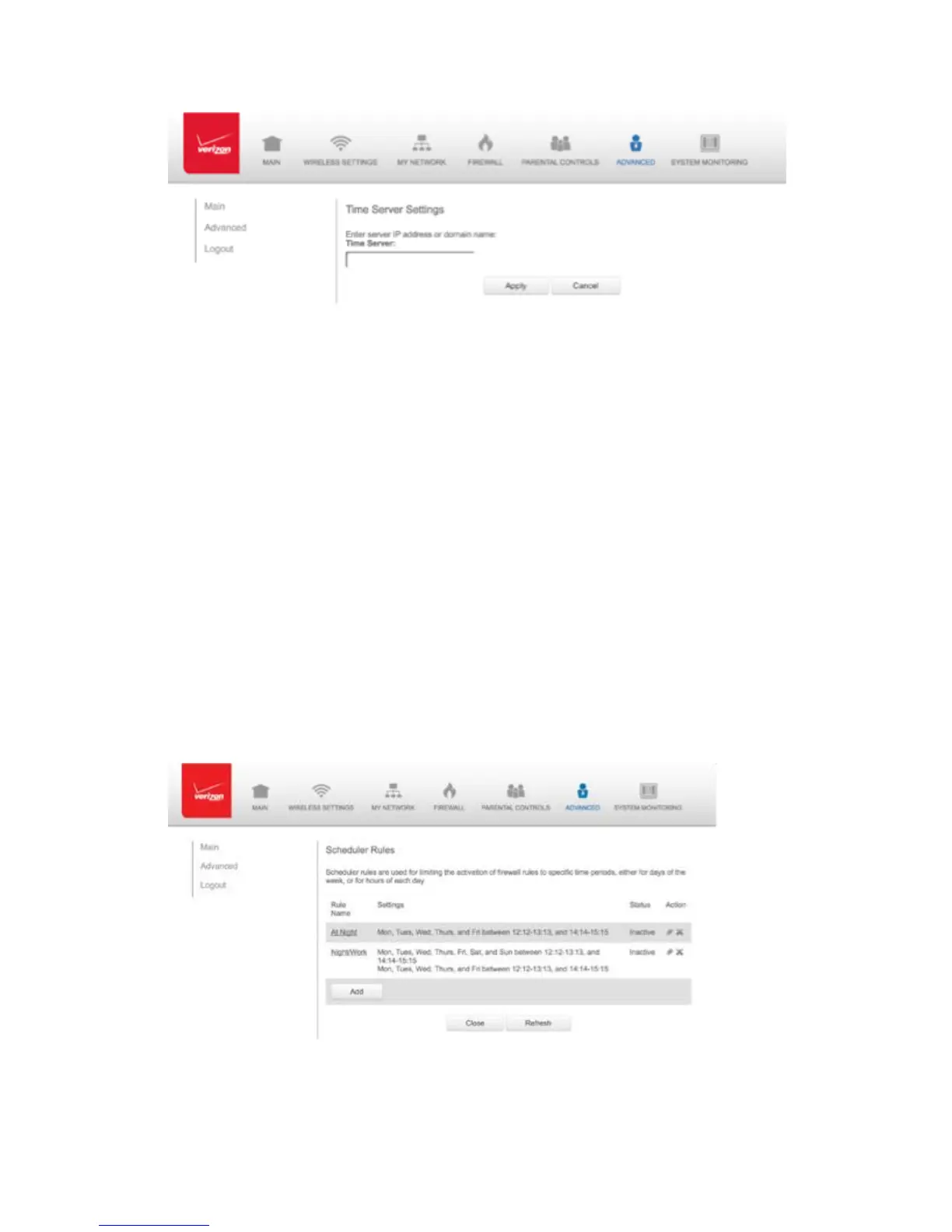
5. Enter the IP address or domain name of the time server, then click
Apply to save changes.
8.5b/ SCHEDULER RULES
Scheduler rules are used for limiting the activation of firewall rules to
specific time periods. The time periods are either for days of the week
or for hours of each day based on activity or inactivity.
To define a rule:
1. Verify that the date and time of your Gateway is correct.
2. Select Scheduler Rules in the Advanced page.
3. Click Add. The Set Rule Schedule page displays.



 To Next Page