11 Job Status
404
Job Status
11
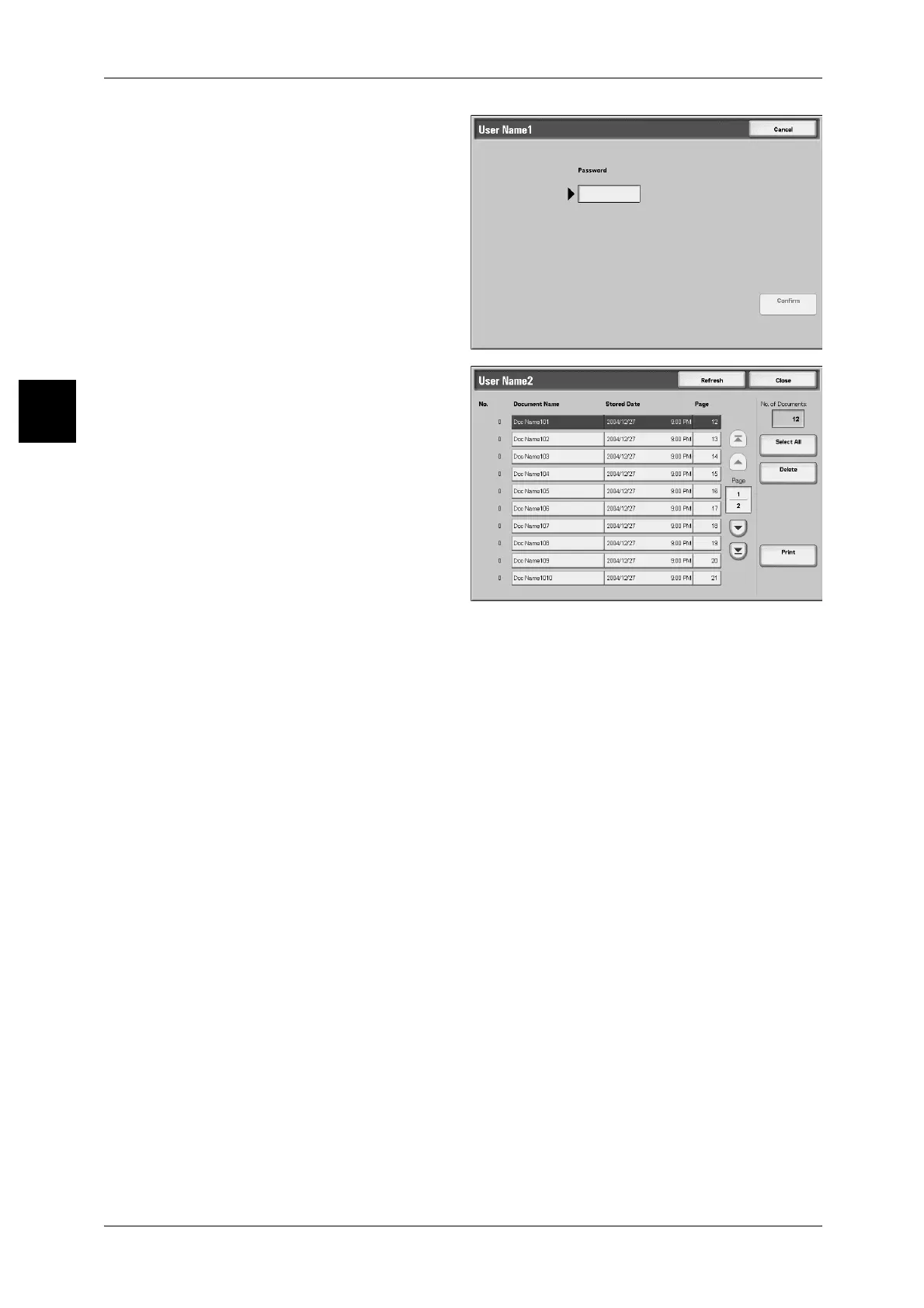
3 Enter the password, and select
[Confirm].
Note • If no password is set, the
[Password] screen does not
appear.
4 Select the document you want to
print or delete.
5 Select any item.
Select All
Select all documents. Press this button once more to deselect all documents.
Delete
Deletes secure print documents.
Note • If you delete all documents of a UserID, the UserID itself is deleted.
Refer to "When You Selected [Delete]" (P.405).
Print
Prints secure print documents.
Refer to "When You Selected [Print]" (P.405).



 To Next Page
 Loading...







