EasyManua.ls Logo

GE Sievers Innovox - User Manual

GE Sievers Innovox
270 pages
Print Icon
To Next Page IconTo Next Page
Loading...
Analytical Instruments
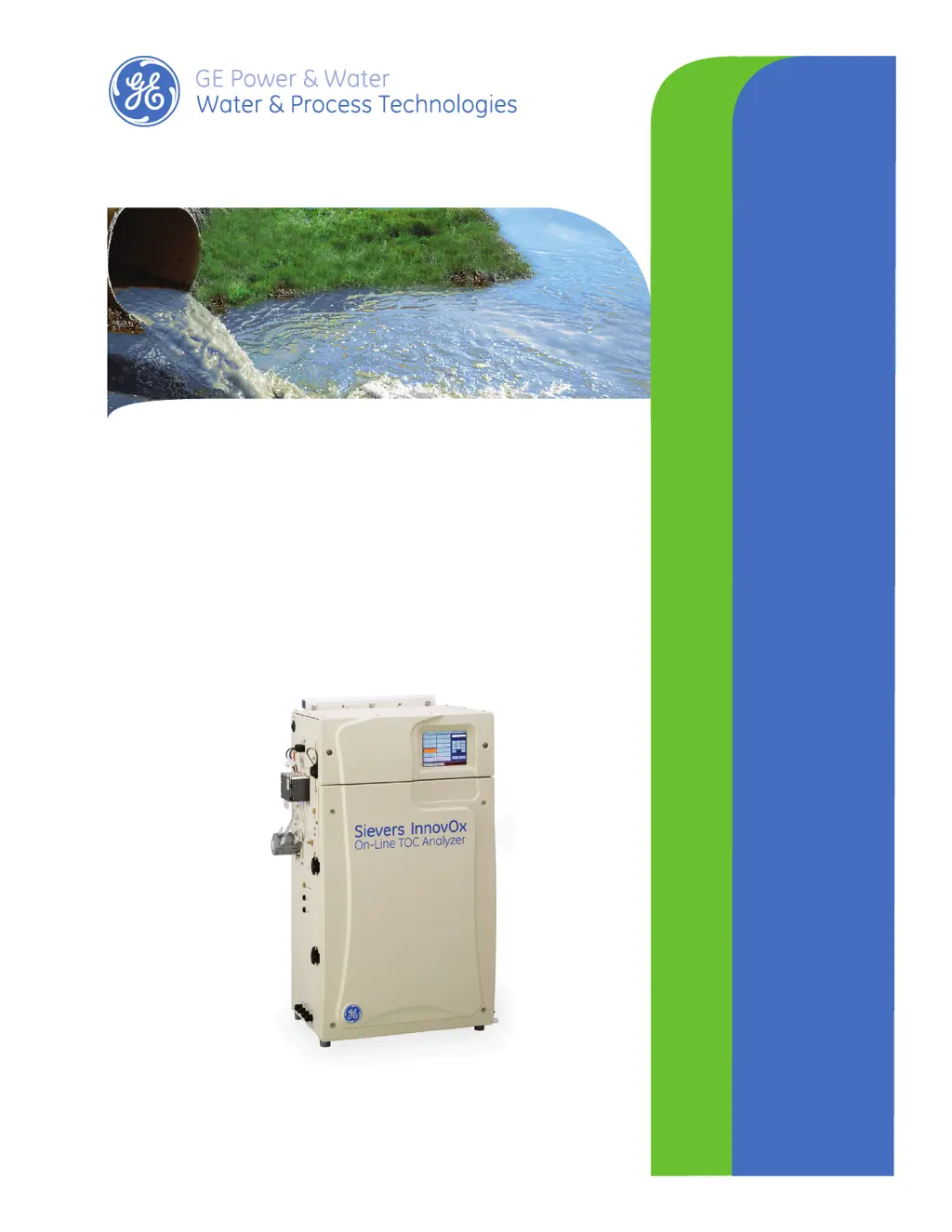
Sievers InnovOx
On-Line TOC Analyzer
IFIRMWARE VERSION 3.07 OR LATER
DLM 68100-09 EN Rev. A
Operation and Maintenance Manual

Table of Contents

Questions and Answers

  • D
    Dan ChandlerSep 3, 2025
    What should I do if my GE Analytical Instruments displays Stream 1 Flow Warning?
    • D
      Denise BrownSep 3, 2025
      Check that water is flowing in the sample cup and the inlet valve (if installed) is properly adjusted. If the problem persists, please export the warnings and contact GE Analytical Instruments for further instructions.
  • B
    brittneyharrisAug 25, 2025
    How to resolve Software Invalid State Error on GE Analytical Instruments?
    • A
      Angela MartinezAug 25, 2025
      Please power cycle the Analyzer. If the problem persists, export errors and contact GE Analytical Instruments for further instructions and analysis.
  • J
    James WilliamsSep 23, 2025
    What to do if Operating System Error appears on GE Sievers Innovox Measuring Instruments?
    • Z
      Zachary MaldonadoSep 23, 2025
      Please power cycle the Analyzer if your GE Measuring Instruments displays an Operating System Error.
  • M
    Mary PaceSep 9, 2025
    What to do if my GE Analytical Instruments displays a Datastore Error?
    • R
      Robin MartinezSep 9, 2025
      An error has been found during writing to the data history portion of the flash memory card on the Analyzer’s System Controller Board. Please shut down the Analyzer and power cycle. If the problem persists, please export the errors and contact GE Analytical Instruments for further instructions.
  • M
    Matthew PotterSep 16, 2025
    How to troubleshoot Carrier Bypass Gas Flow Error on GE Measuring Instruments?
    • J
      Jason HortonSep 16, 2025
      To address a Carrier Bypass Gas Flow Error on your GE Measuring Instruments, go to the Diagnostics screen and run the Gas Valves test (V1-R). If the gas flow rate fails to maintain 165 cc/min, there may be an issue.
  • J
    Joseph WilliamsSep 6, 2025
    How to resolve Operating System Error on GE Analytical Instruments?
    • M
      Michael FisherSep 6, 2025
      This is a 'catch all' for any errors not specifically defined elsewhere. Please power cycle the Analyzer. If the problem persists, export errors and contact GE Analytical Instruments for further instructions and analysis.
  • P
    Patrick RichardsonAug 31, 2025
    Why does my GE Analytical Instruments display a Reactor Cooling Error?
    • R
      Randy NealAug 31, 2025
      This error indicates that the reactor did not cool down within the allotted time. If the IP56 option is installed, wash the air filter if it is dirty. Otherwise, check for obstructions at the reactor cooling air inlet and outlet (bottom and right side of case). Run the Heater test from the Diagnostics screen, and check for air flow out of the reactor cooling air outlet after 190 seconds. Export the errors and contact GE Analytical Instruments for further instructions.
  • K
    Kayla MaloneSep 22, 2025
    What should I do if the Datastore Error appears on my GE Sievers Innovox Measuring Instruments?
    • H
      hugheskimberlySep 22, 2025
      If your GE Measuring Instruments displays a Datastore Error, please shut down the Analyzer and power cycle it.
  • L
    larry03Sep 12, 2025
    What to do if Check Standard Warning appears on GE Measuring Instruments?
    • D
      Donald CrawfordSep 13, 2025
      To address a Check Standard Warning on GE Measuring Instruments, replace the check standard and repeat the measurement.
  • M
    Mary WatersAug 27, 2025
    What to do if my GE Analytical Instruments displays a Fluid Leak in Optional C1D2 or ATEX Enclosure Error?
    • C
      Casey BeckAug 28, 2025
      This error indicates that a large leak has been detected inside the optional outer enclosure. You should resolve the source of the leak and then clean and dry the sensor.

Summary

Identification Records

Standard Limited Warranty

Warnings

Chapter 2: System Description

System Specifications

Provides detailed technical specifications for the InnovOx TOC Analyzer.

Chapter 3: Interferences

Safety

Discusses sample species that can form toxic products or react violently.

Reliability

Details interferences that can affect component longevity and performance.

Analytical Performance

Explains how inorganic compounds can affect measurement accuracy.

Chapter 4: Installation

Step 4: Connect the Waste Lines

Procedure for connecting the waste tube to a drain.

Step 6: Install Input;Output, Cables, and Accessories

Details on connecting various cables and I/O interfaces.

Step 7: Connecting to a Power Supply

Instructions for safely connecting the analyzer to AC power.

Step 8: Connect the Sample Inlet System

Guidance on connecting sample streams to the analyzer.

Installing the Wastewater Sampler

Procedures for installing the wastewater sampler.

Step 11: Turn on Power and Configure Basic Settings

Guides initial power-up and basic analyzer configuration.

Step 12: Perform a Test Analysis

Procedure to confirm the analyzer is operating correctly.

Chapter 5: Calibration and Verification

Calibrating the Analyzer

Step-by-step guide to performing the calibration process.

Editing a Calibration

Instructions for reviewing and modifying calibration measurements.

Chapter 6: Analyzer Operation

Setting Up Measurements (The Setup Tab)

Defines measurement settings for Online, Check Standard, Grab, and Rinse modes.

Online Measurement-Configuration

Guides on setting up online measurements for various features.

Measurement Settings

Details parameters for NPOC, TOC, TC, and IC measurements.

Measuring the Blank

Procedure for measuring carbon concentrations in reagents for blank correction.

Setting Up Input and Output (I;O)

Guides on configuring analyzer interfaces and connections.

Configuring the Analyzer’s IP Address

Steps to manually configure IP settings for network connection.

Shutting Down the Analyzer

Safe procedures for powering down the analyzer.

Chapter 7: Operation with the Filter Panel

Chapter 8: Maintenance

Lubricating the Syringe

Procedure for lubricating the analyzer's syringes every three months.

Chapter 9: Troubleshooting

Gas Leak Checks

Six tests to locate leaks in the gas delivery system.

Appendix B: Acronyms and Definitions

Blank Correction

Correction for carbon contribution from reagents.

Appendix C: Importing Analyzer Data into a Spreadsheet

GE Sievers Innovox Specifications

General IconGeneral
CategoryMeasuring Instruments
BrandGE
ModelSievers Innovox
Response TimeTypically 2 minutes
Power Supply100-240 VAC, 50/60 Hz
Communication InterfacesUSB, Ethernet
CertificationsCE
Humidity Range10% to 90% non-condensing

Related product manuals