About Spectrum X storage
Table 4-9: Spectrum X RAID configurations
Drives RAID set Capacity per drive Storage capacity
4 SAS 3+1 6 TB 18 TB
4 SAS 3+1 4 TB 12 TB
4 SAS 3+1 2 TB 6 TB
NOTE: No other disk drive configurations are supported.
If managing your system with SystemManager, use the “One-Click” functions to create the file system
and RAID set, and initialize the file system. Follow the instructions in “Using One-Click Functions” in the
Harmonic SystemManager User Guide.
Note that drives are numbered 1 to 4, from left to right, when facing the front panel.
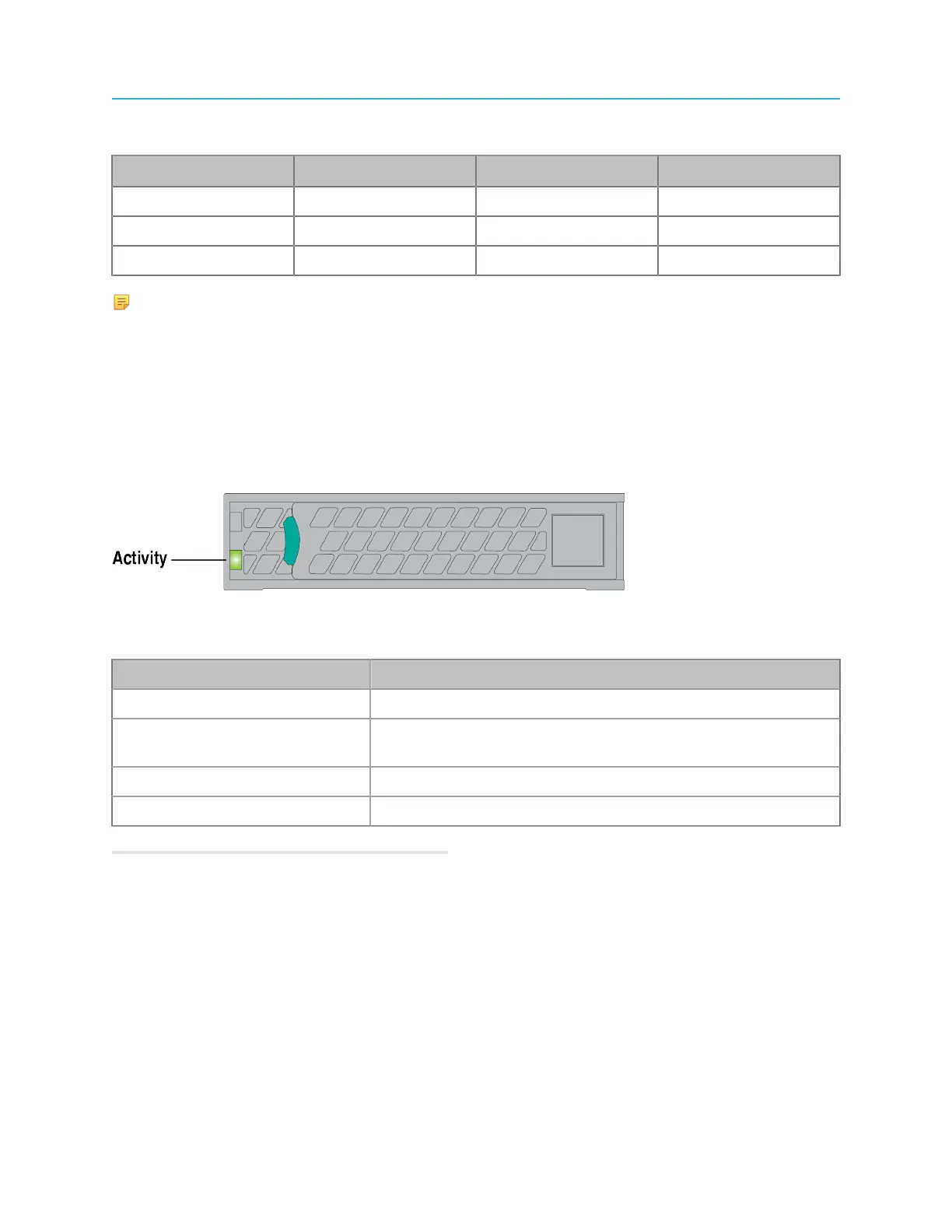
Spectrum X drive LEDs
Each drive includes an LED for drive activity.
Figure 4-12: Drive LED
Table 4-10: Activity LED (green)
State Description
Solid Power on, no drive activity
Blink off when processing
command
Power on with drive activity
Off Power on and drive spun down
Blink Power on and drive spinning up
Related information
Gathering drive failure information on page 228
113 Spectrum System 8.4 Installation Guide



 To Next Page