Chapter 2: Spectrum system installation
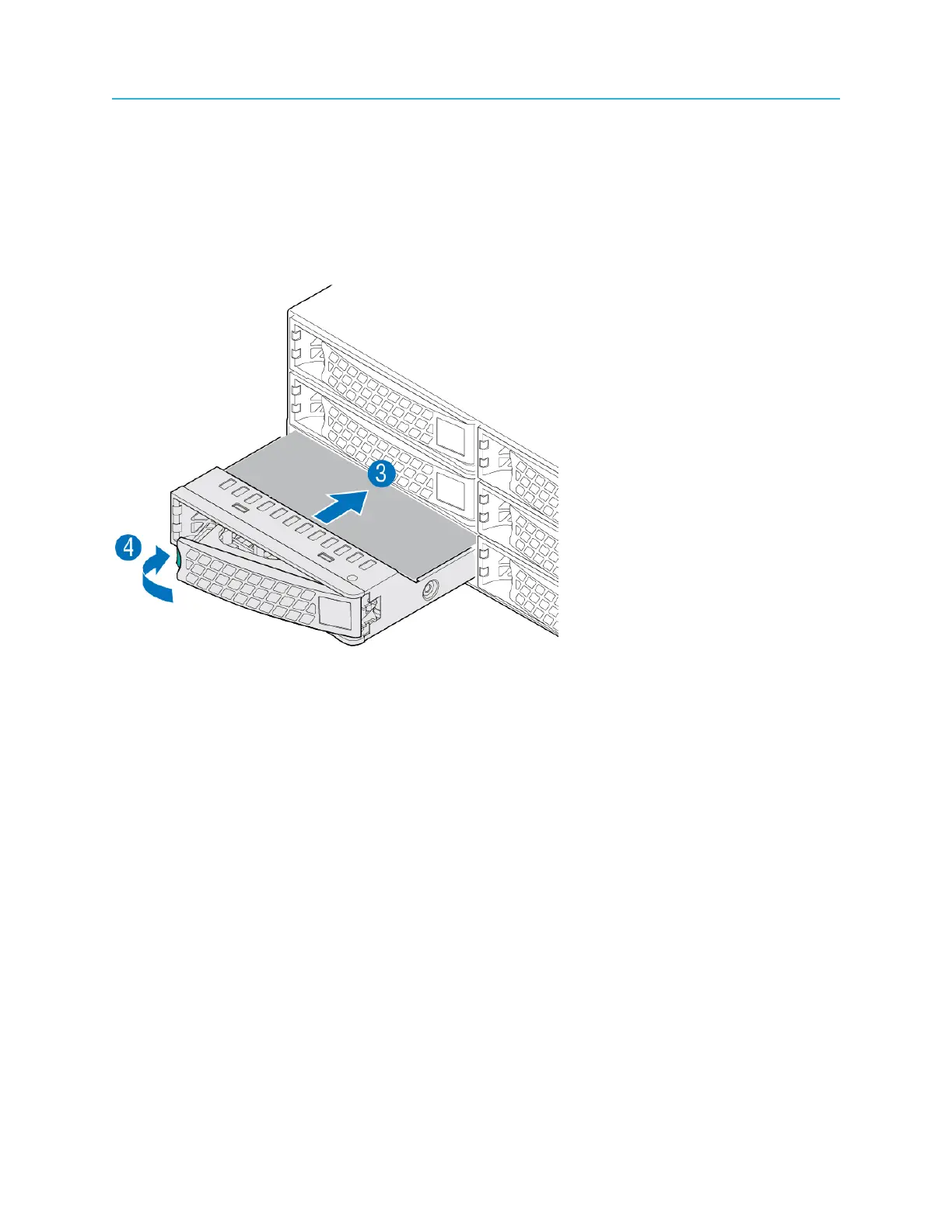
2. Press the green button on the drive carrier to open the lever.
3. With the lever open, insert the drive assembly into the drive bay.
4. Push in the lever to lock the drive into place.
5. Repeat the previous steps for all remaining drives.
Example:
Figure 2-12: Installing a disk drive
Installing I/O modules in the MediaPort 7002
The MediaPort 7002 accommodates two MediaPort or ChannelPort I/O modules, or one of each. Install
the I/O modules as needed.
1. Unpack the I/O module.
2. From the rear of the MediaPort 7002, unscrew the two screws that hold the filler panel on and remove
the filler panel.
38



 To Next Page