MediaDirector 2252B and 2252B-DS rear panel
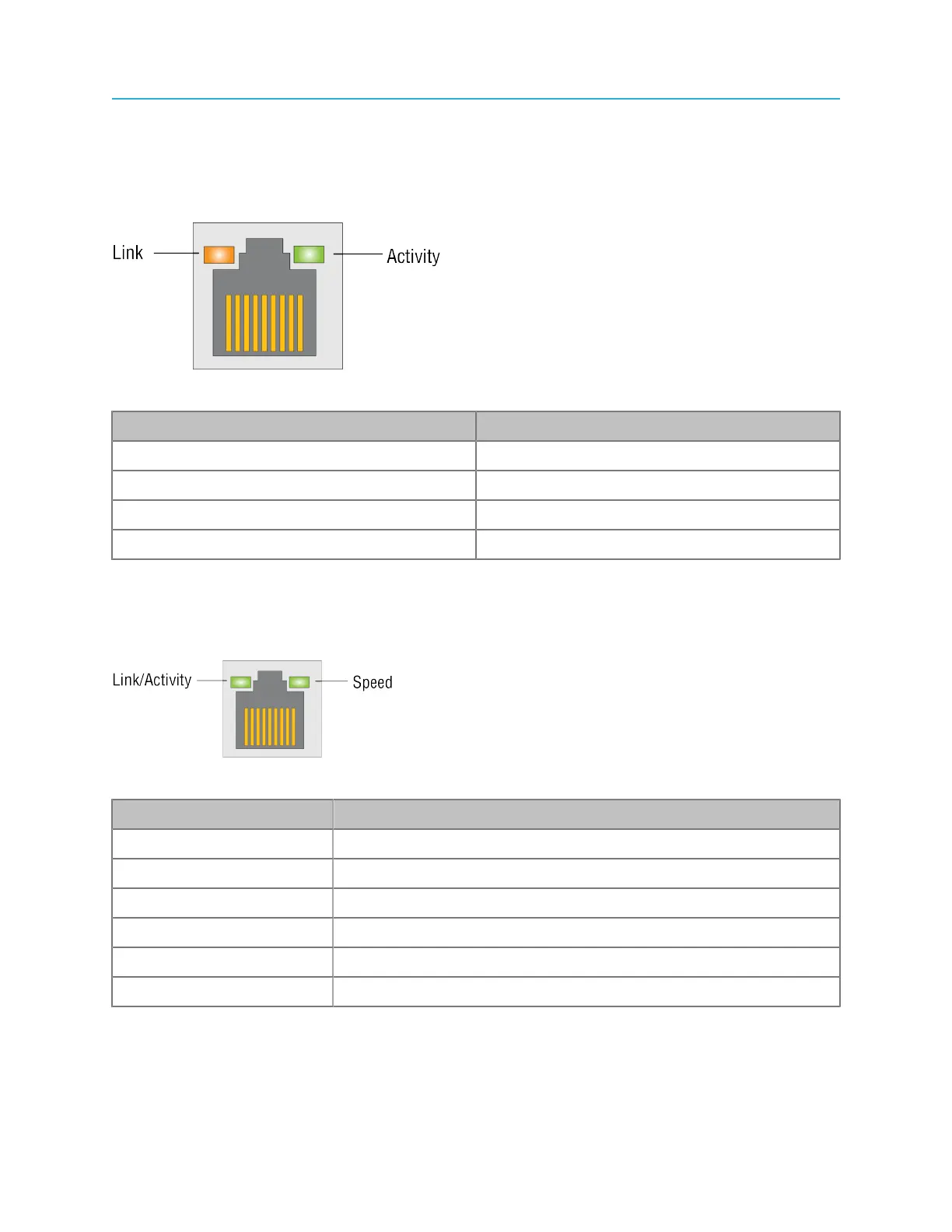
MediaPort Ethernet array LED states
The MediaPort Ethernet array ports provide access to MediaPort, ChannelPorts, and Spectrum X.
Do not use these ports for any purpose other than I/O module connection.
Figure 5-9: MediaPort Ethernet array LED states
LED/state Condition
Link: amber 100 Mbps
Link: green 1 Gbps
Link: off Inactive or 10 Mbps
Activity: green, blink Normal
10 Gb Ethernet port LED states
The 10 Gb Ethernet ports can be used for file transfers. The LEDs provide link, activity, and link speed
status.
Figure 5-10: 10 Gigabit Ethernet port LED states
LED/State Condition
Link/Activity: green (blink) Network activity
Link/Activity: green (solid) Network link established
Link/Activity: off No link
Speed: green Network traffic at 10 Gbps
Speed: amber Network traffic at 1 Gbs
Speed: off Network traffic at 100 Mbps or no activity
133 Spectrum System 8.4 Installation Guide



 To Next Page