MediaStore 5100 and 5000 series rear panel
NOTE: The MediaDirector 2252B/2251B requires a different SAS cable than previous
MediaDirector models. To make sure you have the correct SAS cable, contact your
Harmonic sales representative.
MediaStore5100: I/O module status LEDs
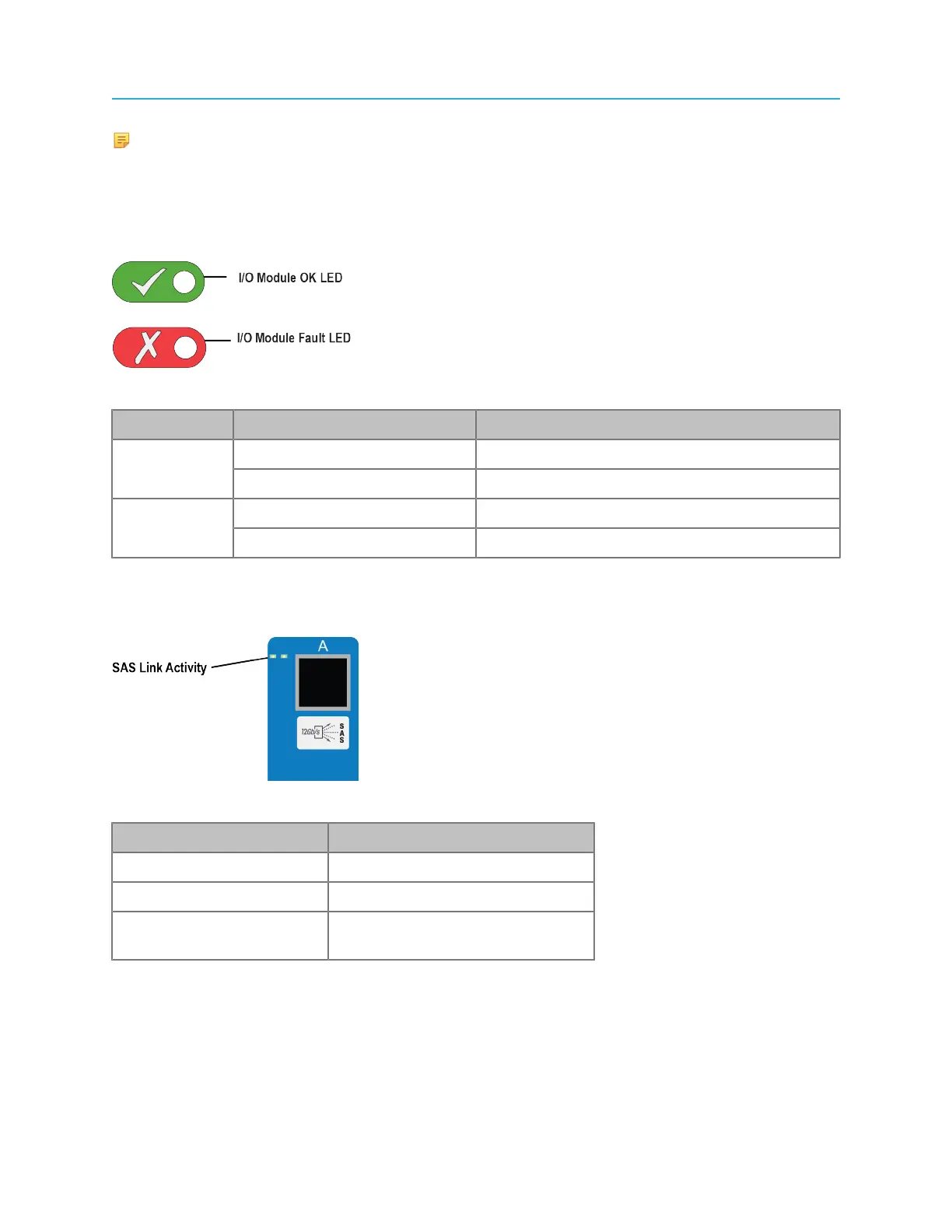
The I/O modules include status LEDs for help with troubleshooting.
Figure 9-8: I/O module status LEDs
Component Status Definition
Green (Solid) On, operating correctlyI/O Module
OK
Green (Blink) Controller error
Amber Fault ConditionI/O Module
Fault
Clear Normal
MediaStore 5100: SAS link activity LEDs
During normal operations, the three SAS connections on an I/O module are measured for Link Activity.
Figure 9-9: MediaStore 5000 series SAS link activity LEDs
Indicator Status
Green, solid Ready, no traffic
Green, blink Active, I/O traffic
Green, blink, all module
indicators
Fault Condition, or rebooting
MediaStore 5000 series I/O module components
Two Input/Output (I/O) Modules are mounted in the rear of the MediaStore. Both modules are the same—
mechanically and electronically.
The Primary I/O module is the module installed in the top slot. The Secondary I/O module is the module
installed in the bottom slot.
201 Spectrum System 8.4 Installation Guide



 To Next Page