Chapter 5: MediaDirector hardware reference
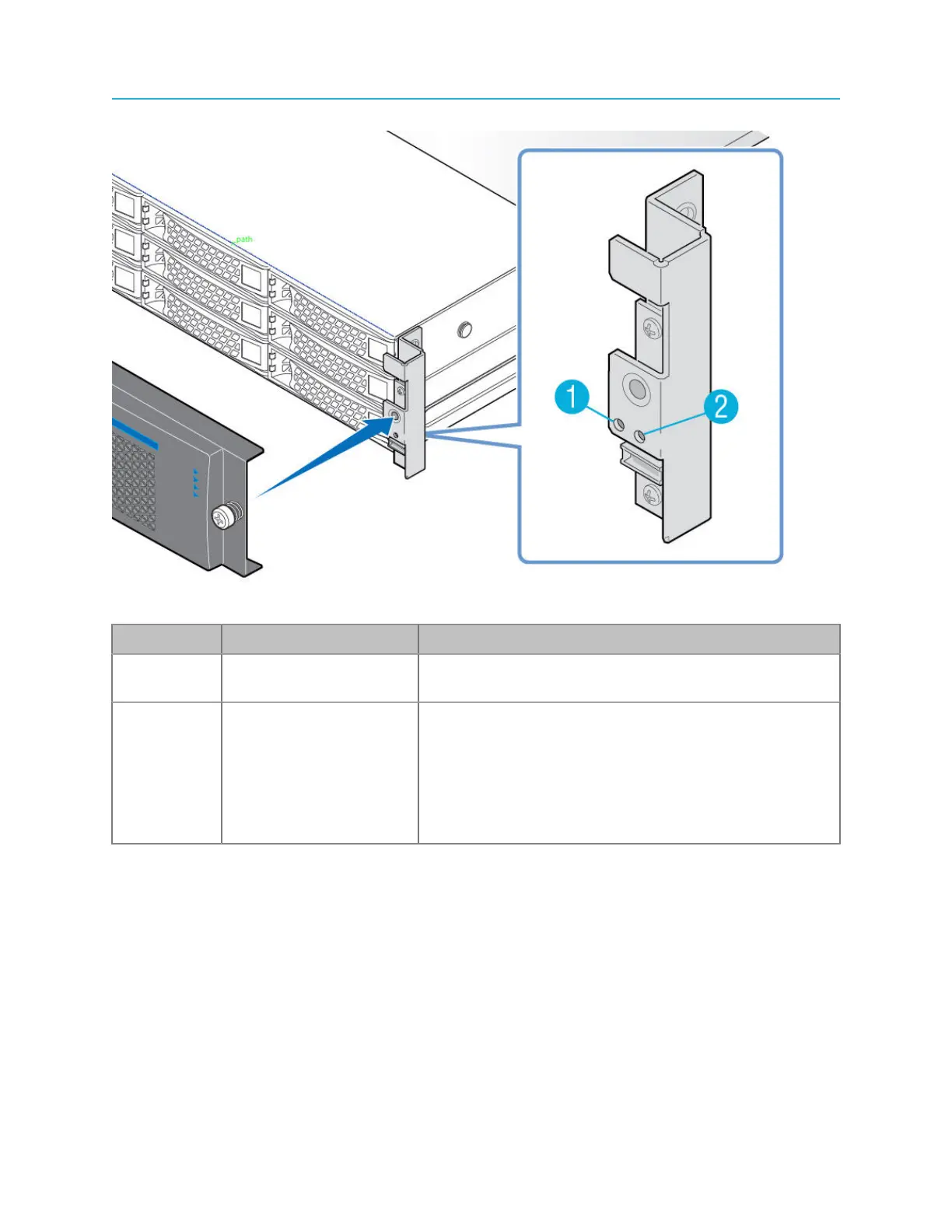
Figure 5-2: Front panel buttons
Key Component Description
1 Power button Turns the unit On/Off. For use only if you are unable to
use SystemManager to power down the system.
2 Reset button Operates as a momentary switch to complete a “soft”
reset of the MediaDirector or MediaCenter. Once
pressed, all boards reset and code is re-loaded. The
function is similar to clicking the Reboot button on the
Properties page for your Spectrum video server in
SystemManager. For use only if you are unable to use
SystemManager to restart the system.
128



 To Next Page