Chapter 2: Spectrum system installation
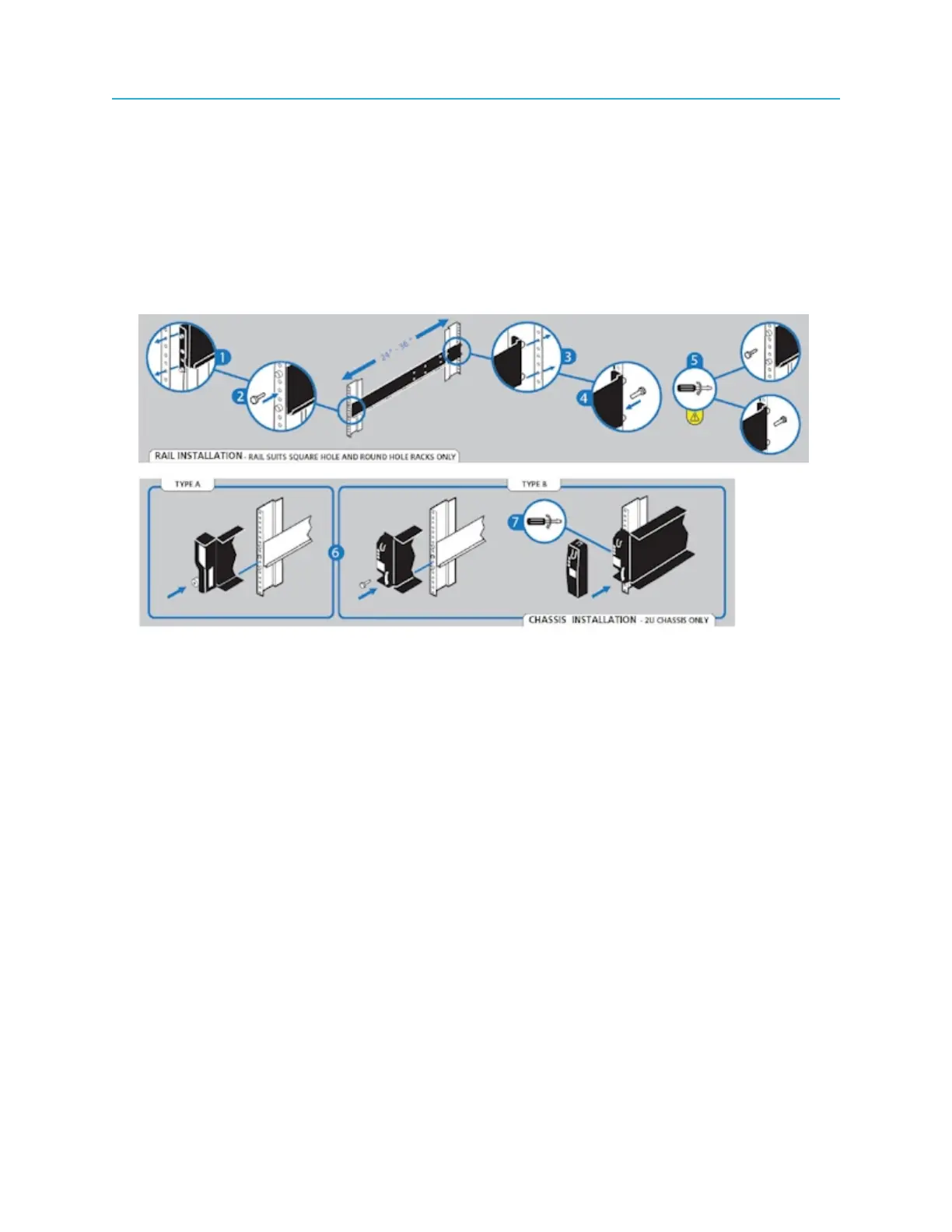
3. On the rack mount assembly, set the location pin at the rear of the rail into a rear rack post hole.
Attach the bracket to the rear rack post using the washer and screws supplied. Leave the screws
loose.
4. Extend the rail to fit between the front and rear rack posts.
5. Attach the bracket to the front rack post using the washers and screws supplied. Leave the screws
loose.
6. Tighten the two clamping screws located along the inside of the rear section of the rack bracket, as
shown in the following figures.
Figure 2-5: Rack mount assembly
26



 To Next Page