21
Installing the RM2612 Resistance Calculation Software
Installing the USB driver
A dedicated USB driver is required in order to connect the RM2611 Electrode Resistance Meter
to a PC for the rst time. The following procedure can be skipped if the dedicated USB driver has
already been installed on your PC. The USB driver can be found on the RM2612 Resistance
Calculation Software’s PC application CD or downloaded from the Hioki website (http://www.hioki.
com/en/). Do not connect the RM2611 Electrode Resistance Meter to your PC until the installation
of the USB driver is complete.
1
Log in to the PC with administrative privileges, for example as “administrator.”
2
Exit all applications running on the PC.
3
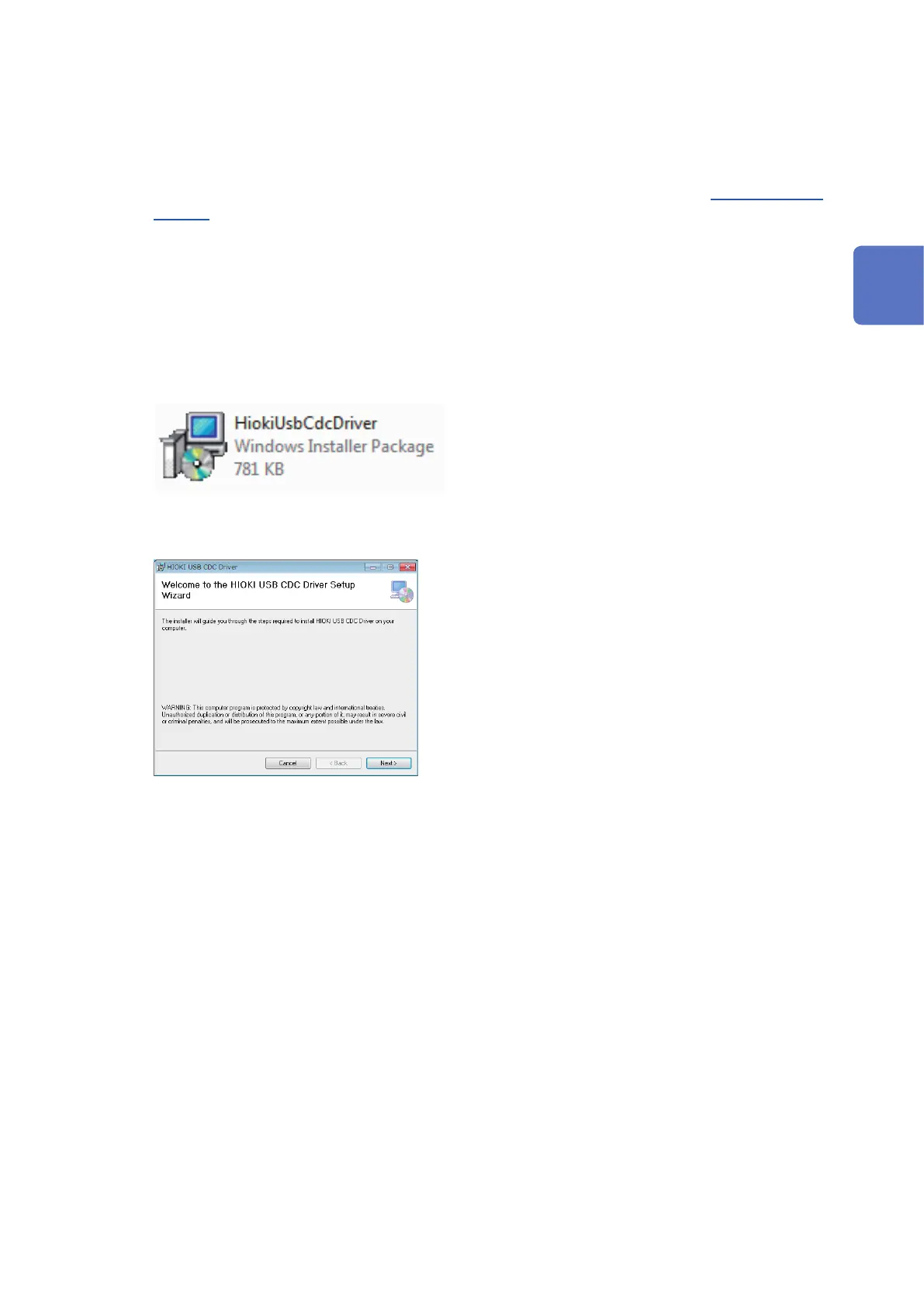
Double-click X:\driver\HiokiUsbCdcDriver.msi (where “X” indicates the CD-ROM drive) on
the RM2612 Resistance Calculation Software’s installation disc or the [HiokiUsbCdcDriver]
le you downloaded from the website.
4
The installer will launch. Follow the instructions on the screen to install the driver.
It may take some time for the dialog box to display depending on the PC and its settings.
5
Connect the RM2611 Electrode Resistance Meter to the PC with a USB cable.
The RM2611 Electrode Resistance Meter will be recognized automatically.
Uninstalling the USB driver
Uninstall the driver if you no longer need it.
1
Choose [Start] button-[Control Panels]-[Uninstall Programs].
2
Right-click [HIOKI USB CDC Driver].
3
Click [Uninstall] on the shortcut menu.
2
Preparing for Measurement



 To Next Page