72
Analyzing One Potential Measurement under Multiple Conditions
10
9
9
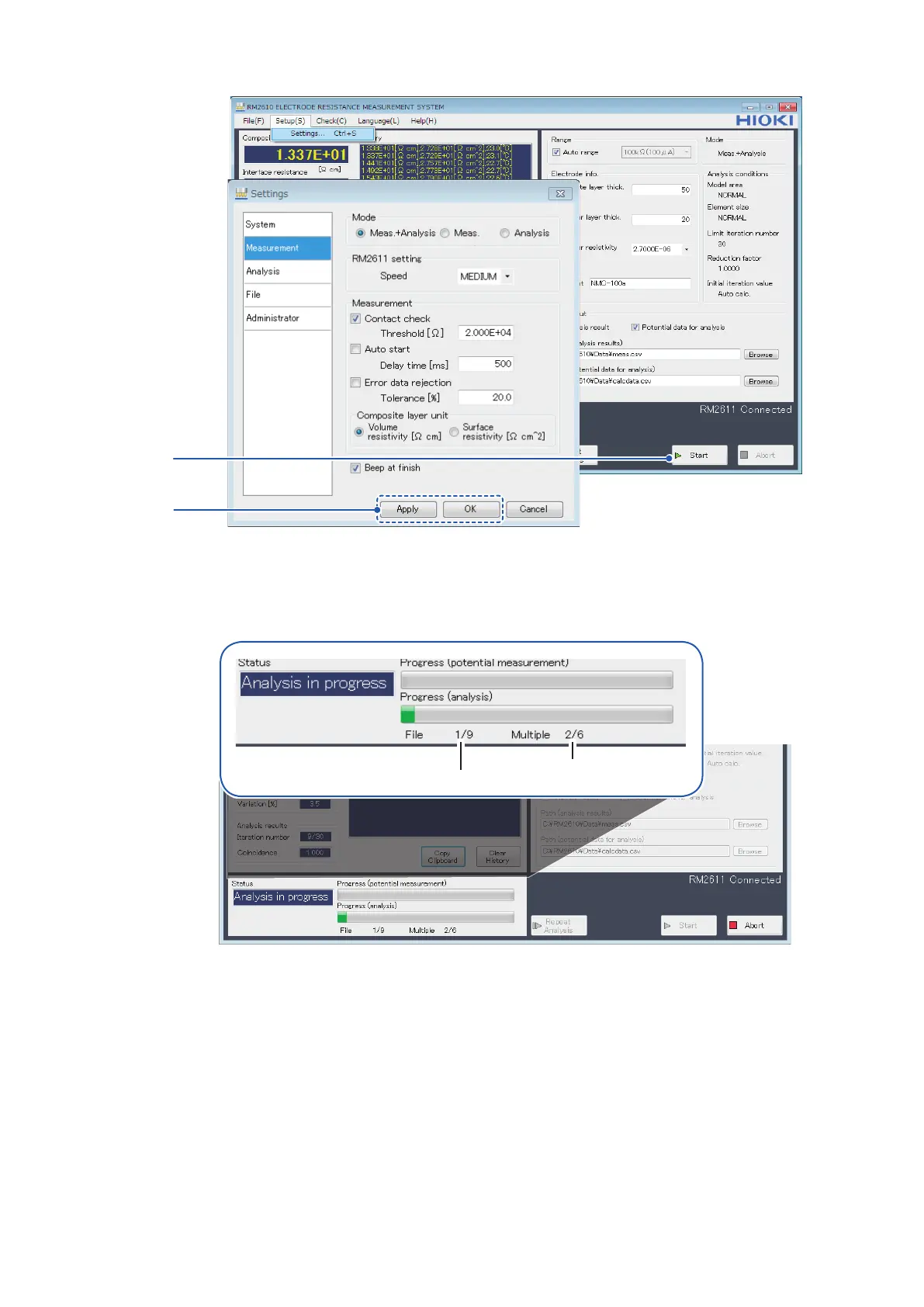
Click [Apply] or [OK] to accept the settings. (Clicking [OK] will cause you to return to the
main screen.)
10
Click [Start] to open a dialog box that will ask you to choose a le and start analysis.
Number of le being analyzed
Number of multiple analysis
conditions set
Progress will be displayed during analysis.



 To Next Page