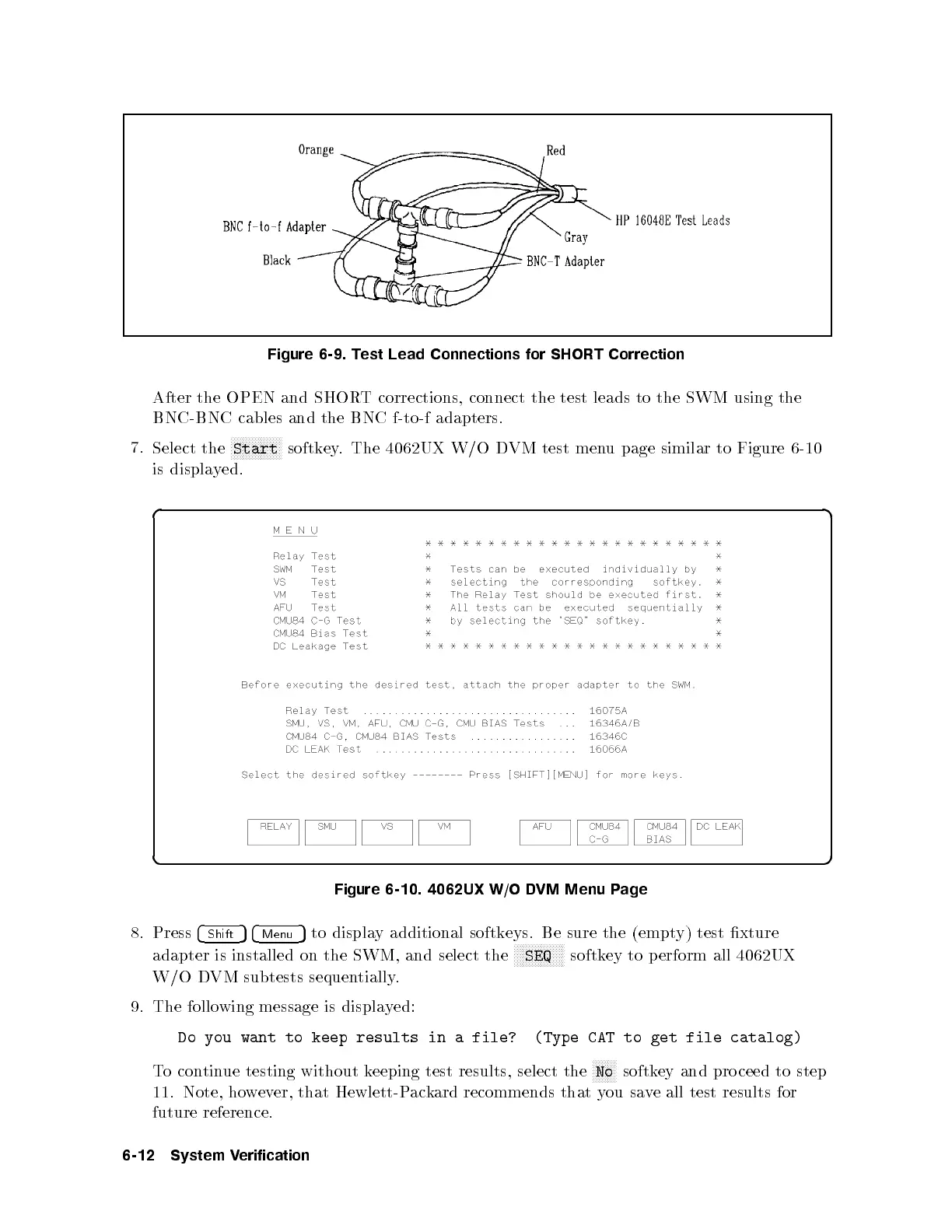
Figure 6-9. Test Lead Connections for SHORT Correction
After the OPEN and SHORT corrections, connect the test leads to the SWM using the
BNC-BNC cables and the BNC f-to-f adapters.
7.
Select the
NNNNNNNNNNNNNNNNN
Start
softkey. The 4062UX W/O DVM test menu page similar to Figure 6-10
is displayed.
d a
c b
Figure 6-10. 4062UX W/O DVM Menu Page
8. Press
4
Shift
54
Menu
5
to display additional softkeys. Be sure the (empty) test xture
adapter is installed on the SWM, and select the
NNNNNNNNNNNNNNNNN
SEQ
softkey to perform all 4062UX
W/O DVM subtests sequentially.
9. The following message is displayed:
Do you want to keep results in a file?
(Type CAT to get file catalog)
To continue testing without keeping test results, select the
NNNNNNNN
No
softkey and pro ceed to step
11. Note, however, that Hewlett-Packard recommends that you save all test results for
future reference.
6-12 System Verification



 To Next Page