d a
c b
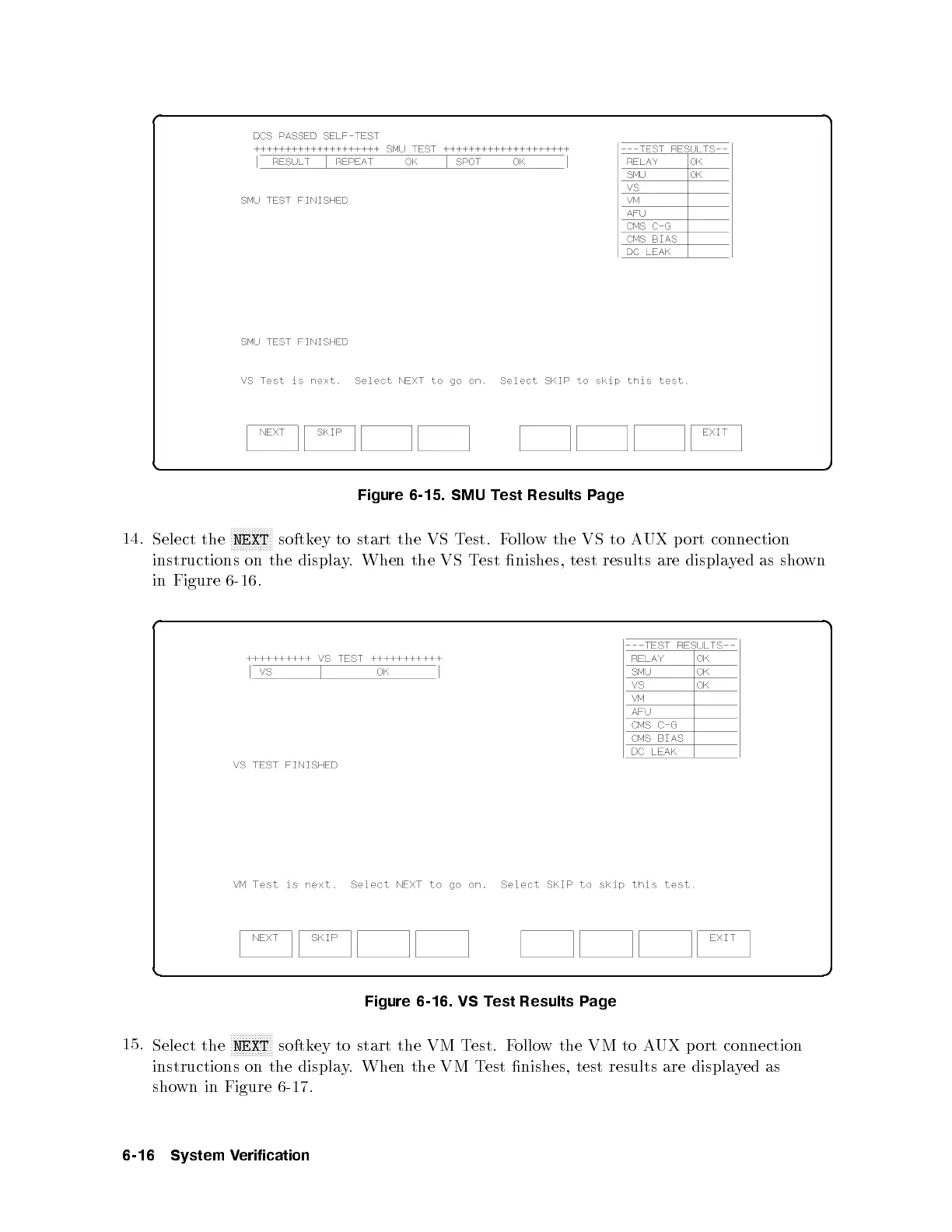
Figure 6-15. SMU Test Results Page
14.
Select the
NNNNNNNNNNNNNN
NEXT
softkey to start the VS Test. Follow the VS to AUX p ort connection
instructions on the display. When the VS Test nishes, test results are displayed as shown
in Figure 6-16 .
d a
c b
Figure 6-16. VS Test Results Page
15.
Select the
NNNNNNNNNNNNNN
NEXT
softkey to start the VM Test. Follow the VM to AUX port connection
instructions on the display. When the VM Test nishes, test results are displayed as
shown in Figure 6-17 .
6-16 System Verification



 To Next Page