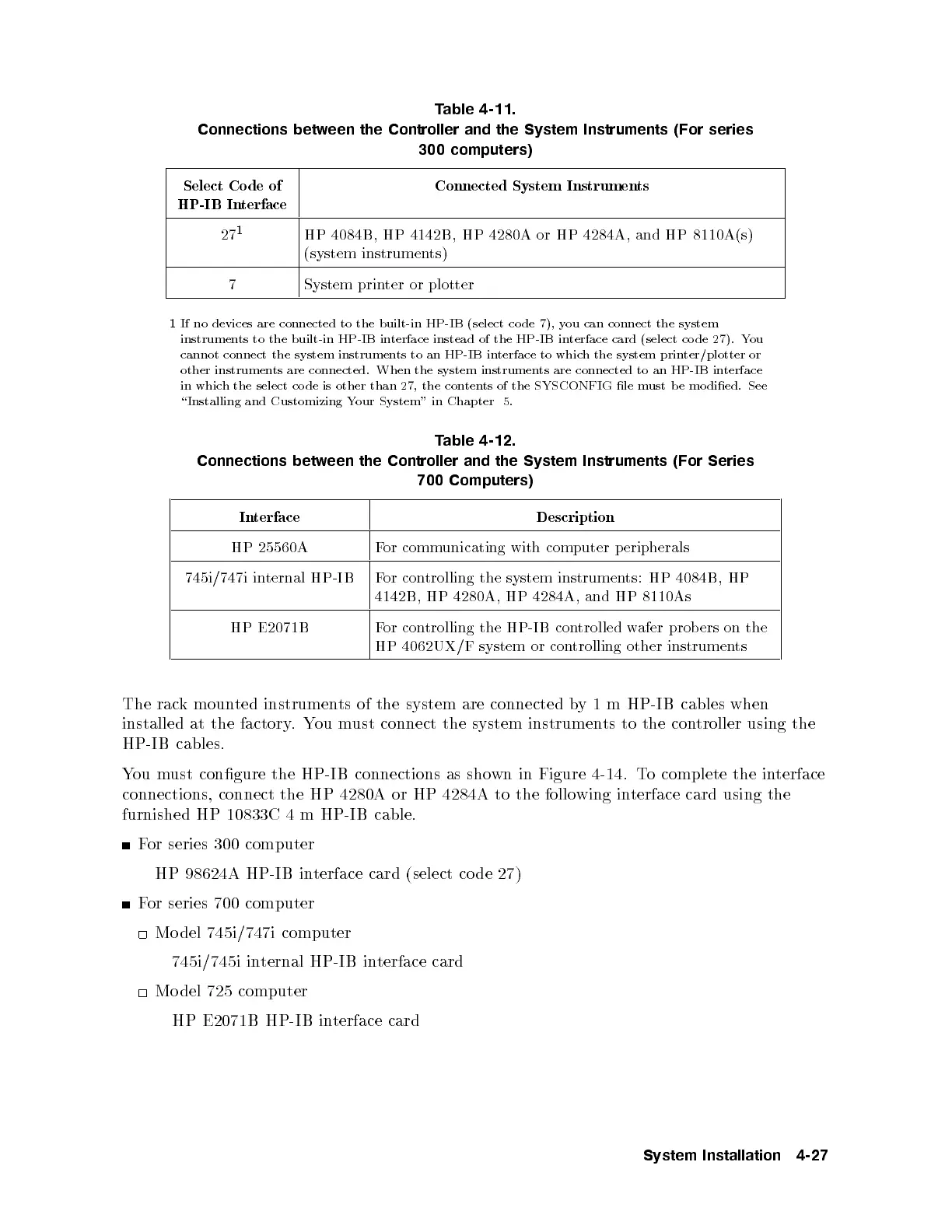
Table 4-11.
Connections between the Controller and the System Instruments (For series
300 computers)
Select Co de of
HP-IB Interface
Connected System Instruments
27
1
HP 4084B, HP 4142B, HP 4280A or HP 4284A, and HP 8110A(s)
(system instruments)
7 System printer or plotter
1
If no devices are connected to the built-in HP-IB (select co de 7), you can connect the system
instruments to the built-in HP-IB interface instead of the HP-IB interface card (select co de 27). You
cannot connect the system instruments to an HP-IB interface to which the system printer/plotter or
other instruments are connected. When the system instruments are connected to an HP-IB interface
in which the select co de is other than 27, the contents of the SYSCONFIG le must b e mo died. See
\Installing and Customizing Your System" in Chapter 5.
Table 4-12.
Connections between the Controller and the System Instruments (For Series
700 Computers)
Interface Description
HP 25560A For communicating with computer peripherals
745i/747i internal HP-IB For controlling the system instruments: HP 4084B, HP
4142B, HP 4280A, HP 4284A, and HP 8110As
HP E2071B For controlling the HP-IB controlled wafer prob ers on the
HP 4062UX/F system or controlling other instruments
The rack mounted instruments of the system are connected by 1 m HP-IB cables when
installed at the factory.You must connect the system instruments to the controller using the
HP-IB cables.
You must congure the HP-IB connections as shown in Figure 4-14.To complete the interface
connections, connect the HP 4280A or HP 4284A to the following interface card using the
furnished HP 10833C 4 m HP-IB cable.
For series 300 computer
HP 98624A HP-IB interface card (select co de 27)
For series 700 computer
Mo del 745i/747i computer
745i/745i internal HP-IB interface card
Mo del 725 computer
HP E2071B HP-IB interface card
System Installation 4-27



 To Next Page