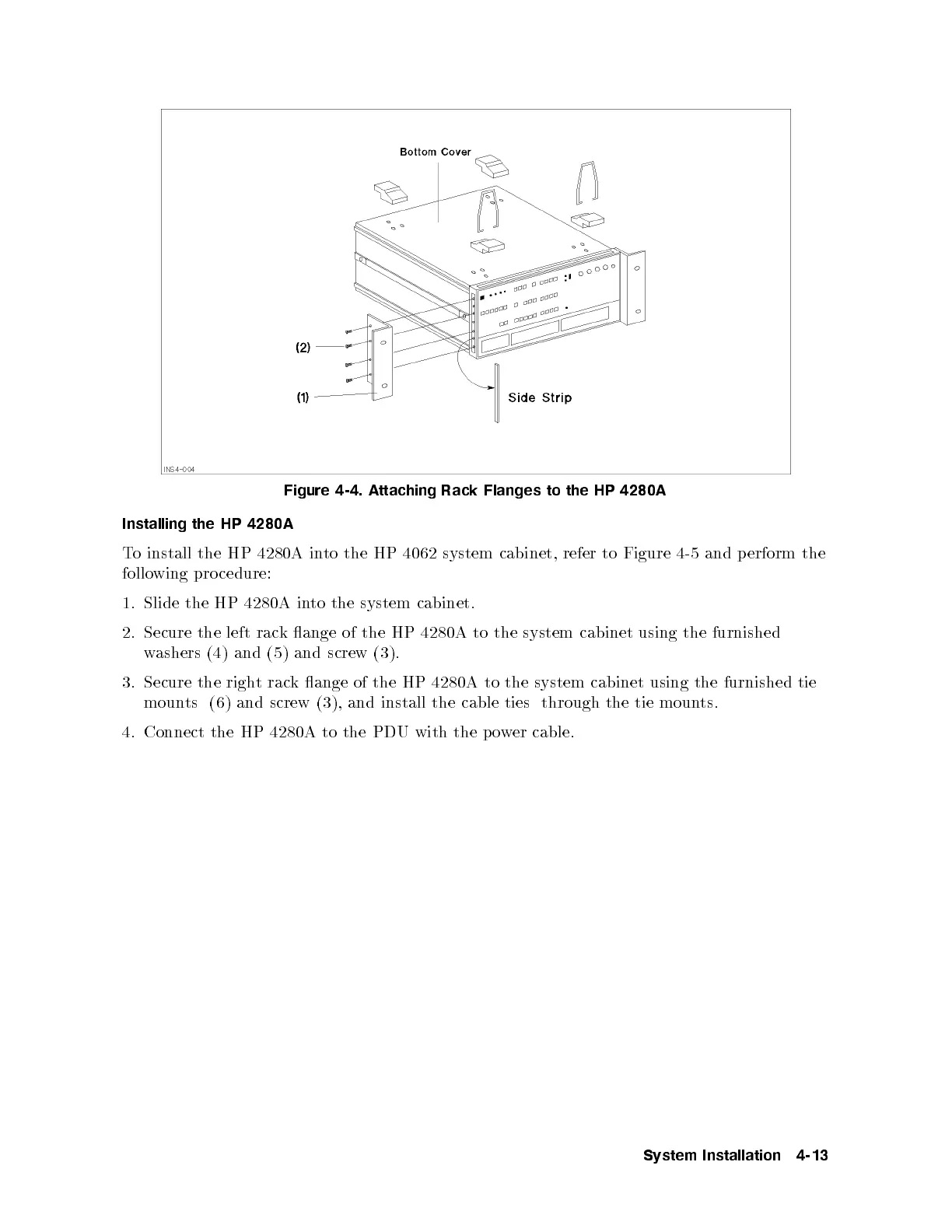
Figure 4-4. Attaching Rack Flanges to the HP 4280A
Installing the HP 4280A
To install the HP 4280A into the HP 4062 system cabinet, refer to Figure 4-5 and perform the
following pro cedure:
1. Slide the HP 4280A into the system cabinet.
2. Secure the left rack ange of the HP 4280A to the system cabinet using the furnished
washers (4) and (5) and screw (3).
3. Secure the right rack ange of the HP 4280A to the system cabinet using the furnished tie
mounts (6) and screw (3), and install the cable ties through the tie moun
ts.
4. Connect the HP 4280A to the PDU with the p o
wer cable.
System Installation 4-13



 To Next Page