Test Procedure
1. Select the
NNNNNNNNNNNNNNNNNNNNNNNNNNNNNNNNNNNNNNNNNNNNNNNNNN
4062F DC W/O DVM
softkey.
After selecting the
NNNNNNNNNNNNNNNNNNNNNNNNNNNNNNNNNNNNNNNNNNNNNNNNNN
4062F DC W/O DVM
softkey, the START.F program runs for about one
minute.
When START nishes, a conguration page of START similar to that shown in Figure 6-3
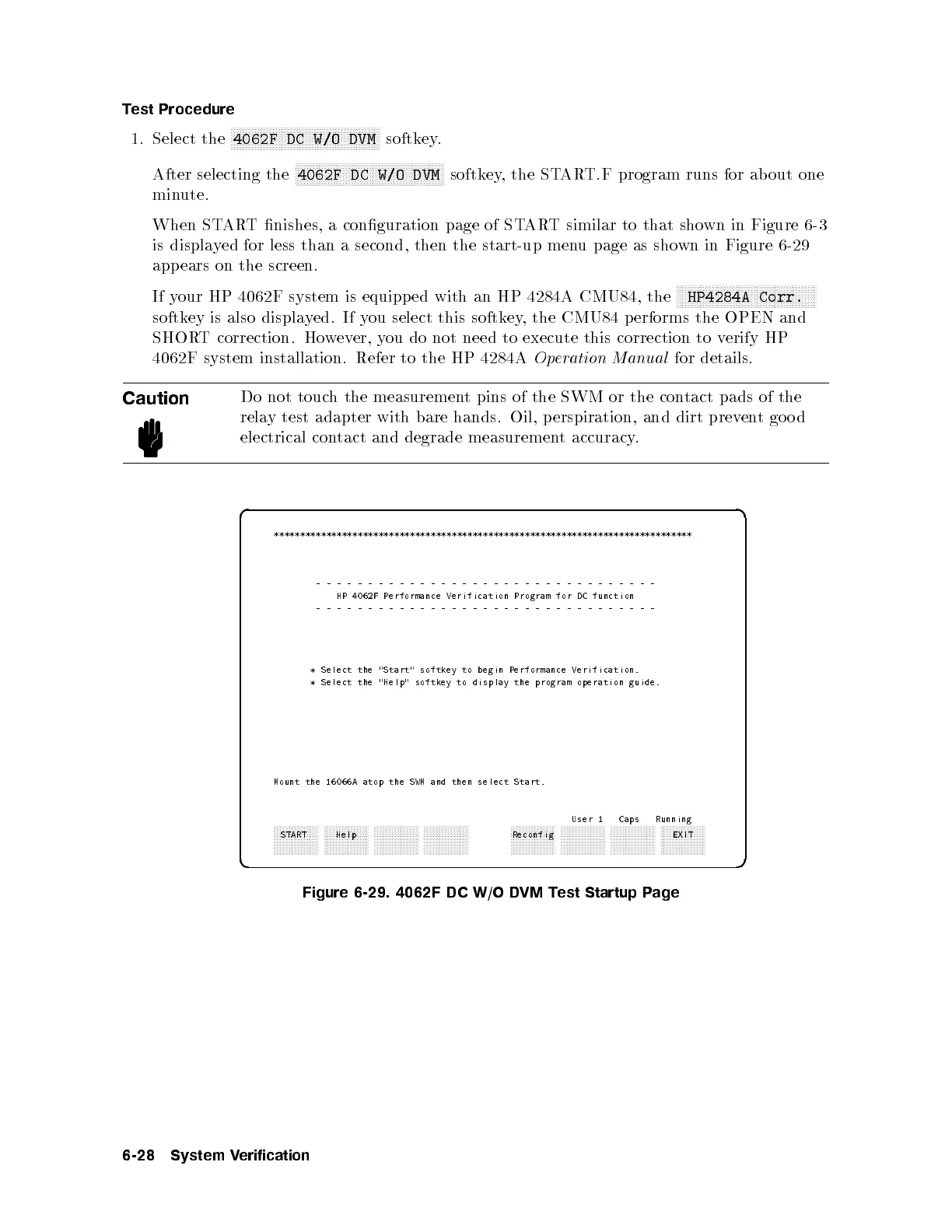
is displayed for less than a second, then the start-up menu page as shown in Figure 6-29
appears on the screen.
If your HP 4062F system is equipped with an HP 4284A CMU84, the
NNNNNNNNNNNNNNNNNNNNNNNNNNNNNNNNNNNNNNNNNNNNNNN
HP4284A Corr.
softkey is also displayed. If you select this softkey, the CMU84 p erforms the OPEN and
SHORT correction. However, you do not need to execute this correction to verify HP
4062F system installation. Refer to the HP 4284A
Operation Manual
for details.
Caution
Do not touch the measurement pins of the SWM or the contact pads of the
relay test adapter with bare hands. Oil, p erspiration, and dirt preventgood
electrical contact and degrade measurement accuracy.
d a
c b
********************************************************************************
---------------------------------
HP 4062F Performance Verification Program for DC function
---------------------------------
* Select the "Start" softkey to begin Performance Verification.
* Select the "Help" softkey to display the program operation guide.
Mount the 16066A atop the SWM and then select Start.
User 1 Caps Running
aaaaaaaaaaaaaaa
START
aaaaaaaaaaaaaaa
Help
aaaaaaaaaaaaaaa aaaaaaaaaaaaaaa aaaaaaaaaaaaaaa
Reconfig
aaaaaaaaaaaaaaa aaaaaaaaaaaaaaa aaaaaaaaaaaaaaa
EXIT
Figure 6-29. 4062F DC W/O DVM Test Startup Page
6-28 System Verification



 To Next Page