Installation of HP 4280A Capacitance Measurement Subsystem
(CMU)
This section covers hardware installation of the HP 4280A CMU into the system cabinet. For
HP 4062UX/F systems equipped with Option 515 (rack mount kit for the HP 4280A CMU),
the HP 4280A is not installed in the system cabinet, so you need to perform this installation.
Otherwise, skip the next pro cedure and go to \HP 4280A CMU Settings".
Installing the Customer's HP 4280A
Use this section to prepare and install the HP 4280A into the HP 4062 system cabinet.
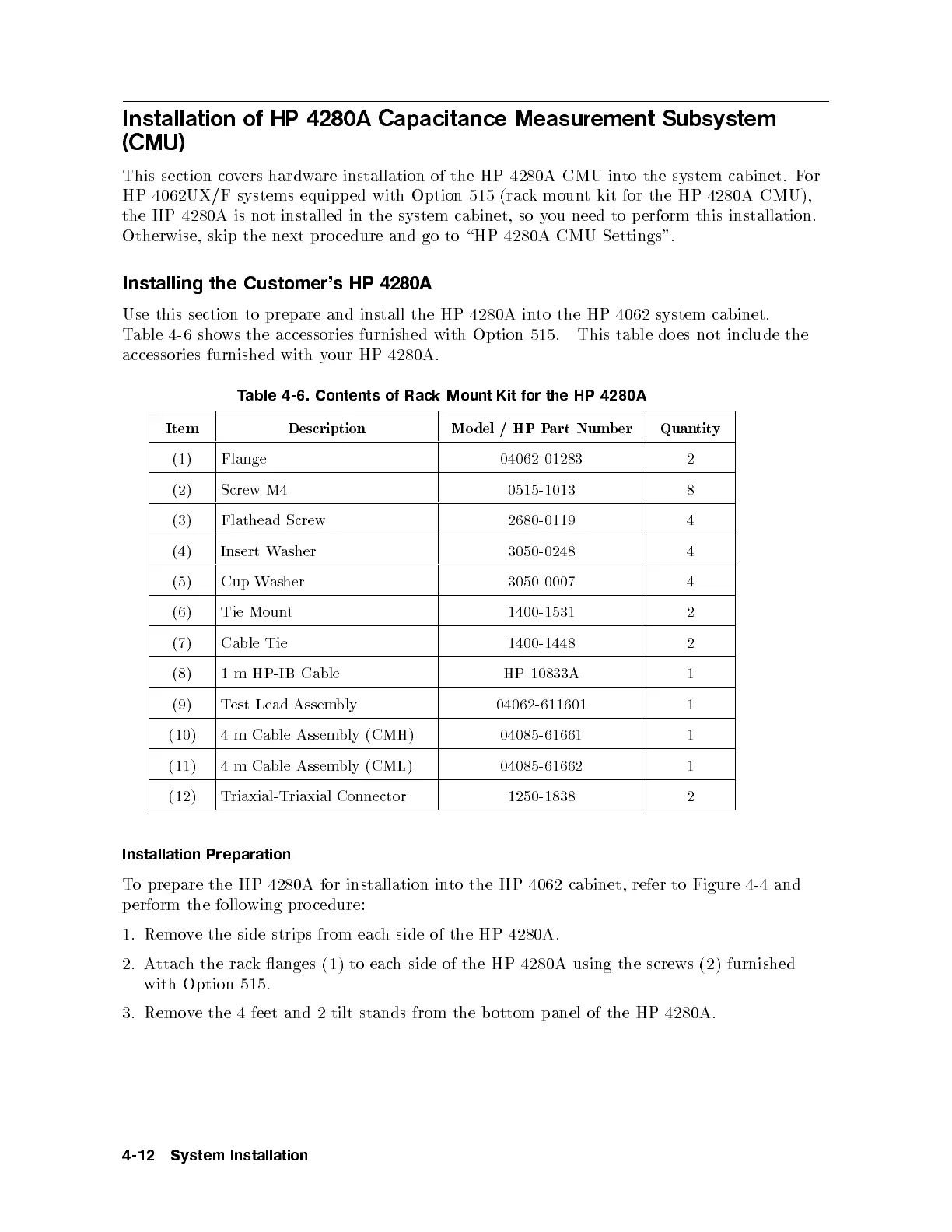
Table 4-6 shows the accessories furnished with Option 515. This table does not include the
accessories furnished with your HP 4280A.
Table 4-6. Contents of Rack Mount Kit for the HP 4280A
Item Description Model / HP Part Number Quantity
(1) Flange 04062-01283 2
(2) Screw M4 0515-1013 8
(3) Flathead Screw 2680-0119 4
(4) Insert Washer 3050-0248 4
(5) Cup Washer 3050-0007 4
(6) Tie Mount 1400-1531 2
(7) Cable Tie 1400-1448 2
(8) 1 m HP-IB Cable HP 10833A 1
(9) Test Lead Assembly 04062-611601 1
(10) 4 m Cable Assembly (CMH) 04085-61661 1
(11) 4 m Cable Assembly (CML) 04085-61662 1
(12) Triaxial-Triaxial Connector 1250-1838 2
Installation Preparation
To prepare the HP 4280A for installation into the HP 4062 cabinet, refer to Figure 4-4 and
perform the follo wing procedure:
1. Remove the side strips from each side of the HP 4280A.
2. Attach the rack anges (1) to each side of the HP 4280A using the screws (2) furnished
with Option 515.
3. Remove the 4 feet and 2 tilt stands from the b ottom panel of the HP 4280A.
4-12 System Installation



 To Next Page