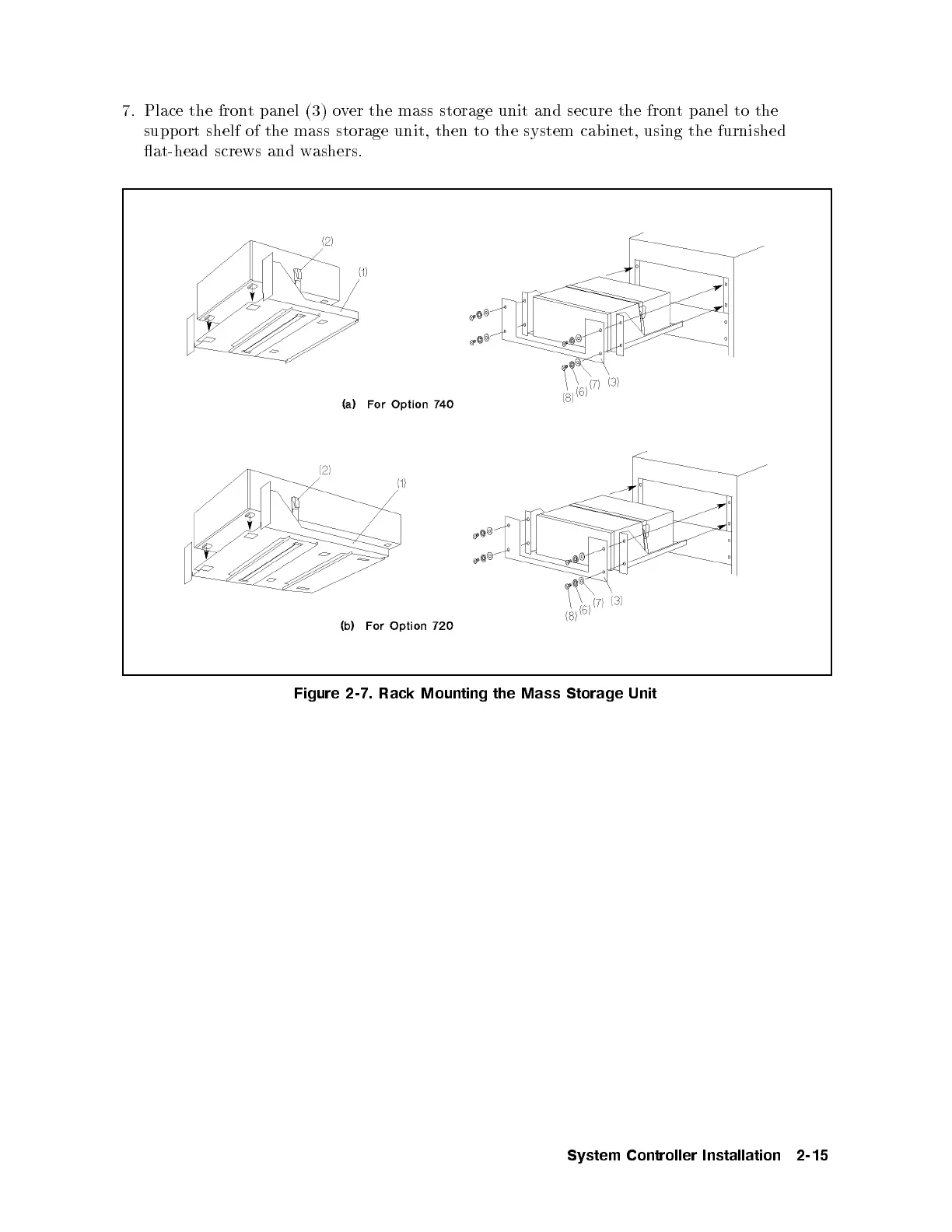
7. Place the front panel (3) over the mass storage unit and secure the front panel to the
support shelf of the mass storage unit, then to the system cabinet, using the furnished
at-head screws and washers.
Figure 2-7. Rack Mounting the Mass Storage Unit
System Controller Installation 2-15



 To Next Page