Installing HP-UX and Other Application Software
To install or update HP-UX, refer to the
Instal ling and Updating HP-UX
.
To congure your HP-UX system into a diskless cluster environment and to add a diskless
cluster node, use the SAM(1M) command. Note that you must go into single user mo de of
your HP-UX system to change your kernel to the diskless cluster environment. For details, see
Managing Clusters of HP 9000 Computers
manual.
Note
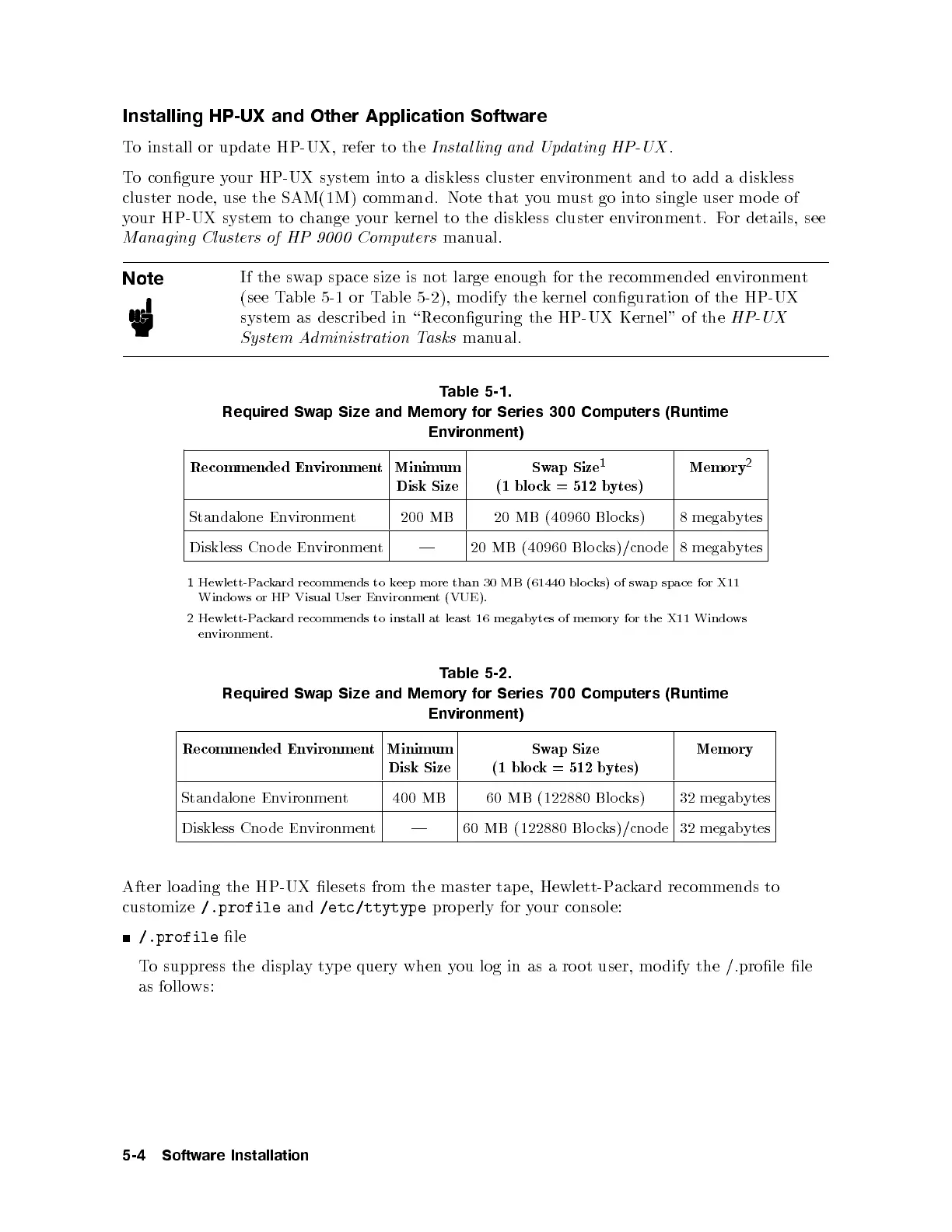
If the swap space size is not large enough for the recommended environment
(see Table 5-1 or Table 5-2), mo dify the kernel conguration of the HP-UX
system as describ ed in \Reconguring the HP-UX Kernel" of the
HP-UX
System Administration Tasks
manual.
Table 5-1.
Required Swap Size and Memory for Series 300 Computers (Runtime
Environment)
Recommended Environment Minimum
Disk Size
Swap Size
1
(1 blo ck = 512 bytes)
Memory
2
Standalone Environment 200 MB 20 MB (40960 Blo cks) 8 megabytes
Diskless Cnode Environment | 20 MB (40960 Blo cks)/cnode 8 megabytes
1
Hewlett-Packard recommends to keep more than 30 MB (61440 blo cks) of swap space for X11
Windows or HP Visual User Environment (VUE).
2
Hewlett-Packard recommends to install at least 16 megabytes of memory for the X11 Windows
environment.
Table 5-2.
Required Swap Size and Memory for Series 700 Computers (Runtime
Environment)
Recommended Environment Minimum
Disk Size
Swap Size
(1 blo ck = 512 bytes)
Memory
Standalone Environment 400 MB 60 MB (122880 Blocks) 32 megabytes
Diskless Cnode Environment | 60 MB (122880 Blo cks)/cnode 32 megabytes
After loading the HP-UX lesets from the master tap e, Hewlett-P
ackard recommends to
customize
/.profile
and
/etc/ttytype
properly for your console:
/.profile
le
To suppress the displaytype query when you log in as a ro ot user, mo dify the /.prole le
as follows:
5-4 Software Installation



 To Next Page