1 1 1 1 1 1 1 1
TERM=hp
if [ -x /usr/bin/tset ]
then
eval 'tset -s -Q -h'
if [ "$TERM" = "" -o "$TERM...
then
TERM=hp
ask="yes"
else
ask="no" # change to...
(
change from \yes" to \no"
echo "TERM value from /e...
(
remove the \#" in the rst column
1 1 1 1 1 1 1 1
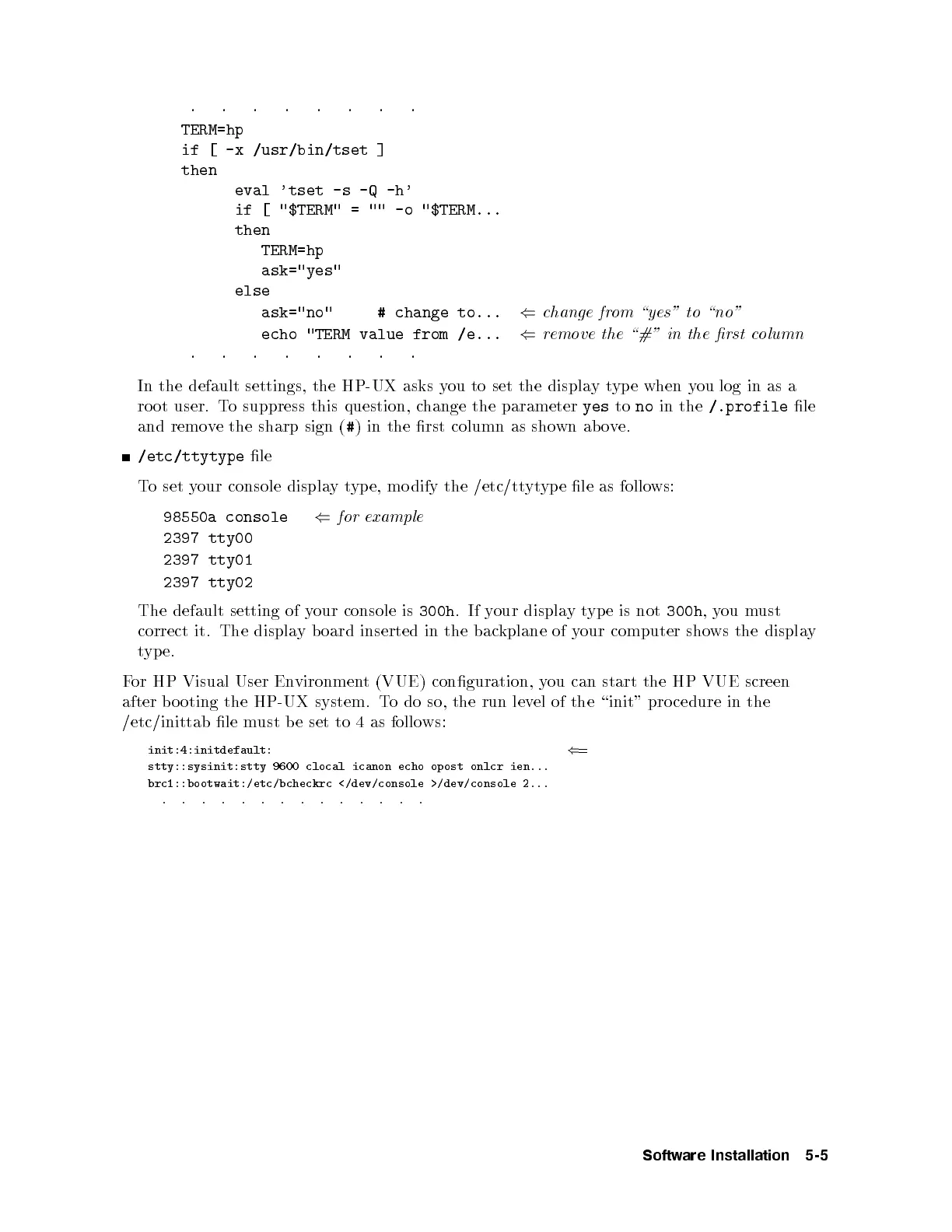
In the default settings, the HP-UX asks you to set the displaytyp e when you log in as a
ro ot user. To suppress this question, change the parameter
yes
to
no
in the
/.profile
le
and remove the sharp sign (
#
) in the rst column as shown ab ove.
/etc/ttytype
le
To set your console displaytyp e, mo dify the /etc/ttytype le as follows:
98550a console
(
for example
2397 tty00
2397 tty01
2397 tty02
The default setting of your console is
300h
.Ifyour displaytype is not
300h
,you must
correct it. The display board inserted in the backplane of your computer shows the display
type.
For HP Visual User Environment (VUE) conguration, you can start the HP VUE screen
after b o oting the HP-UX system. To do so, the run level of the \init" pro cedure in the
/etc/inittab le must be set to 4 as follo ws:
init:4:initdefault:
(
=
stty::sysinit:stty 9600 clocal icanon echo opost onlcr ien...
brc1::bootwait:/etc/bcheckrc </dev/console >/dev/console 2...
. . . . . . . . . . . . . .
Software Installation 5-5



 To Next Page