Silk
Screen
Item Color Description
SOC SOC
indicators
Green 1. 0–24% capacity
25% indicator: blinking
Other SOC indicators: o
2. 25%–49% capacity
25% indicator: steady on
50% indicator: blinking
Other SOC indicators:
o
3. 50%–74% capacity
25% indicator: steady on
50% indicator: steady on
75% indicator: blinking
Other SOC indicators:
o
4. 75%–99% capacity
25% indicator: steady on
50% indicator: steady on
75% indicator: steady on
100% indicator: blinking
5. 100% capacity
The four SOC indicators are steady on.
NOTE
● Major alarm: The ESM needs to be maintained immediately.
● Minor alarm: The ESM does not require maintenance, but sends a reminder to remote
maintenance personnel.
● Blinking at long intervals: on for 1s and then
o for 1s
● Blinking at short intervals: on for 0.125s and then o for 0.125s
● All indicators blinking: The ESM has entered the maintenance mode.
● ESM in sleep mode: The fault indicator is o except for reverse-connection protection.
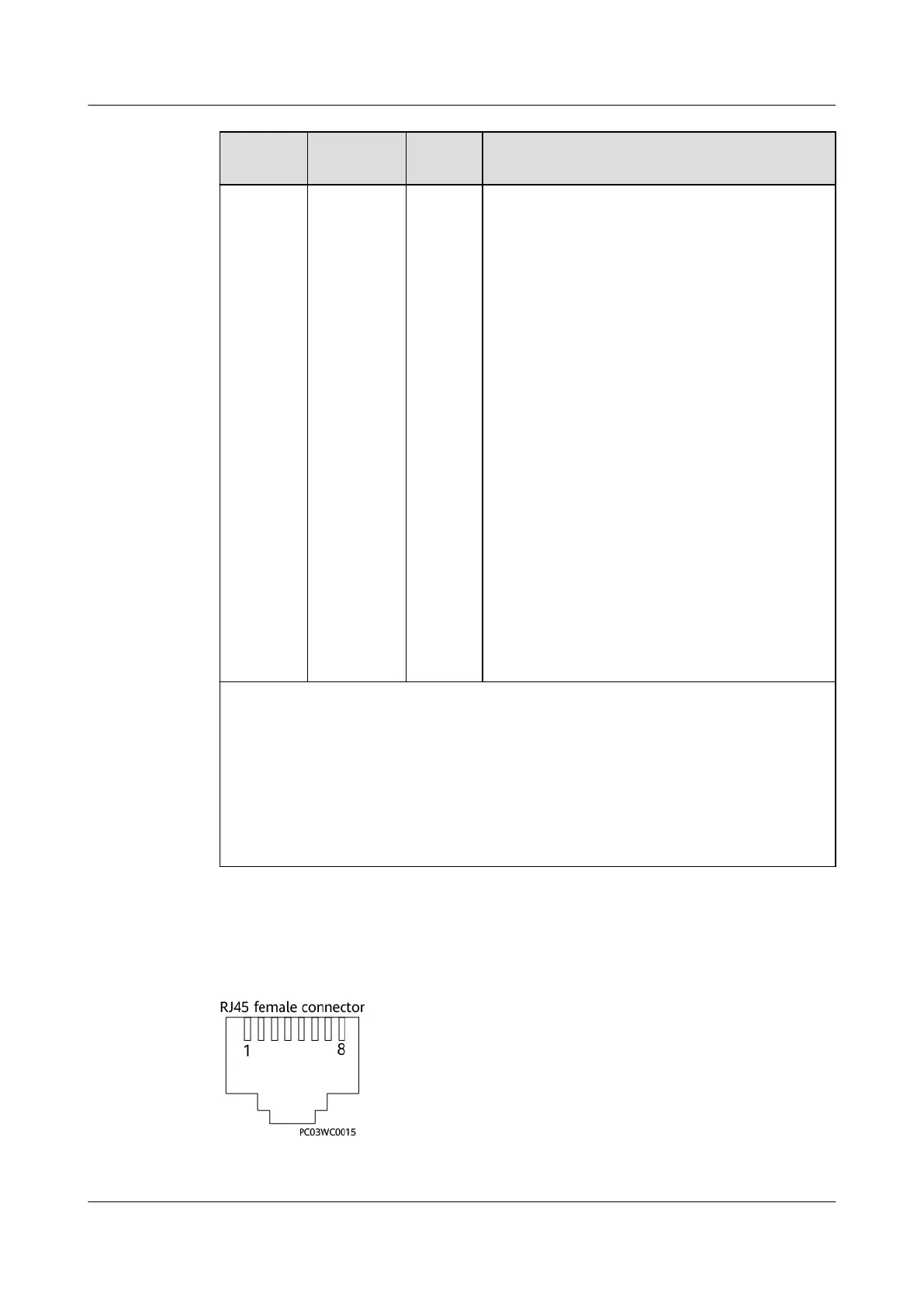
Communications ports
Figure 3-86 RJ45 pins
iSitePower Integrated Smart Site (ICC1000-A1-E1)
User Manual 3 Components
Issue 04 (2022-10-15) Copyright © Huawei Technologies Co., Ltd. 96









 To Next Page