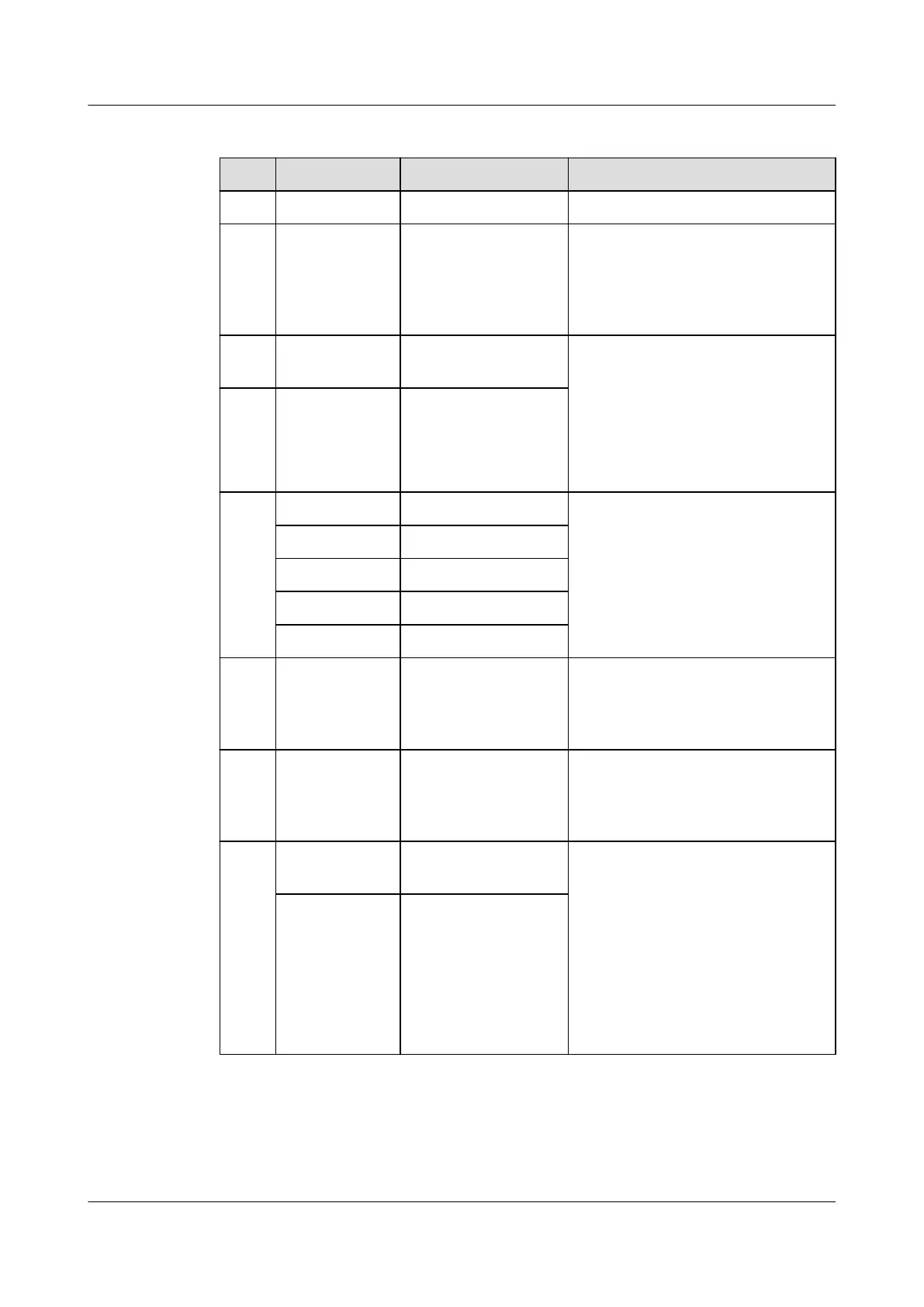
Table 3-77 Port pin denitions
No. Silk Screen Item Description
1 GND Protective ground M6 screw
2 DO1
DO2
ESM dry contact
output
Alarm output dry contact;
congurable (if the dry contact is
open, an alarm is reported by
default). For details, see Table
3-79.
3 COM_ IN Communications
port
1. Used for information reporting
and communication
cascading.
2. Use RJ45 terminals and
provide the 1000 A surge
protection capability. For
details, see Table 3-78.
4 COM_ OUT Communications
port
5 RUN Run indicator For the diagram, seeFigure
3-90Figure 3-90 .
For details about functions, see
Table 3-80.
ALM Alarm indicator
CHG Charge indicator
DCHG Discharge indicator
SOC SOC indicator
6 MANUAL
ON/OFF
Button for manual
power-on/o
A contact button used for
manual power-on/o and
maintenance. For details,
seeActivation and Startup .
7 PWR ESMU port for
connecting to an
external power
source
The ESM can be activated if the
PWR port is supplied with a
voltage of 43.2–58 V. For details,
seeActivation and Startup .
8 + ESM positive
terminal
Positive and negative ports of the
ESM. Secured by M6 screws.
Appropriate OT terminals should
be used. The required torque is
4.5-5.5 N·m and the
recommended cable size is 25
mm
2
. If the ESM is used at a
temperature below 45°C, the
cable size can be smaller but
should be at least 16 mm
2
.
- ESM negative
terminal
iSitePower Integrated Smart Site (ICC1000-A1-E1)
User Manual 3 Components
Issue 04 (2022-10-15) Copyright © Huawei Technologies Co., Ltd. 100









 To Next Page