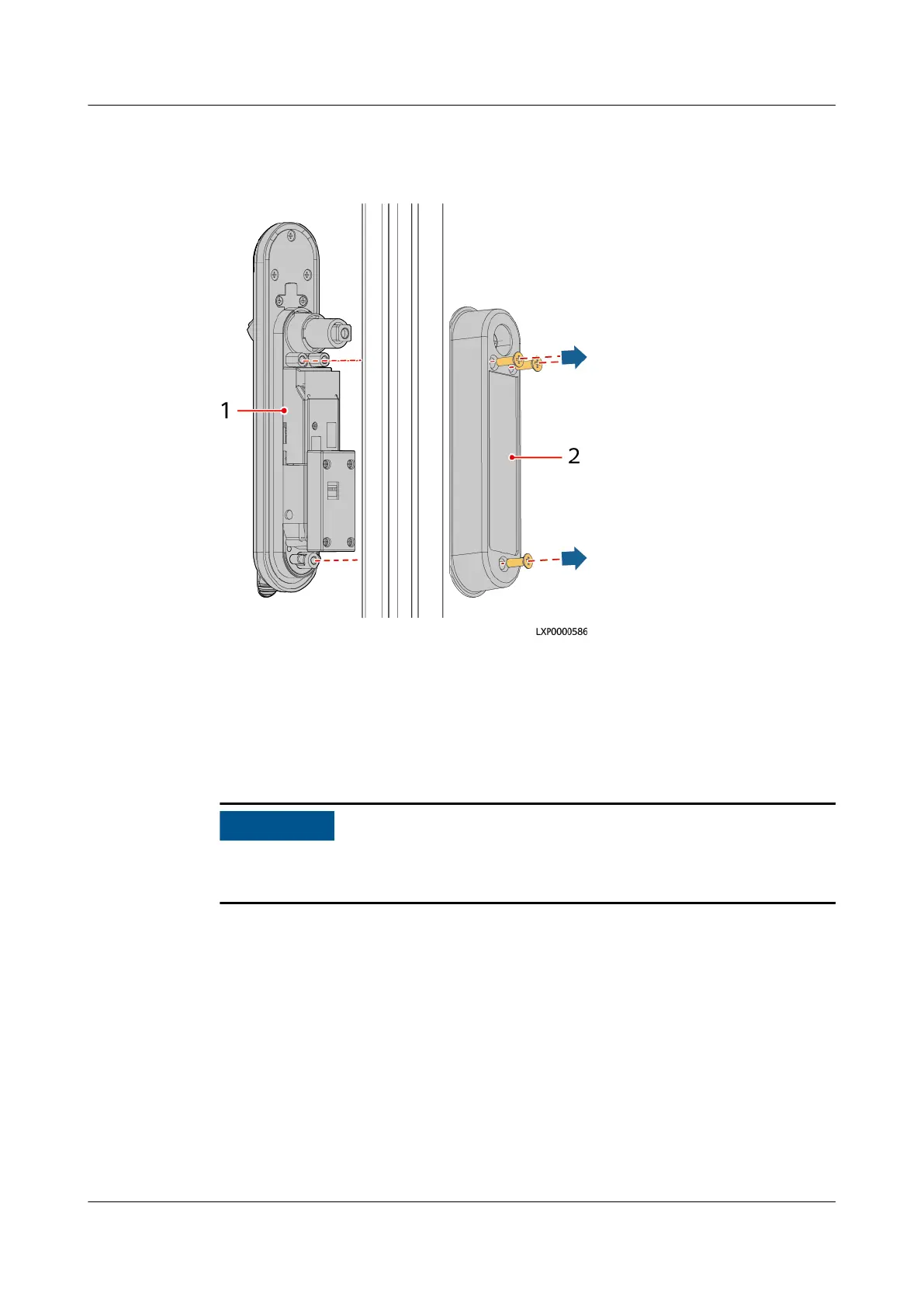
Step 4 Unscrew the electronic lock cover, and remove the lock.
Figure 4-42 Removing an electronic lock
(1) Lock (2) Lock cover
Step 5 Record the DIP switch settings of the electronic door lock.
Step 6 Take out a new electronic lock, and unscrew and remove the control box.
Step 7 Set the DIP switch of the electronic door lock based on the recorded information.
Before powering on the electronic door lock, ensure that the DIP switch settings
are the same as those of the original DIP switch.
Step 8 (Optional) Change the door opening direction of the electronic door lock.
1. Remove the bolt from the lock.
iSitePower Integrated Smart Site (ICC1000-A1-E1)
User Manual 4 Maintenance
Issue 04 (2022-10-15) Copyright © Huawei Technologies Co., Ltd. 148









 To Next Page