IBM
V M / P C
INS
TAL
L A T
ION
PRO
CEO
U
REM
E S
SAG
E
Please
remove any
diskette
now
in
drive
A.
Insert
the
following
VM/PC
distribution
diskette
into
drive
A:
VM/PC
Control Program
2
To
continue,
press
ENTER.
(If
you
wish
to
bypass
this
diskette,
press
'B'.)
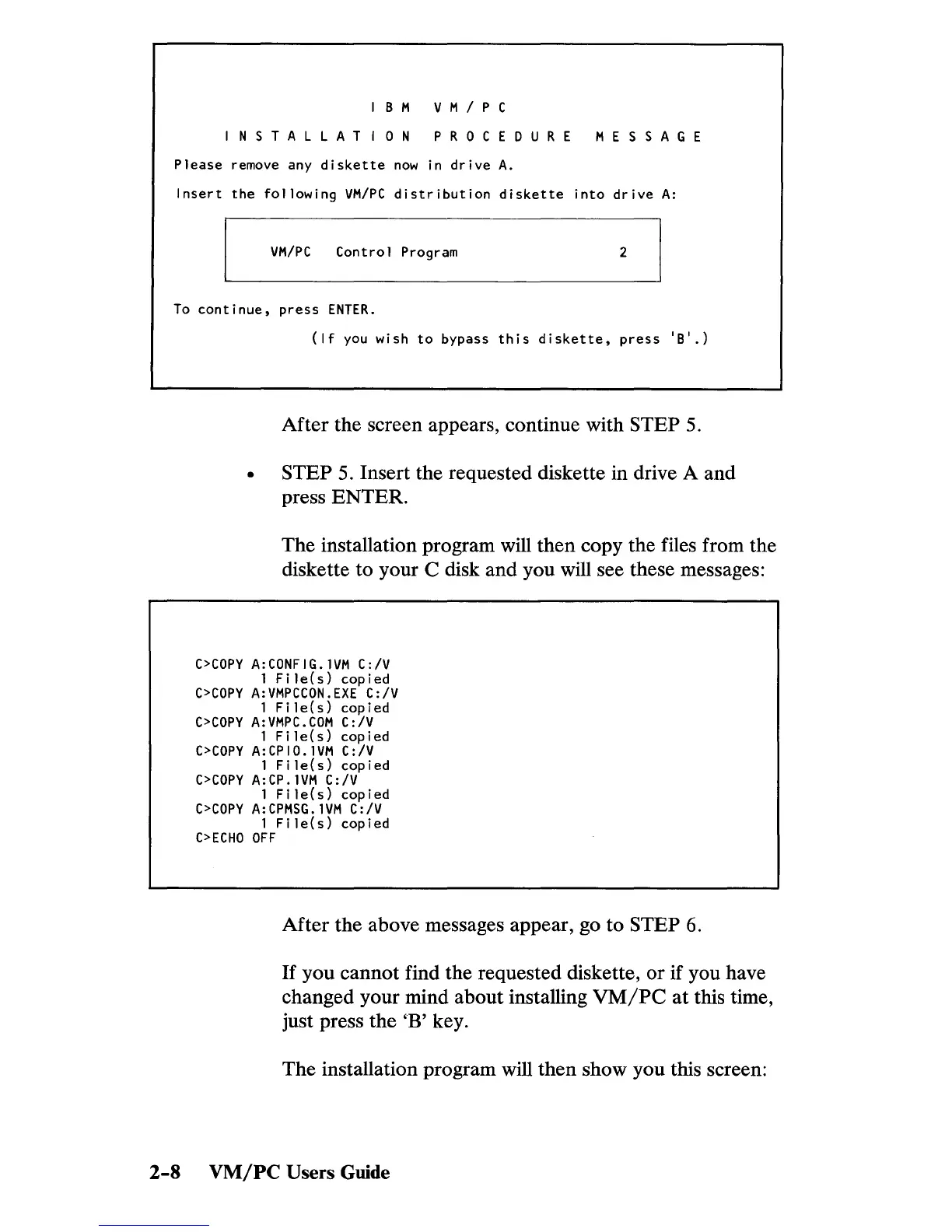
After the screen appears, continue with STEP
5.
STEP 5. Insert the requested diskette in drive A and
press ENTER.
The installation program will then copy the files from the
diskette to your C disk and you will see these messages:
C>COPY
A:CONFIG.
lVM
C:/V
1 F i Ie (
s)
cop i ed
C>COPY
A:VMPCCON.EXE
C:/V
1
Fi
le(s)
copied
C>COPY
A:VMPC.COM
C:/V
1 F i Ie (
s)
cop i ed
C>COPY
A:CPIO.
lVM
C:/V
1 F i Ie (
s)
cop i ed
C>COPY
A:CP.
lVM
C:/V
1
Fi
le(s)
copied
C>COPY
A:CPMSG.
lVM
C:/V
1
File(s)
copied
C>ECHO
OFF
After the above messages appear, go to STEP 6.
If
you cannot find the requested diskette, or if you have
changed your mind about installing
VM/PC
at
this time,
just press the 'B' key.
The installation program will then show you this screen:
2-8
VM/PC
Users Guide


 To Next Page
 Loading...