3 Project Settings Dialog Box
4-62 WindO/I-NV4 User’s Manual
3.10 Autorun Tab
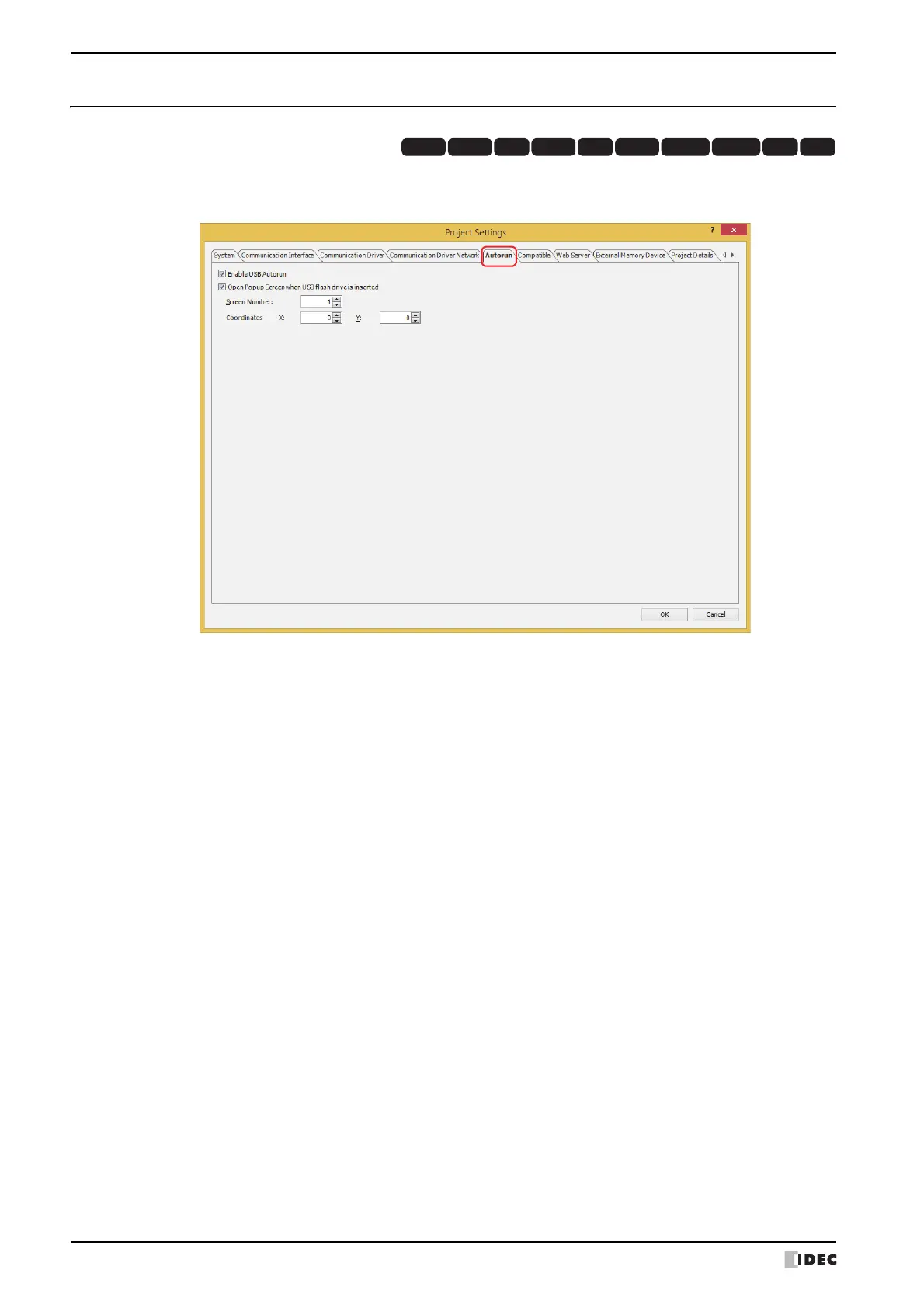
The Autorun tab is used to configure the functions for a USB flash drive inserted in the MICRO/I. For details, refer to
Chapter 31 “2 USB Autorun Function” on page 31-22.
■ Enable USB Autorun
Select this check box to enable the USB Autorun function.
The USB Autorun function automatically displays a menu screen from which the user can execute predefined
commands when a USB flash drive is inserted in the MICRO/I.
■ Open Popup Screen when USB Flash Drive is inserted
Select this check box to display a popup screen when a USB flash drive is inserted in the MICRO/I.
HG3G
HG2G-5FHG5G-V HG4G-V HG3G-V HG2G-V HG2G-5T
HG4G HG1G HG1P
Screen Number: Specifies the popup screen number (1 to 3015) to display when a USB flash drive
is inserted in the MICRO/I.
Coordinates X, Y: Specifies the coordinates to display the popup screen.
With the upper-left corner of the screen as the origin, the X and Y coordinates are
the upper-left corner of the popup screen.
The units and range for the display coordinates are as follows.
Specify the coordinates in 1 dot units.
X: 0 to (base screen horizontal size - 1)
Y: 0 to (base screen vertical size - 1)



 To Next Page
 Loading...