3 Goto Screen Command
12-20 WindO/I-NV4 User’s Manual
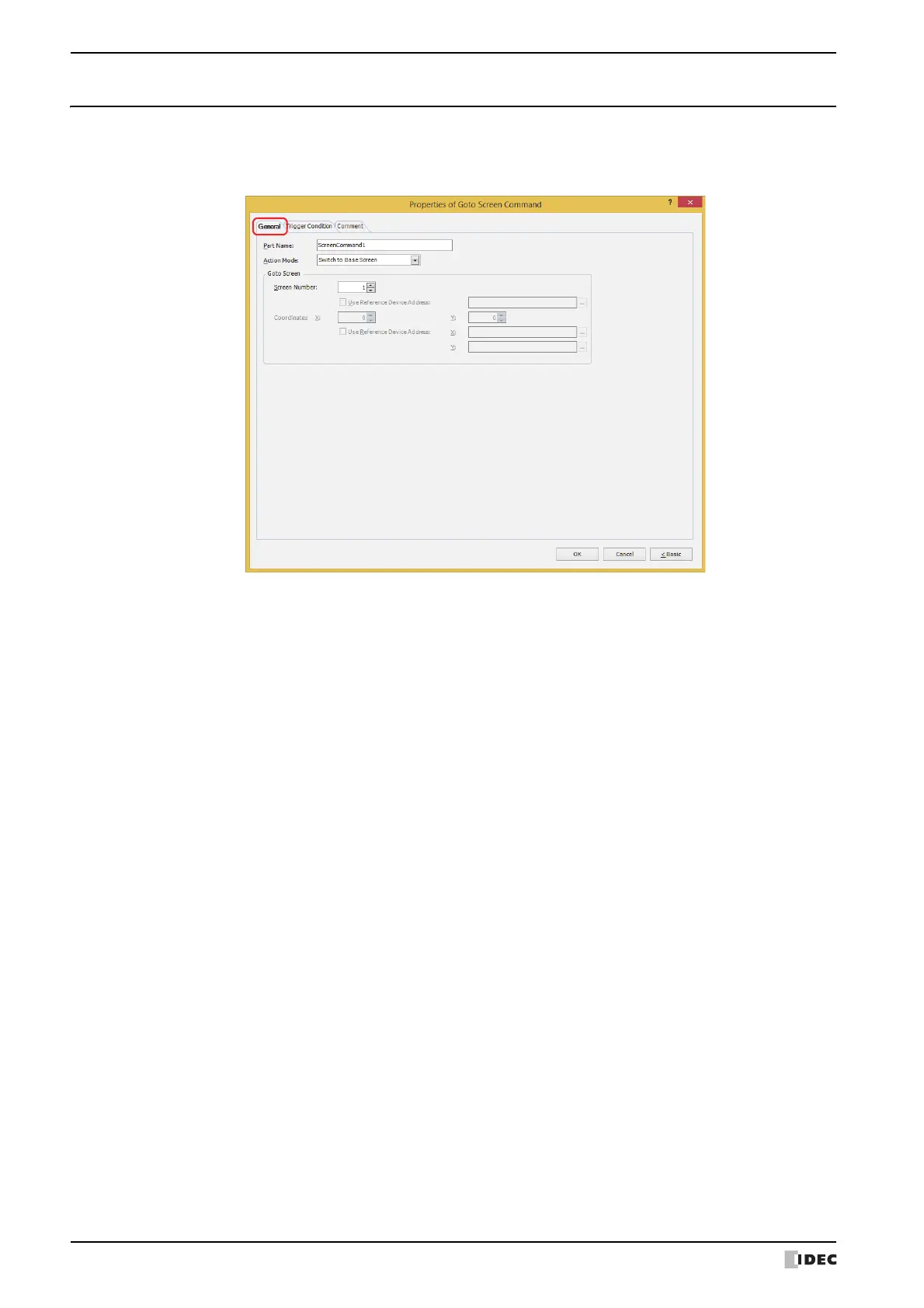
3.3 Properties of Goto Screen Command Dialog Box
This section describes items and buttons in the Properties dialog box.
● General Tab
■ Part Name
Enter a name for the part. The maximum number is 20 characters.
■ Action Mode
Select the action to perform when the trigger condition is met from the following:
Back to previous Screen: Switches to the previous screen. Returns to up to 16 earlier screens.
Switch to Base Screen: Switches between Base Screen. For details, refer to Chapter 5 “3 Base Screen”
on page 5-14.
Open Popup Screen:
Opens a Popup Screen. For details, refer to Chapter 5 “4 Popup Screen” on page
5-20.
Close Popup Screen:
Closes a Popup Screen. For details, refer to Chapter 5 “4 Popup Screen” on page
5-20.
Open Device Monitor Screen: Opens the Device Monitor Screen. For details, refer to Chapter 25 “2.2 Device
Monitor” on page 25-21.
Close Device Monitor Screen: Closes the Device Monitor Screen. For details, refer to Chapter 25 “2.2 Device
Monitor” on page 25-21.
Open Password Screen: Opens the Password Screen. For details, refer to Chapter 23 “4.1 Entering the
Password on the MICRO/I” on page 23-46.
Close Password Screen: Closes the Password Screen. For details, refer to Chapter 23 “4.1 Entering the
Password on the MICRO/I” on page 23-46.
Open Adjust Brightness Screen: Opens the Adjust Brightness Screen. For details, refer to Chapter 34 “1.3
Adjusting Screen Brightness” on page 34-2.
Close Adjust Brightness Screen: Closes the Adjust Brightness Screen. For details, refer to Chapter 34 “1.3
Adjusting Screen Brightness” on page 34-2.



 To Next Page
 Loading...