EasyManua.ls Logo

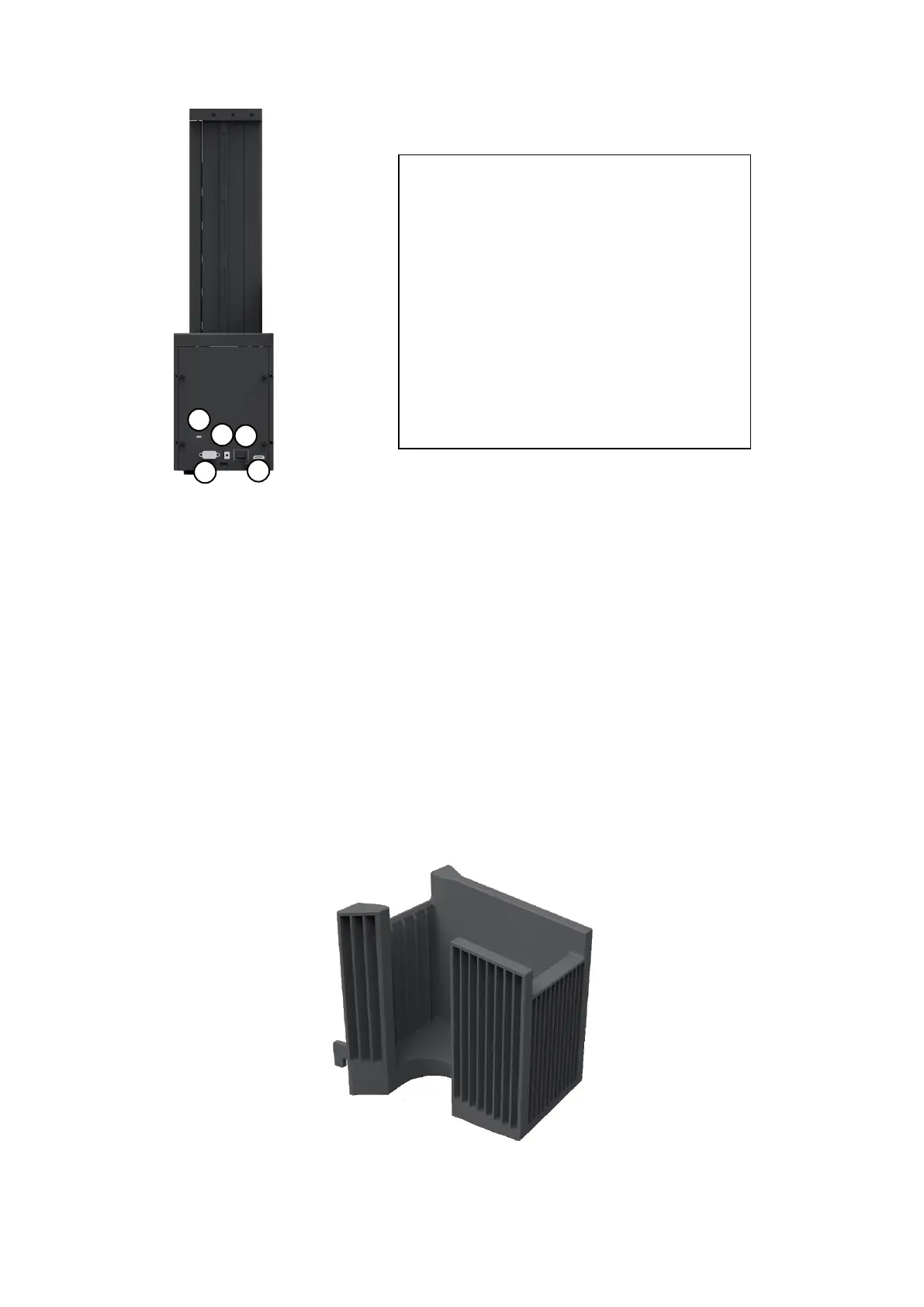
idp SMART-70 - Stacker; Figure 13 Rear Side of Output Hopper; Figure 14 Stacker

idp SMART-70
106 pages
Print Icon
To Next Page IconTo Next Page
To Previous Page IconTo Previous Page
Loading...
27
Figure 13 Rear side of Output Hopper
1.2.6 Stacker
If Output Hopper is not needed, 100 cards can be ejected and loaded by using the Stacker
provided with Input Hopper.
Figure 14 Stacker
0
1
0
2
0
3
0
4
0
5
Kensington lock
Kensington lock is usable.
Serial communication port
This port is used when external device needs to
control Output Hopper.
Power port
Please connect the 24V DC power adaptor
provided with Output Hopper.
Power switch
Turn On/Off.
Communication port
To communicate between SMART-70 modules,
please connect to an adjacent module.

Table of Contents

Related product manuals