64
3.3.2 Ports
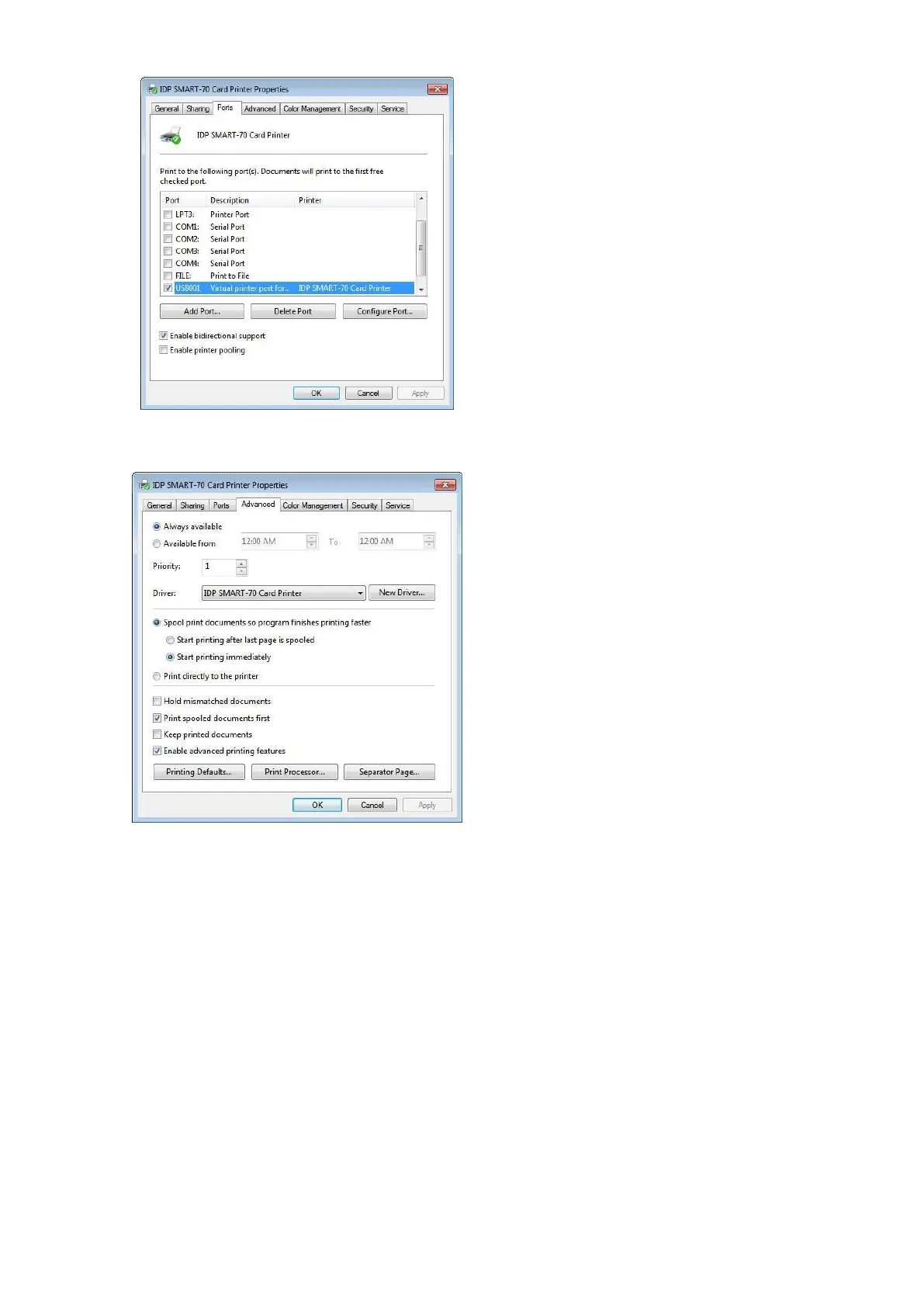
The Port tab shows which port is connected to
SMART-70 Printer. On Figure, USB001 Virtual
printer port is connected because SMART-70
Printer was connected via USB.
(Caution! The adjustment on the ports setting
by user is not recommended because the port
is automatically set.)
Figure 88 Ports setting
3.3.3 Advanced
The working time, priority order, spool and etc.
can be set in “Advanced” tab. The Advanced
setting follows MS Windows standard. If you
want to change the setting, please refer to the
MS Windows manual.
(No adjustment on the Advanced setting is
recommended.)
Figure 89 Advanced settings



 To Next Page