41
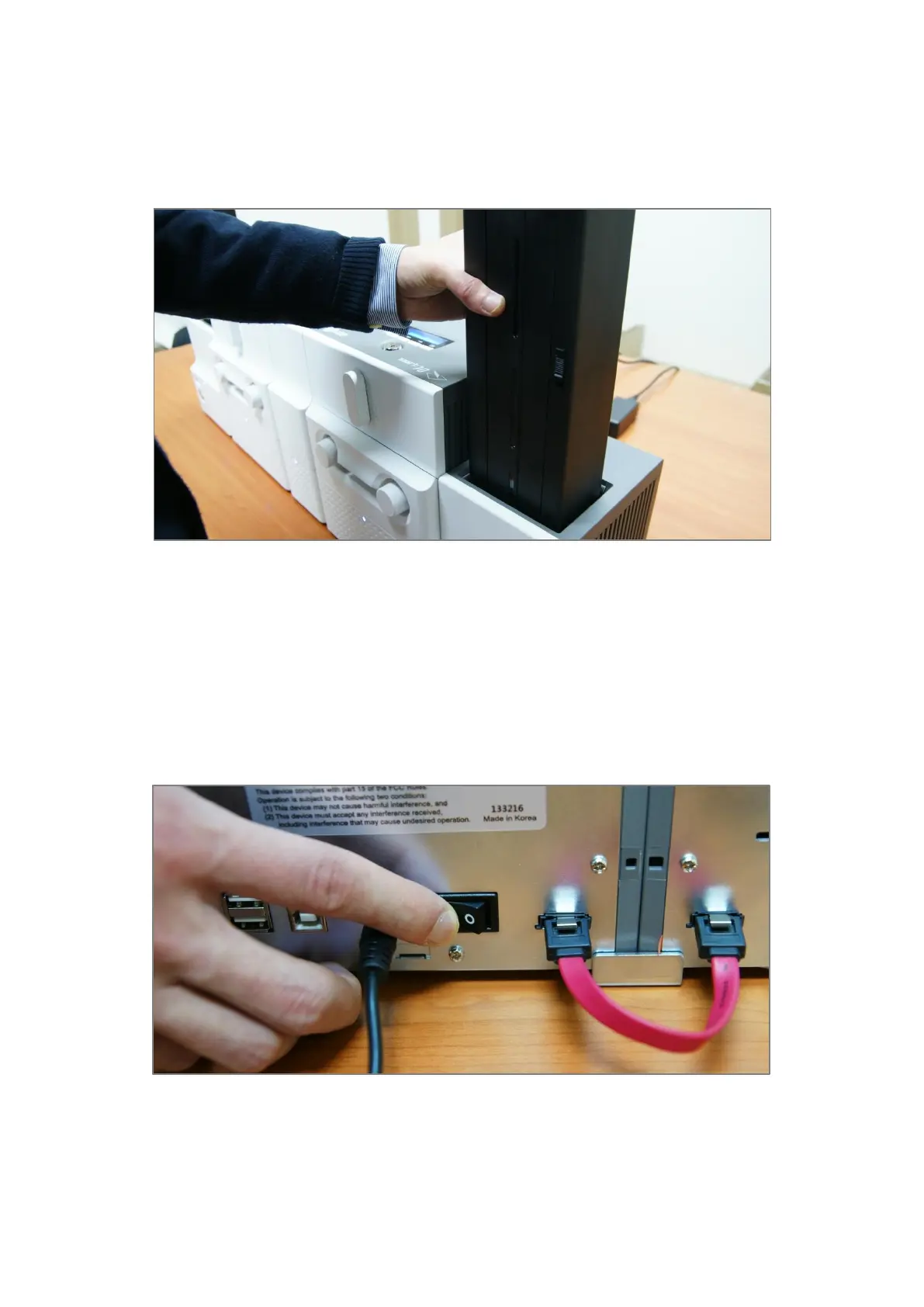
2.1.8 LOADING CARD CARTRIDGE INTO OUTPUT HOPPER
Please put an empty card cartridge into Output Hopper until click is heard. In order to take
card cartridge out, please pull up the cartridge while pressing cartridge release button.
Figure 40 Loading card cartridge into Output Hopper
2.1.9 POWER ON
Please turn on the power switch on the rear side of all modules.
Figure 41 Power on



 To Next Page